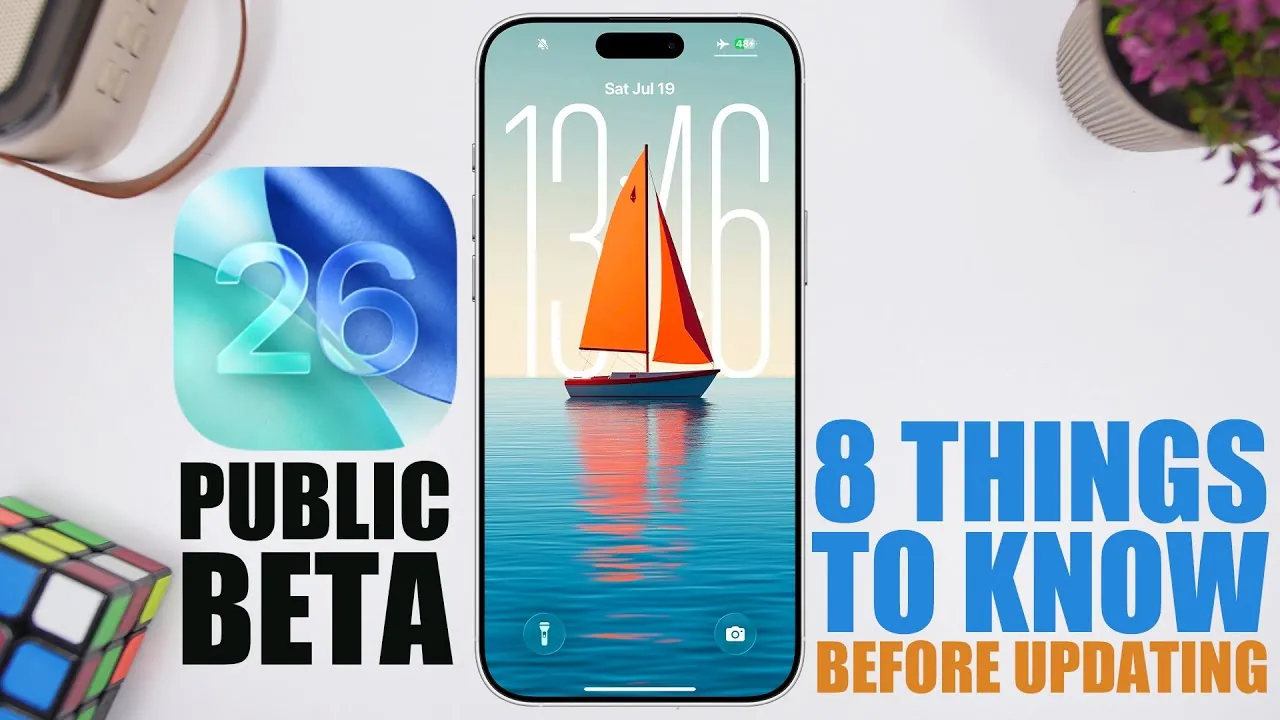
The iOS 26 public beta has captured widespread attention with its promise of new features, enhanced performance, and a refined design. However, before committing to the beta, it’s essential to carefully evaluate its potential benefits and drawbacks. The video below from iReviews provides a detailed overview of the most critical factors to consider, making sure you make a well-informed decision.

1. Release Timeline
Apple has adhered to a structured release schedule for iOS 26, designed to provide early access to both developers and the public. Key dates to keep in mind include:
- July 21: Fourth developer beta release.
- July 22 or 23: First public beta release.
Initially, public beta updates will be released biweekly, transitioning to weekly updates as the final release approaches. The official launch is anticipated in mid-September, likely around September 15 or 22, following Apple’s annual iPhone event scheduled for September 8. Staying aware of these dates will help you plan your update strategy effectively.
2. Device Compatibility
Not all Apple devices will support iOS 26, making it crucial to confirm whether your device is eligible. Most devices running iOS 18 are compatible, but older models such as the iPhone XS, XS Max, and XR are excluded. For these devices, iOS 18.6 will serve as the final update. If your device is compatible, you can proceed with the beta installation. Otherwise, you’ll need to continue using your current software version. Making sure compatibility beforehand will save you time and prevent unnecessary frustration.
3. Storage Requirements
Installing iOS 26 requires a significant amount of free storage space. To avoid installation errors, ensure your device has at least 22–25 GB of available space. Additionally, creating a secure backup of your data is essential. Use iCloud or a computer to back up your files, safeguarding your information in case of unexpected issues during the update process. Taking these precautions will help you avoid potential data loss and ensure a smoother installation experience.
4. Performance and Stability
iOS 26 promises improved performance and faster response times compared to iOS 18.5. However, as with any beta software, stability issues are to be expected. Users have reported occasional overheating during tasks such as changing wallpapers and a noticeable increase in battery drain. While these issues are likely to be addressed in future updates, they may pose challenges if you rely heavily on your device for daily tasks. Carefully weighing these factors will help you determine whether the beta is suitable for your needs.
5. Beta Software Considerations
Both the developer and public beta versions of iOS 26 offer identical features, with public beta releases typically delayed by a day. While beta software provides early access to exciting new features, it often includes bugs or incomplete functionality. If your device is critical for work or other essential activities, waiting for the official release may be the safer option. Understanding the risks associated with beta software will help you decide whether early access is worth the potential trade-offs.
6. Downgrade Capability
If you encounter significant issues with the iOS 26 beta, downgrading to a stable version is an option. However, this process can be complex and carries the risk of data loss. To minimize risks, ensure you have a complete backup before attempting a downgrade. Keep in mind that downgrading can be time-consuming and may require technical expertise. It’s best reserved as a last resort if the beta proves too unstable for your needs.
7. Design Updates
One of the standout features of iOS 26 is the introduction of the “liquid glass” design, which offers a sleek and modern aesthetic. This design represents a significant departure from previous versions, delivering a polished and visually appealing user interface. While the updated design enhances the overall user experience, it may take some time for users accustomed to older layouts to adjust. Exploring the new design firsthand can help you determine whether it aligns with your preferences.
8. Should You Update?
The iOS 26 public beta provides an exciting glimpse into Apple’s next-generation operating system, complete with meaningful updates and a refreshed design. However, it’s not without its challenges. If you’re comfortable navigating potential issues such as overheating or reduced battery life, the beta offers an opportunity to explore new features ahead of the official release. On the other hand, if you prioritize stability and reliability, waiting until the final release in September may be the better choice.
By carefully considering these factors, you can make an informed decision about whether to install the iOS 26 public beta or wait for the official version. Balancing the allure of new features with the potential risks will help you choose the best path for your needs.
Master iOS 26 Public Beta with the help of our in-depth articles and helpful guides.
- iOS 26 Public Beta: Key Features and What to Expect
- Get Ready for iOS 26 Beta 3: Expected Release & Key Changes
- iOS 26 Public Beta 1: Release Date, Features, and More
- iOS 26 Beta 3 Features, Release Date, and More
- iOS 26 Public Beta: Top Features and Installation Tips
Source & Image Credit: iReviews
Disclosure: Some of our articles include affiliate links. If you buy something through one of these links, Geeky Gadgets may earn an affiliate commission. Learn about our Disclosure Policy.
