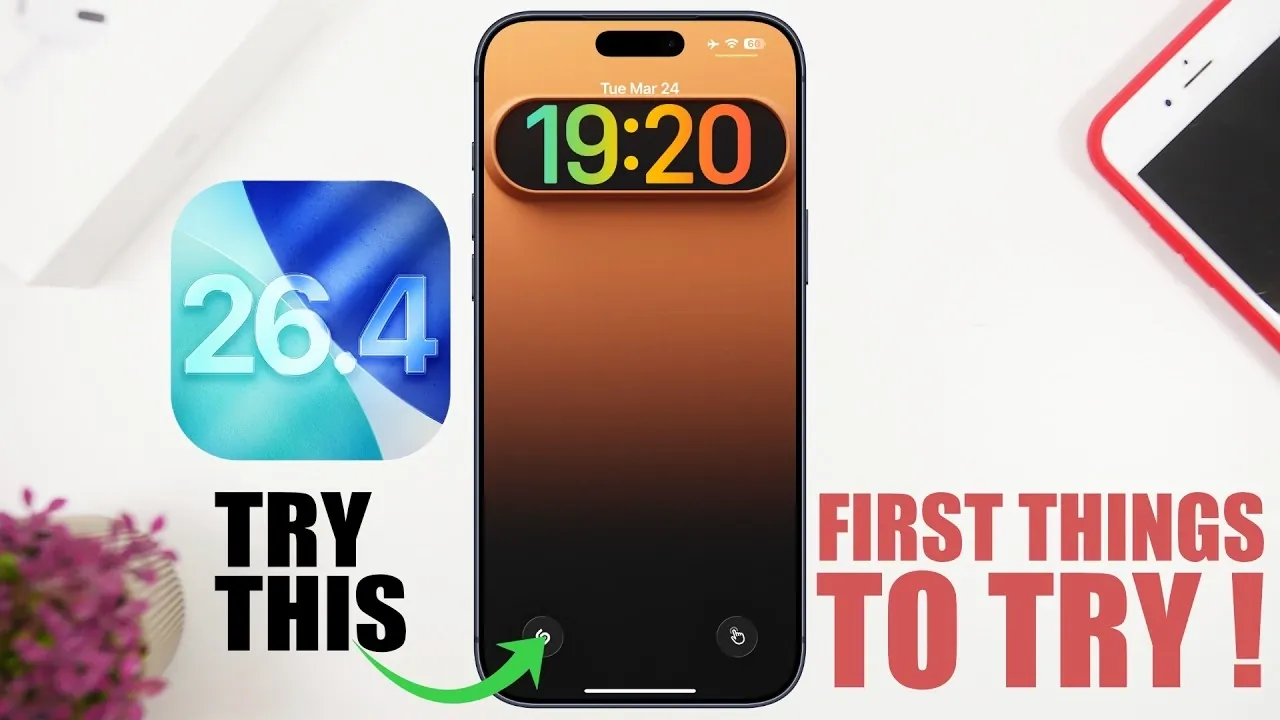
Apple’s iOS 26.4 update delivers a suite of features aimed at enhancing personalization, productivity, and convenience. Whether you’re a music enthusiast, a multitasker, or someone who enjoys customizing their device, this update offers something for everyone. Below is an in-depth look at the top features you’ll want to explore to make the most of your iPhone or iPad. The video below from iReviews gives us a range of tips for the new iOS 26.4 software update.
1. AI-Powered Playlist Creation
The Music app now integrates AI-driven playlist creation, making it easier than ever to curate your listening experience. By providing prompts, selecting specific songs, or describing a mood, the app generates playlists tailored to your preferences. You can further refine these playlists by adding or removing tracks or refreshing them for updated recommendations. This feature simplifies managing your music library while making sure your playlists remain fresh and relevant.
2. Detailed Personal Hotspot Data Tracking
For users who rely on their personal hotspot, iOS 26.4 introduces enhanced data tracking capabilities. You can now monitor connected devices, view their names and models and track individual data usage in real time. This feature is particularly useful for managing your data plan efficiently, making sure you stay informed about how your hotspot is being used.
3. Video Support for Podcasts
Podcasts in iOS 26.4 now support video playback, offering a seamless transition between audio and video modes. Whether you’re watching during your commute or listening while working out, this feature adapts to your needs. Additionally, offline video downloads are available, allowing you to save episodes for later viewing without requiring an internet connection. This functionality enhances the versatility of the Podcasts app, making it more engaging for users.
4. Offline Music Recognition
The integration of Shazam has been upgraded to include offline music recognition. You can now identify songs even when you’re not connected to the internet. Once you’re back online, the app will display the results of your offline searches. This ensures you never miss the opportunity to identify a track, whether you’re in a remote area or simply conserving data.
5. Safari Tab Search
Managing multiple tabs in Safari is now more efficient with the introduction of tab search functionality. By typing keywords into the search bar, you can quickly locate specific open tabs. This feature is particularly beneficial for multitaskers or users who frequently keep numerous tabs open, streamlining the browsing experience and saving time.
6. Redesigned Account Pages
Account pages across apps like the App Store have been redesigned for improved organization. Subscriptions, updates and settings are now grouped into clearly defined sections, making it easier to navigate and manage your account preferences. This update simplifies tasks such as renewing subscriptions or adjusting app settings, enhancing overall usability.
7. Liquid Glass Display Settings
The new liquid glass display option in the “Display and Text Size” settings offers a cleaner, more refined visual experience. By disabling highlights, users can enjoy a minimalistic aesthetic that reduces visual distractions. This feature is ideal for those who prioritize simplicity and elegance in their device’s interface.
8. Ambient Music Widgets
Home screen widgets now include ambient music options, providing quick access to relaxing sounds or playlists. Whether you’re looking to set a calming mood or jump straight into your favorite tracks, these widgets make it easy to control your music directly from the home screen. This addition enhances convenience and encourages a more immersive listening experience.
9. Offline Video Downloads
In addition to offline music recognition, iOS 26.4 supports offline video downloads for podcasts and other media. This feature is particularly useful for travel or areas with limited internet access, making sure you can enjoy your favorite content anytime, anywhere. By allowing offline downloads, Apple continues to prioritize user convenience and accessibility.
10. New Emojis
iOS 26.4 introduces eight new emojis, including a treasure chest, fighting cloud, ballerina and orc. These additions expand your options for creative expression, making conversations more engaging and fun. Whether you’re sharing a joke or emphasizing a point, these emojis add a fresh layer of personality to your messages.
Why These Features Matter
The updates in iOS 26.4 cater to a wide range of user needs, from AI-powered tools to enhanced offline functionality and improved customization options. These features are designed to make your device more intuitive, versatile and aligned with your lifestyle. By exploring these updates, you can unlock new ways to enhance your productivity, personalize your device and stay entertained.
Get Started with iOS 26.4
Dive into these ten features to experience the full potential of Apple’s latest operating system. Whether you’re looking to streamline your daily tasks, enjoy a more personalized experience, or explore new entertainment options, iOS 26.4 has something to offer for everyone.
Browse through more resources below from our in-depth content covering more areas on iOS 26.4.
- iOS 26.4 Icon Changes: How Apple’s New Liquid Glass Look Works
- Everything New in iOS 26.4 Beta 4: CarPlay, AI, and More
- iOS 26.4 Guide: New Features, Release Date, and Performance
- iOS 26.4 Release Date, Features, and Performance Details
- When Will iOS 26.4 Be Released? Full Details Inside
- iOS 26.4 RC Fixes iPhone Keyboard Accuracy Bug: What’s New
Source & Image Credit: iReviews
Disclosure: Some of our articles include affiliate links. If you buy something through one of these links, Geeky Gadgets may earn an affiliate commission. Learn about our Disclosure Policy.
