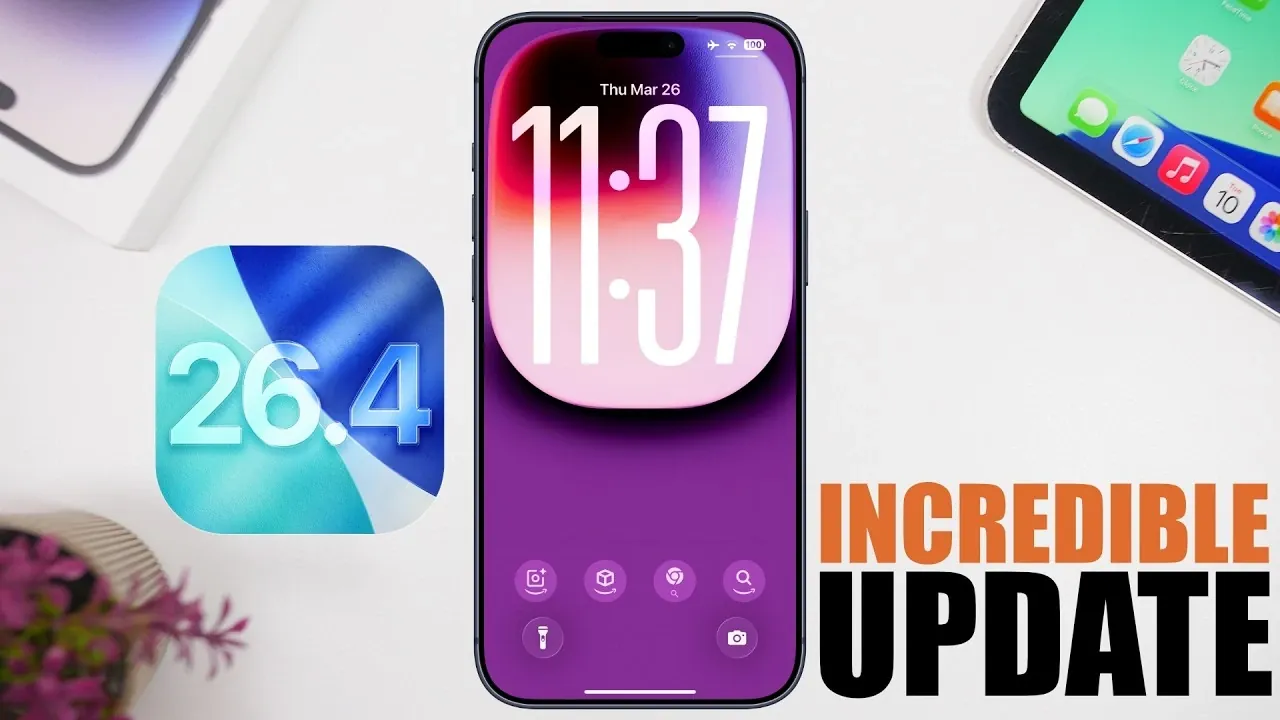
Apple’s iOS 26.4 introduces a comprehensive suite of updates aimed at enhancing usability, personalization, and overall performance. Whether you’re a casual user or a tech enthusiast, this update brings tools and improvements that make your iPhone more intuitive and efficient. From smarter app integrations to refined accessibility options, iOS 26.4 ensures your device adapts seamlessly to your daily needs. Here’s an in-depth look at the standout features and how they can enhance your iPhone experience. The video below from iReviews gives us more details.

1. Discover Live Music with the Enhanced Music App
The Music app now features a dedicated “Concerts” section, making it easier than ever to find live performances near you. Artist profiles have been updated to include detailed information about upcoming events, such as venue locations, dates and ticket availability. This feature is particularly useful for music enthusiasts who want to stay connected to live performances in their area. By integrating this functionality directly into the Music app, Apple ensures you can explore and plan your concert experiences without relying on third-party apps. Whether you’re a frequent concertgoer or just starting to explore live music, this enhancement keeps you informed and engaged.
2. AI Chatbots Now Integrated with CarPlay
CarPlay takes a significant step forward with the integration of third-party AI chatbots like ChatGPT and Gemini. This feature allows you to use voice commands to ask questions, get recommendations, or manage tasks while driving. The hands-free nature of this integration enhances both productivity and safety, allowing you to stay focused on the road. Depending on updates from individual apps, the functionality of these AI chatbots can include everything from setting reminders to providing real-time traffic updates. This addition makes CarPlay a more versatile tool for drivers, blending convenience with innovative technology.
3. Simplified Lock Screen Customization
Customizing your lock screen has never been easier. iOS 26.4 introduces the ability to remove unwanted wallpaper collections directly from the lock screen interface. This small but impactful change allows you to declutter your options and focus on the wallpapers you truly enjoy. By streamlining the customization process, Apple ensures that users can personalize their devices quickly and efficiently. Whether you prefer a minimalist aesthetic or frequently change your wallpapers, this feature simplifies the experience and saves time.
4. Improved Keyboard Accuracy for Smoother Typing
Typing on your iPhone feels more seamless with the enhanced keyboard accuracy introduced in iOS 26.4. Long-standing issues with autocorrect and typing errors have been addressed, resulting in a smoother and more reliable typing experience. This improvement is particularly noticeable for fast typists or those who frequently compose messages, emails, or notes. By reducing interruptions caused by incorrect autocorrections, Apple has made everyday communication more efficient and frustration-free.
5. Unified Navigation Bar for a Streamlined Interface
Apple has introduced a unified bottom navigation bar across several apps, including the App Store and Games app. This design change simplifies navigation, allowing you to switch between sections effortlessly. The updated navigation bar creates a consistent user experience across multiple apps, reducing the learning curve for new features. Additionally, the improved search functionality ensures you can quickly locate what you need, whether you’re browsing for apps, games, or updates. This streamlined interface enhances usability and saves time.
6. Smarter Playlist Management in the Music App
Managing playlists is now more intuitive with the new customization options in the Music app. Features like suggested songs, quick actions for refreshing or adding tracks and the ability to undo or redo changes give you greater control over your music library. Whether you’re curating a playlist for a workout, a road trip, or a party, these enhancements make the process seamless and enjoyable. By focusing on user-friendly tools, Apple has made playlist management more accessible for all users.
7. Audio Zoom for Focused Video Recording
The Camera app introduces “Audio Zoom,” a feature that enhances audio recording by focusing on your subject when you zoom in. This is particularly useful in noisy environments, making sure that the sound quality matches the visual focus of your video. Whether you’re capturing a live performance, a family gathering, or a special event, this tool improves the overall quality of your recordings. By prioritizing both audio and visual clarity, Apple has made video recording more versatile and professional.
8. Offline Music Recognition
With iOS 26.4, you can identify songs even without an internet connection. The built-in music recognition tool scans and stores results locally, displaying them once you’re back online. This feature ensures you never miss the chance to identify a track, even in areas with poor connectivity. By allowing offline functionality, Apple has made music recognition more reliable and convenient for users in all situations.
9. Customizable Subtitles for Better Accessibility
Video playback becomes more inclusive with the ability to customize subtitles directly within the video player. Users can adjust styles, preview changes and modify settings to suit their preferences. This feature is particularly beneficial for individuals with hearing impairments or those watching content in noisy environments. By enhancing accessibility options, Apple ensures that video content is more enjoyable and adaptable for diverse audiences.
10. Enhanced Battery Performance
iOS 26.4 introduces optimizations that improve battery efficiency, helping your device last longer between charges. These improvements are complemented by smoother system performance, making sure your iPhone remains reliable throughout the day. Whether you’re streaming videos, playing games, or managing work tasks, this update reduces interruptions caused by low battery levels. By prioritizing energy efficiency, Apple has enhanced the overall usability of its devices.
Why iOS 26.4 Matters
This update emphasizes personalization, functionality and performance, offering features that cater to a wide range of user needs. From discovering live music and using AI tools in CarPlay to enjoying better battery life and accessibility options, iOS 26.4 ensures your iPhone adapts to your lifestyle. These enhancements make your device more intuitive, efficient and enjoyable to use, solidifying Apple’s commitment to delivering a seamless user experience.
Below are more guides on iOS 26.4 features from our extensive range of articles.
- iOS 26.4 Release Date, Features and Performance Details
- iOS 26.4 Hidden Features: 10 New iPhone Tips You Need to Know
- iOS 26.4 RC Features: What’s New in the Final 2026 Beta?
- iOS 26.4 Beta 2: Key Features, Bug Fixes and Design Updates
- iOS 26.4 Update: Every Major New Feature Explained
Source & Image Credit: iReviews
Disclosure: Some of our articles include affiliate links. If you buy something through one of these links, Geeky Gadgets may earn an affiliate commission. Learn about our Disclosure Policy.
