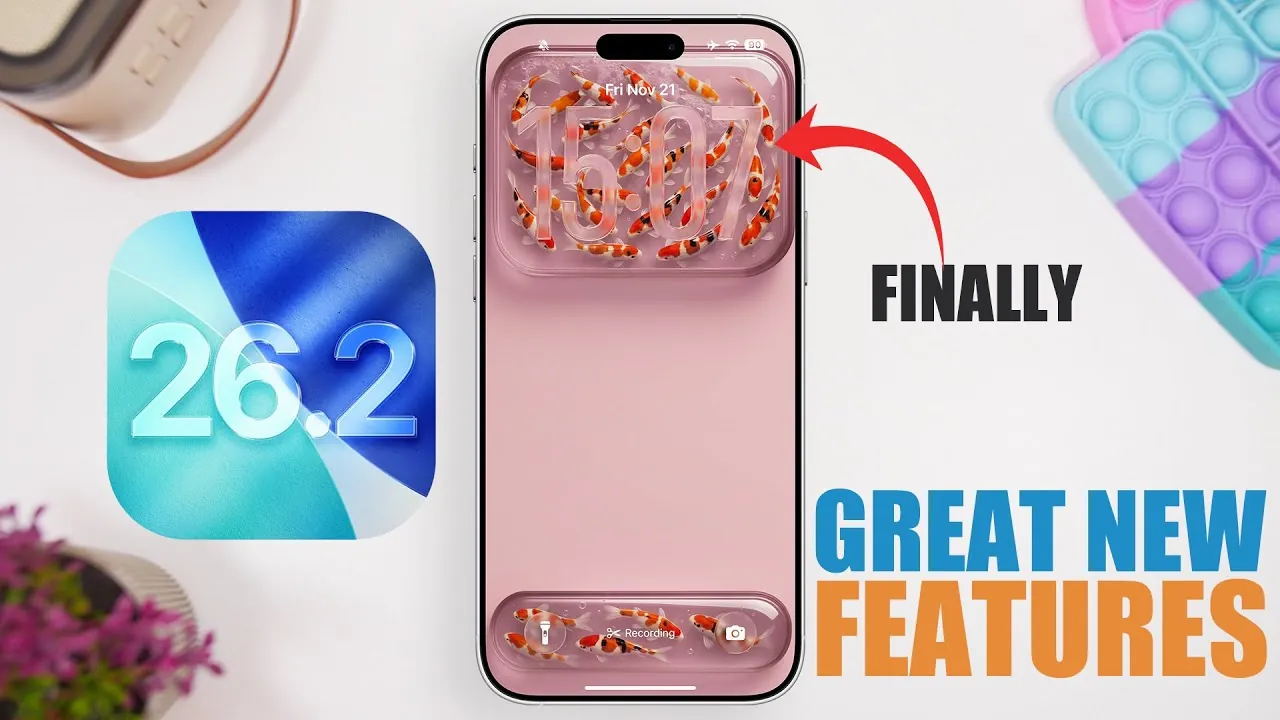
Apple’s iOS 26.2 brings a range of updates designed to improve functionality, usability, and customization. Whether you use your iPhone for productivity, entertainment, or staying organized, this update introduces tools to make your device smarter and more intuitive. In the video below, iReviews explores the most notable features and how they can elevate your daily interactions with your iPhone.

Dynamic Island Becomes Smarter with Live Activities
Dynamic Island now integrates seamlessly with live activities, offering a more interactive way to manage tasks and notifications. Time-sensitive alerts, such as alarms or reminders, are prominently displayed on the Dynamic Island until addressed. For instance, if you set a reminder to attend a meeting, it remains visible until you mark it as completed. This enhancement ensures you stay on top of important tasks and reduces the likelihood of missing critical updates. By keeping essential information front and center, this feature helps you stay organized throughout your day.
Enhanced Task Management in the Reminders App
The Reminders app receives a practical upgrade with the addition of alarms and snooze functionality. You can now delay notifications by nine minutes, offering flexibility for managing time-sensitive tasks such as appointments or errands. Additionally, reminders can be marked as complete directly from the alarm notification, streamlining task management. These updates simplify your workflow, allowing you to focus on what matters most without unnecessary interruptions. Whether you’re juggling work deadlines or personal errands, this feature ensures your tasks are handled efficiently.
Podcasts App Introduces Cross-App Content Linking
The Podcasts app now makes discovering related content easier with its new mentions and links feature. While listening to a podcast, you may encounter links to related music, books, or other podcasts within Apple’s ecosystem. This cross-app integration enhances your ability to explore complementary material without needing to switch between apps. For example, if a podcast references a specific book, you can access it directly through the app. This feature not only enriches your listening experience but also encourages deeper engagement with the content you enjoy.
Improved Password Management with Exclusion Lists
iOS 26.2 introduces a new “Show Excluded Websites” option in password settings, giving you greater control over your online security. This feature allows you to view and manage websites excluded from autofill or password creation. For instance, if you’ve chosen not to save credentials for certain sites, you can now review and adjust these preferences in one centralized location. By offering a clearer overview of your password settings, this update simplifies the process of managing your online accounts while enhancing security.
Game Library Filters for Controller Compatibility
Gamers will benefit from the new library filters in the Games app, which allow you to sort titles based on controller support. Whether you use a third-party controller or Apple’s own accessories, this feature makes it easier to find compatible games. This addition is particularly useful for curating your gaming library, making sure a smoother and more enjoyable gaming experience. By streamlining the process of identifying controller-supported games, this update caters to both casual and dedicated gamers.
Redesigned Navigation in the News App
The News app now features a redesigned bottom navigation bar and improved search functionality, making it easier to browse content by topic or interest. Categories are more accessible, allowing you to quickly find stories that align with your preferences. Whether you’re catching up on global headlines or exploring niche topics, the updated interface ensures a more intuitive and efficient browsing experience. This redesign prioritizes user convenience, allowing you to stay informed with minimal effort.
Apple Music Adds Full-Screen Playlist Art
Apple Music introduces full-screen album art for user-created playlists, enhancing the visual appeal of your music library. This feature is particularly striking on larger screens, such as iPads or when using AirPlay. For example, if you’ve created a playlist for a special occasion, the full-screen artwork adds a dynamic and engaging touch to your listening experience. By combining aesthetic appeal with functionality, this update makes your music library more enjoyable to navigate.
Customizable Tables in Freeform
The Freeform app now supports customizable tables, offering greater flexibility for organizing information. You can resize tables, add rows or columns, and adjust layouts to suit your needs. This feature is ideal for collaborative projects, whether you’re brainstorming ideas, planning events, or managing data. By allowing more precise customization, this update enhances the app’s versatility and makes it a valuable tool for both personal and professional use.
Widget Stacks Return to CarPlay
CarPlay reintroduces widget stacks, allowing you to customize your in-car experience further. You can now stack multiple widgets, such as navigation, music, and calendar, for quick access to essential information. This update ensures that you can stay focused on the road while keeping your most-used apps within easy reach. By prioritizing convenience and safety, this feature enhances the overall functionality of CarPlay for drivers.
A Comprehensive Update for a Smarter iPhone
iOS 26.2 delivers a well-rounded collection of updates designed to improve usability, customization, and efficiency. From smarter notifications and enhanced content discovery to visual upgrades and better task management, these features cater to a wide range of user needs. Whether you’re organizing your schedule, exploring new content, or personalizing your apps, this update ensures your iPhone continues to adapt to your lifestyle.
Take a look at other insightful guides from our broad collection that might capture your interest in iOS 26.2 features.
- iOS 26.2 Update: Top 10 Features You’ll Love
- iOS 26.2 Beta 1 Just Dropped! Here’s What You Need to Know
- Apple iOS 26.2 Beta 1: New Features for Podcasts and More
- How iOS 26.2 Beta 2 Improves Your iPhone Experience
- What’s Coming in iOS 26.2? Full Breakdown of Features and Fixes
Source & Image Credit: iReviews
Disclosure: Some of our articles include affiliate links. If you buy something through one of these links, Geeky Gadgets may earn an affiliate commission. Learn about our Disclosure Policy.
