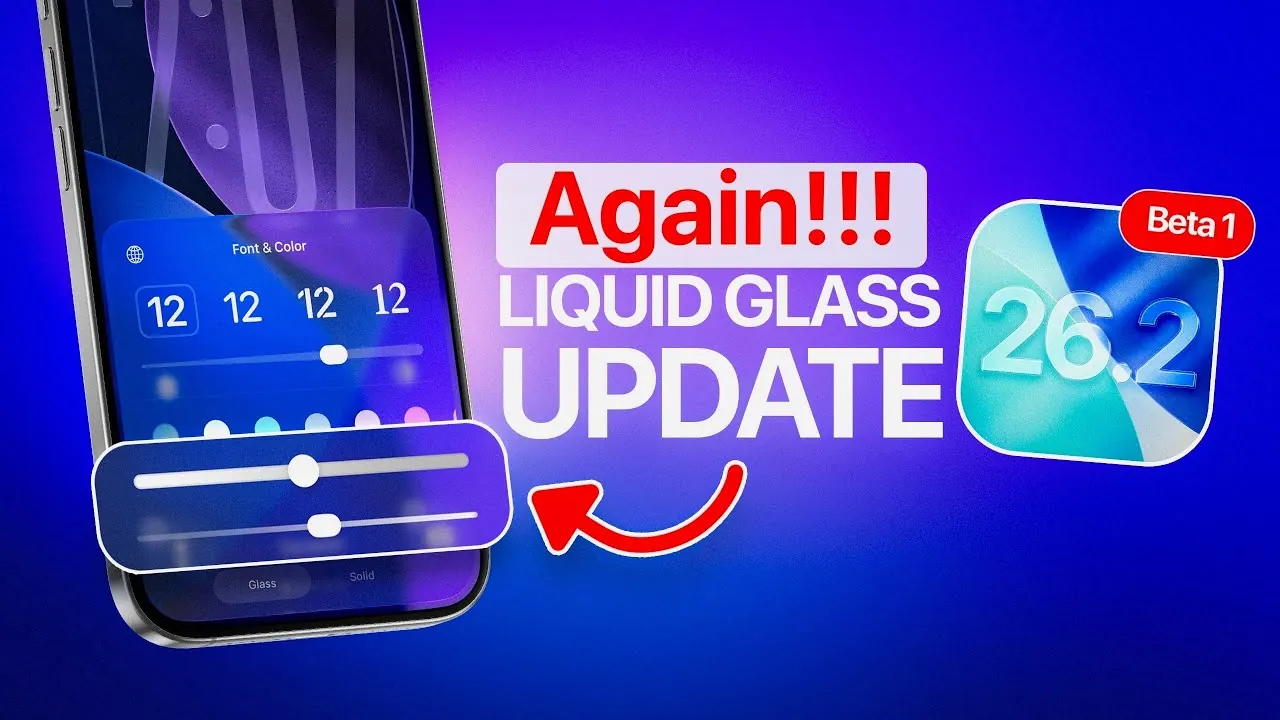
Apple has officially released the first developer beta of iOS 26.2, accompanied by updates for iPadOS, watchOS, homeOS, tvOS, and visionOS. This latest beta introduces a range of new features and refinements, focusing on enhancing customization, usability, and functionality. Available to registered developers and public beta testers, the general release is anticipated in approximately six weeks, offering users a glimpse into Apple’s ongoing commitment to improving its ecosystem. The video below from iDeviceHelp gives us more information on the changes coming to the iPhone in iOS 26.2.

Podcast App Upgrades: Enhanced Discovery and Navigation
The Podcast app in iOS 26.2 receives significant updates designed to improve your listening experience and make content discovery more seamless. Three key features stand out:
- Chapters: This feature allows you to navigate directly to specific segments of an episode, making it easier to locate the content that interests you most.
- Podcast Mentions: Discover references made during a show, providing additional context and opportunities for exploration.
- From This Episode: Access a curated list of topics, links, or resources discussed in the episode, allowing deeper engagement with the content.
To introduce these features, a new splash screen appears when you first open the app after updating. These enhancements aim to make the Podcast app more intuitive and user-friendly, ensuring a smoother and more engaging experience for listeners.
Apple News Redesign: Simplified Navigation and Audio Integration
Apple News undergoes a notable redesign in this beta, focusing on streamlined navigation and enhanced usability. The updates reflect Apple’s dedication to improving content accessibility and aligning with evolving user preferences. Key changes include:
- Category Bar: Categories are now prominently displayed at the top of the interface, allowing for quicker and more direct access to specific content areas.
- Audio Tab: The “Sports” tab has been replaced with an “Audio” tab, emphasizing Apple’s growing focus on audio-based content, including podcasts and narrated articles.
- Refined Tabs: Updates to the “Following” and “Search” tabs make it easier to track topics of interest and discover new content.
These changes aim to simplify navigation while offering a more personalized and engaging experience for users, highlighting Apple’s efforts to adapt its platforms to meet diverse needs.
AirPods Live Translation: Real-Time Conversations Across Languages
One of the most innovative features introduced in iOS 26.2 is live translation for AirPods, now available in the European Union. This feature uses Apple’s advanced translation technology to enable real-time conversations across multiple languages. Whether you’re traveling abroad, working with international colleagues, or simply exploring new cultures, this functionality helps break down language barriers and fosters seamless communication. By integrating this feature into AirPods, Apple continues to expand the practical applications of its devices, making them indispensable tools for global connectivity.
Liquid Glass Customization: Aesthetic Control for Your Lock Screen
iOS 26.2 introduces a new Liquid Glass opacity slider for the lock screen clock, offering users greater control over their device’s appearance. This feature allows you to adjust the transparency of the liquid glass effect, allowing a more personalized and visually appealing aesthetic. By focusing on customization, Apple enables users to tailor their devices to reflect their individual style and preferences. This update underscores Apple’s commitment to blending functionality with design, making sure that your device feels uniquely yours.
Updates Across Apple’s Ecosystem
In addition to iOS 26.2, Apple has rolled out updates for iPadOS, watchOS, homeOS, tvOS, and visionOS. While specific details about these updates remain limited, they primarily focus on performance improvements and stability enhancements. These updates demonstrate Apple’s dedication to refining its ecosystem, making sure a cohesive and reliable user experience across all platforms. By addressing performance and stability, Apple continues to prioritize the seamless integration of its devices and services, reinforcing its position as a leader in the tech industry.
Advancing Usability and Personalization
The iOS 26.2 beta highlights Apple’s ongoing efforts to enhance usability, personalization, and functionality across its ecosystem. From the improved Podcast app and redesigned Apple News interface to live translation for AirPods and lock screen customization, these updates cater to a wide range of user needs. As the beta progresses, further refinements are expected, making sure a polished and feature-rich experience upon general release. Whether you’re a developer exploring new tools or a user seeking enhanced features, iOS 26.2 reflects Apple’s dedication to delivering meaningful innovations that enhance everyday interactions with technology.
Check out more relevant guides from our extensive collection on iOS 26.2 Beta that you might find useful.
- What’s New in iOS 26.1 Beta 2? Features, Updates, and More
- iOS 26.1 Release Date and Key Features Explained
- iOS 26.1 Beta 3 Features and Performance Enhancements
- Everything You Need to Know About iOS 26.1 Before Updating
- iOS 26.1 Beta 4 Features: Liquid Glass, Bug Fixes, and More
Source & Image Credit: iDeviceHelp
Disclosure: Some of our articles include affiliate links. If you buy something through one of these links, Geeky Gadgets may earn an affiliate commission. Learn about our Disclosure Policy.
