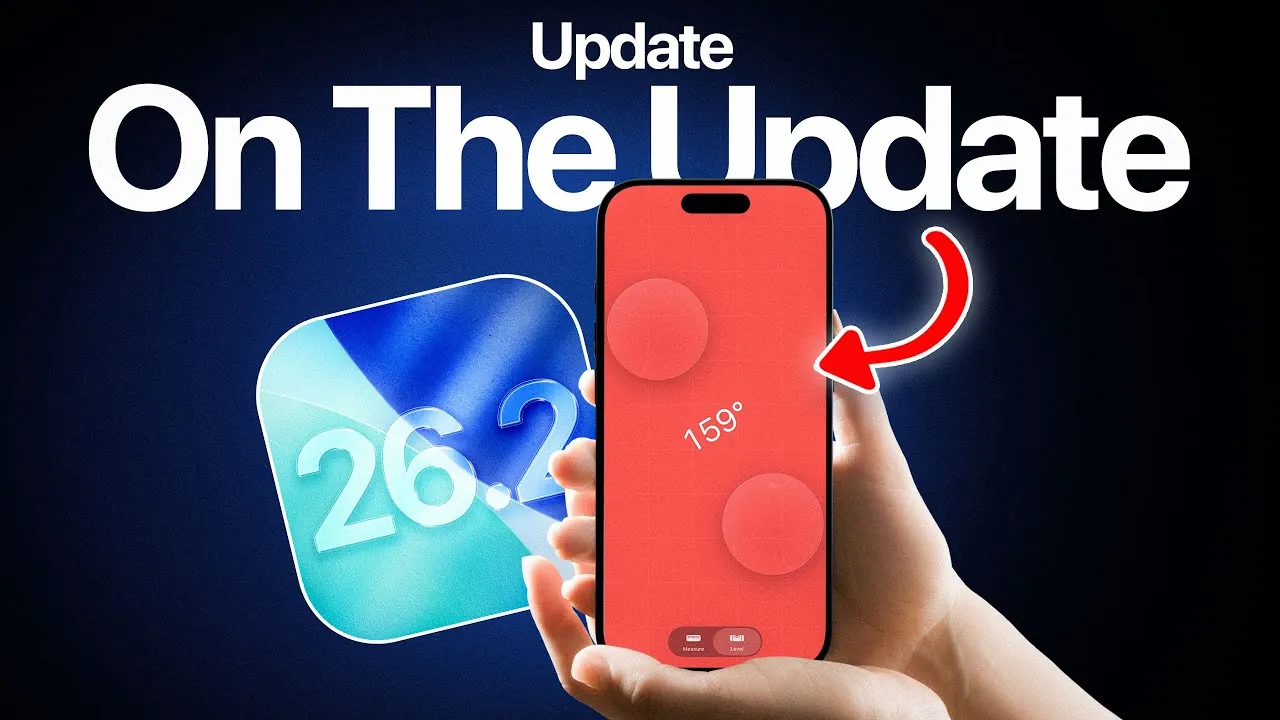
Apple’s iOS 26.2 developer beta 2 introduces a series of updates designed to enhance your iPhone and AirPods experience. With a focus on performance improvements, bug fixes, and usability enhancements, this release aims to deliver smoother operation and a more refined user interface. Whether you’re an iPhone enthusiast or rely on AirPods for daily convenience, this update brings meaningful changes that are worth exploring. The video below from iDeviceHelp gives us more details about the new beta.

Key Enhancements in iOS 26.2 Developer Beta 2
The latest beta version emphasizes resolving user-reported issues while maintaining stable performance across all supported devices. For users of the iPhone 17 Pro Max, this update ensures consistent battery life, offering up to 8 hours of screen time—comparable to the previous iOS 26.1 version. This reliability is crucial for those who rely on their devices throughout the day without interruptions caused by unexpected power drops.
Bug fixes are a central focus of this release, addressing several common frustrations that users have encountered:
- Dark Mode Ghosting: A persistent issue where shadows or visual artifacts lingered when dismissing the Control Center in Dark Mode has been resolved. This fix ensures a smoother and more visually pleasing experience for users who prefer Dark Mode.
- CarPlay Connectivity: Problems such as freezing, lagging, and random disconnections have been addressed. Whether you’re navigating or streaming music, you can now enjoy a more stable and reliable connection between your iPhone and your vehicle.
In addition to these fixes, Apple has introduced Liquid Glass animations, a new feature that enhances the overall user interface. These animations improve responsiveness and add a modern, fluid feel to interactions, making everyday tasks more engaging and visually appealing. This subtle yet impactful change reflects Apple’s ongoing commitment to refining the user experience.
AirPods Firmware Updates: Improved Audio Performance
Alongside the iOS 26.2 update, Apple has released firmware updates for several AirPods models. These updates are designed to optimize functionality, address potential issues, and enhance the overall audio experience. The latest firmware versions include:
- AirPods Pro (3rd generation): Firmware 8B25.
- AirPods Pro 2 (USB-C and Lightning): Firmware 8B21.
- AirPods 4 (with and without Active Noise Cancellation): Firmware 8B21.
The firmware updates install automatically when your AirPods are paired with an iPhone, connected to power, and within close range. This seamless process ensures that your devices remain up to date without requiring manual intervention. Notably, improvements to Active Noise Cancellation (ANC) enhance audio clarity in noisy environments, making these updates particularly beneficial for frequent travelers, commuters, or anyone who values immersive sound quality.
What to Expect Next for iOS 26.2
Apple is expected to release iOS 26.2 developer beta 3 in the coming weeks, continuing its focus on refining the user experience. While specific details about the next beta remain under wraps, you can anticipate further performance optimizations, additional bug fixes, and possibly new features aimed at enhancing usability. Staying informed about these updates ensures you can take full advantage of Apple’s ongoing improvements and maintain the best possible performance for your devices.
Staying Updated for a Better Experience
The iOS 26.2 developer beta 2 and the accompanying AirPods firmware updates underscore Apple’s dedication to delivering a seamless and reliable user experience. From resolving persistent issues like Dark Mode ghosting to introducing visually appealing Liquid Glass animations, these updates strike a balance between functionality and aesthetics. By keeping your devices updated, you ensure optimal performance and enjoy the latest advancements within Apple’s ecosystem. Whether you’re navigating your day with an iPhone or relying on AirPods for crystal-clear audio, these updates are designed to enhance your overall experience.
Dive deeper into iOS 26.2 with other articles and guides we have written below.
- iOS 26.2 Beta 1 Battery Life: What You Need to Know
- What’s New in iOS 26.2 Beta 2: Features, Bug Fixes, and More
- iOS 26.2 Beta 2 Features: What’s New and Improved
- iOS 26.2 Beta 1: Key Features and Enhancements Explained
- iOS 26.2 Features Breakdown: Everything You Need to Know
Source & Image Credit: iDeviceHelp
Disclosure: Some of our articles include affiliate links. If you buy something through one of these links, Geeky Gadgets may earn an affiliate commission. Learn about our Disclosure Policy.
