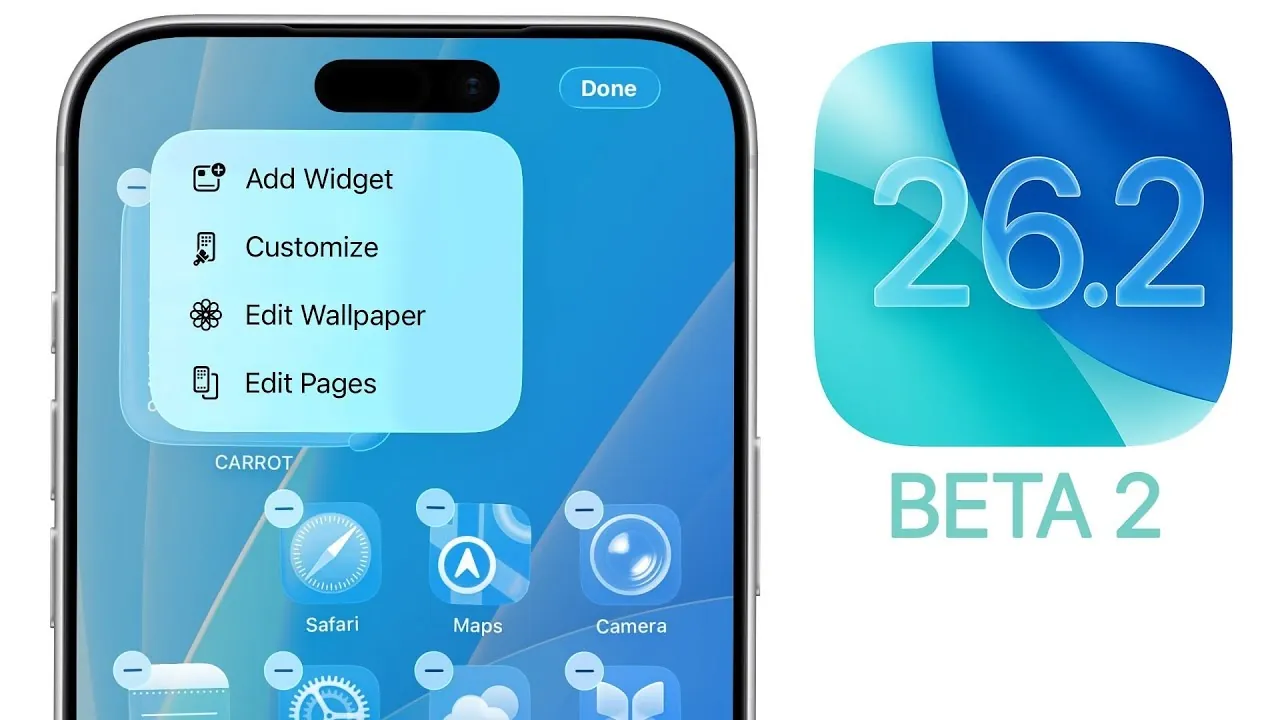
Apple has officially released iOS 26.2 Beta 2, providing developers and testers with an early look at the latest improvements to its mobile operating system. This update introduces a range of visual enhancements, functional upgrades, and system optimizations designed to refine the overall user experience. Whether you’re interested in smoother animations, redesigned apps, or improved system stability, this beta version offers valuable insights into Apple’s ongoing development efforts. Below is a comprehensive breakdown of the most significant changes and their potential impact. The video below from Brandon Butch gives us more details on the update.

Smoother Animations and Enhanced Visual Design
One of the most noticeable updates in iOS 26.2 Beta 2 is the refinement of system animations, which now feel more fluid and responsive. Apple has expanded its “liquid glass” design philosophy, bringing a polished aesthetic to various parts of the interface. Key improvements include:
- Dynamic animations for clearing notifications, making interactions more intuitive and visually engaging.
- Enhanced visual consistency in apps like Photos and Music, aligning them with the broader system design language.
These updates not only improve the aesthetic appeal of the operating system but also contribute to a more immersive and seamless user experience, making sure that every interaction feels natural and cohesive.
Reminders App: Streamlined Task Management
The Reminders app has undergone a significant update, focusing on improving task organization and prioritization. This version introduces features that make managing your to-do list more efficient and user-friendly. Highlights include:
- A new “urgent reminders” option, allowing you to flag critical tasks for immediate attention during creation.
- The rebranding of Siri Suggestions as “Suggested List,” offering a more intuitive way to organize and categorize tasks.
These enhancements make the app more versatile, catering to both personal and professional needs. By simplifying task prioritization, Apple has ensured that users can stay organized with minimal effort.
Measure App: Improved Precision and Usability
The Measure app has received a redesign that emphasizes both functionality and visual appeal. This update focuses on enhancing the app’s usability, particularly its level tool. Notable changes include:
- New liquid glass animations that improve the visual clarity of measurements and align with the system-wide design updates.
- Enhanced responsiveness, making tasks such as aligning objects or measuring angles more accurate and efficient.
These updates ensure that the Measure app remains a practical tool for everyday use while benefiting from the broader visual refinements introduced in iOS 26.2 Beta 2.
Podcast App: Automatic Chapters for Better Navigation
Podcast listeners will appreciate the addition of automatic chapter creation in the Podcast app, a feature designed to simplify navigation and improve content accessibility. Marked by a “magic glyph” icon, this functionality offers several benefits:
- Automatic segmentation of podcast episodes into chapters makes it easier to locate specific topics or sections.
- Improved usability for both creators and listeners, streamlining the overall podcasting experience.
This update demonstrates Apple’s commitment to enhancing the Podcast app, making sure it remains a valuable tool for content consumption and creation.
Freeform App: Advanced Table Organization Tools
The Freeform app has been updated with new tools designed to improve collaboration and idea organization. These features make the app more adaptable to various workflows, whether for personal projects or team brainstorming sessions. Key additions include:
- Customizable table layouts allow users to structure projects and ideas more effectively.
- An updated splash screen that introduces these new tools in a clear and user-friendly manner.
These enhancements position Freeform as a more versatile platform for creative and organizational tasks, catering to a wide range of user needs.
Performance and Battery Life: Optimized for Stability
Performance and battery life remain central to Apple’s iOS updates, and Beta 2 delivers notable improvements in these areas. Early testing has revealed:
- Stable multi-core performance, ensuring smooth operation across a variety of tasks and applications.
- Battery life remains consistent with previous beta versions, providing reliable day-long usage for most users.
These optimizations highlight Apple’s focus on balancing new features with system stability, making sure that the operating system performs reliably under everyday conditions.
Known Issues: AirDrop Compatibility Challenges
Despite the numerous improvements, iOS 26.2 Beta 2 is not without its challenges. A key issue involves AirDrop compatibility between devices running different beta versions. To address this, both devices must be updated to Beta 2. While this workaround resolves the problem, it underscores the importance of keeping devices on the same software version during beta testing to avoid potential disruptions.
What’s Next for iOS 26.2?
Looking ahead, Apple is expected to release iOS 26.2 Beta 3 during the week of November 17, with the final version anticipated to arrive in mid-December. Additionally, a potential iOS 26.1.1 update may be released soon to address existing bugs and security vulnerabilities. These updates reflect Apple’s ongoing commitment to refining the iOS experience and responding to user feedback, making sure that the operating system continues to evolve in meaningful ways.
Below are more guides on iOS 26.2 Beta 2 from our extensive range of articles.
- What’s New in iOS 26.1 Beta 2? Features, Updates, and More
- iOS 26.2 Beta 1 Battery Life: What You Need to Know
- Apple iOS 26.2 Beta 1: New Features for Podcasts and More
- iOS 26.2 Beta Features: Everything You Need to Know
- iOS 26.2 Beta 1 Features: What’s New and Improved
Source & Image Credit: Brandon Butch
Disclosure: Some of our articles include affiliate links. If you buy something through one of these links, Geeky Gadgets may earn an affiliate commission. Learn about our Disclosure Policy.
