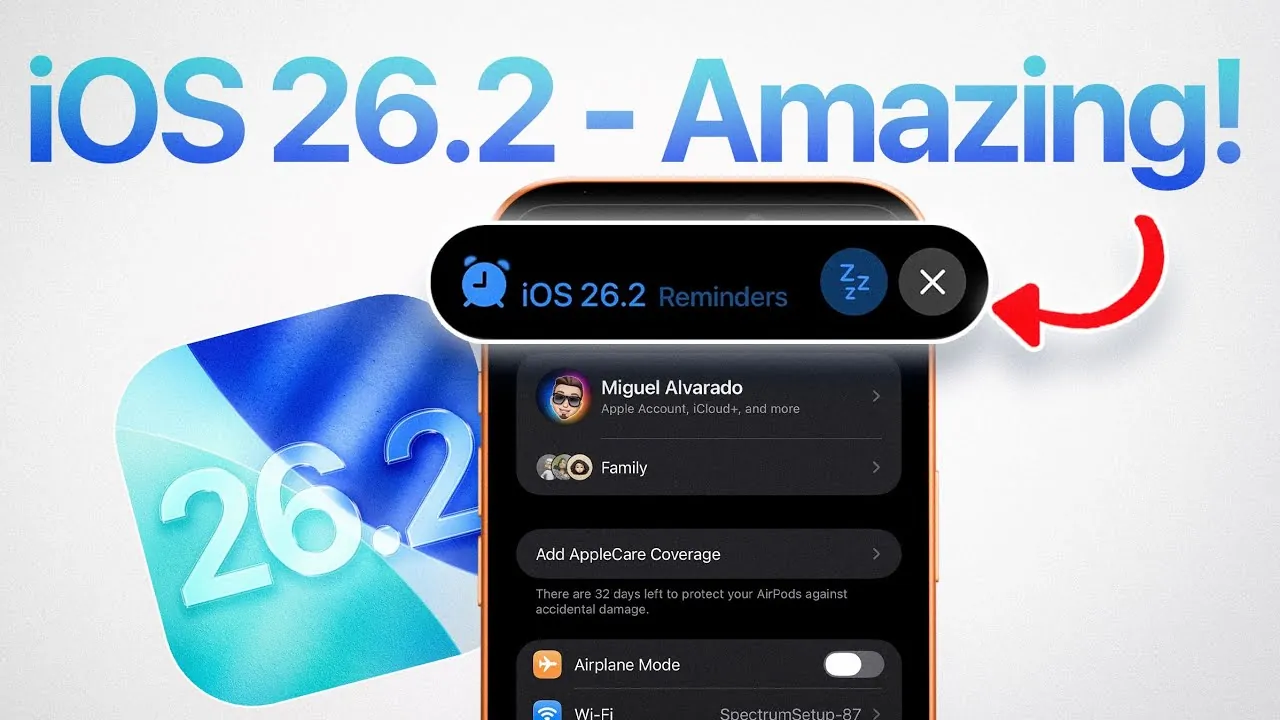
Apple’s iOS 26.2 delivers a robust set of updates designed to enhance safety, productivity, and creativity. The software is in beta with the recent release of iOS 26.2 beta 1. Whether you’re a casual user or a professional relying on your device for daily tasks, this update introduces tools that simplify workflows and improve overall usability. In the video below, iDeviceHelp explores the most impactful features and how they can elevate your experience.

Enhanced Safety with Critical Event Notifications
iOS 26.2 prioritizes user safety with its advanced critical event notification system. This feature, accessible through the Notifications section in Settings, provides real-time updates on emergencies, making sure you stay informed during critical situations. Key highlights include:
- Earthquake Notifications: Receive immediate alerts about seismic activity, giving you time to take necessary precautions.
- Imminent Threat Alerts: Stay updated on severe weather conditions or other hazards, allowing quick and informed decisions.
These notifications are designed to deliver actionable information when it matters most, helping you respond effectively to emergencies.
Effortless Audio Input Switching
Switching between audio input devices has never been easier. With iOS 26.2, you can seamlessly toggle between your AirPods, built-in microphone, or other connected devices directly from the Control Center. This feature is particularly beneficial during FaceTime calls, virtual meetings, or audio recordings. By streamlining the process, Apple reduces interruptions, allowing you to focus on your tasks without unnecessary distractions.
Freeform App: A Boost for Collaboration and Creativity
The Freeform app receives significant updates, further solidifying its role as a versatile tool for brainstorming and teamwork. Whether you’re sketching ideas, sharing notes, or collaborating on group projects, the new features enhance both personal and professional workflows. Key improvements include:
- Improved tools for sketching and diagram creation.
- Enhanced sharing options for real-time collaboration.
- Better integration with other Apple apps for seamless workflows.
These updates make Freeform an essential platform for creativity and organization, catering to a wide range of user needs.
Customizable Flash Alerts for Notifications
iOS 26.2 introduces greater flexibility in managing flash alerts, allowing you to tailor notifications to your preferences. Users can now choose from the following options:
- LED Flash: A bright, visual alert for notifications.
- Screen Flash: A subtler option that uses your display for visual cues.
- Combination Alerts: Both LED and screen flash for maximum visibility.
Additionally, these alerts can be configured to activate under specific conditions, such as when your device is in silent mode or unlocked. This level of customization ensures you never miss important updates while maintaining control over your device’s behavior.
Improved Task Management in the Reminders App
The Reminders app sees substantial enhancements, making it a more powerful tool for organizing your day. Key updates include:
- The ability to set reminders, alarms, and timers simultaneously for better time management.
- Integration with Dynamic Island and the lock screen, providing quick access to notifications and tasks.
- Options to reschedule tasks directly from the lock screen, streamlining your workflow.
These improvements are designed to keep you organized and productive, whether you’re managing personal errands or professional deadlines.
Potential New Tools for Content Creators
Hints within the iOS 26.2 code suggest the development of a new suite of tools for content creators, tentatively referred to as Apple Creator Studio. While details remain speculative, potential features could include:
- Advanced editing tools for photos and videos, offering greater creative control.
- Enhanced media integration across Apple’s ecosystem, simplifying content sharing and collaboration.
- Optimizations for platform-specific content creation, catering to social media and other digital platforms.
If these tools come to fruition, they would underscore Apple’s commitment to empowering creators with innovative features tailored to their needs.
Elevating the iOS Experience
iOS 26.2 represents a well-rounded update that balances safety, convenience, and creativity. From critical safety alerts and seamless audio input switching to enhanced collaboration tools and customizable notifications, this release addresses a diverse range of user needs. The improvements to the Reminders app and the potential introduction of content creation tools further highlight Apple’s dedication to innovation and user empowerment. Whether you’re focused on productivity or exploring creative possibilities, iOS 26.2 sets a new standard for functionality and user experience.
Stay informed about the latest in iOS 26.2 Features by exploring our other resources and articles.
- Apple iOS 26.2 Beta 1: New Features for Podcasts and More
- What’s New in iOS 26.1 Beta 2? Features, Updates, and More
- iOS 26.2 Beta 1 Features: What’s New and Improved
- iOS 26.2 Beta 1 Just Dropped! Here’s What You Need to Know
- iOS 26.1 Beta 3 Features and Performance Enhancements
Source & Image Credit: iDeviceHelp
Disclosure: Some of our articles include affiliate links. If you buy something through one of these links, Geeky Gadgets may earn an affiliate commission. Learn about our Disclosure Policy.
