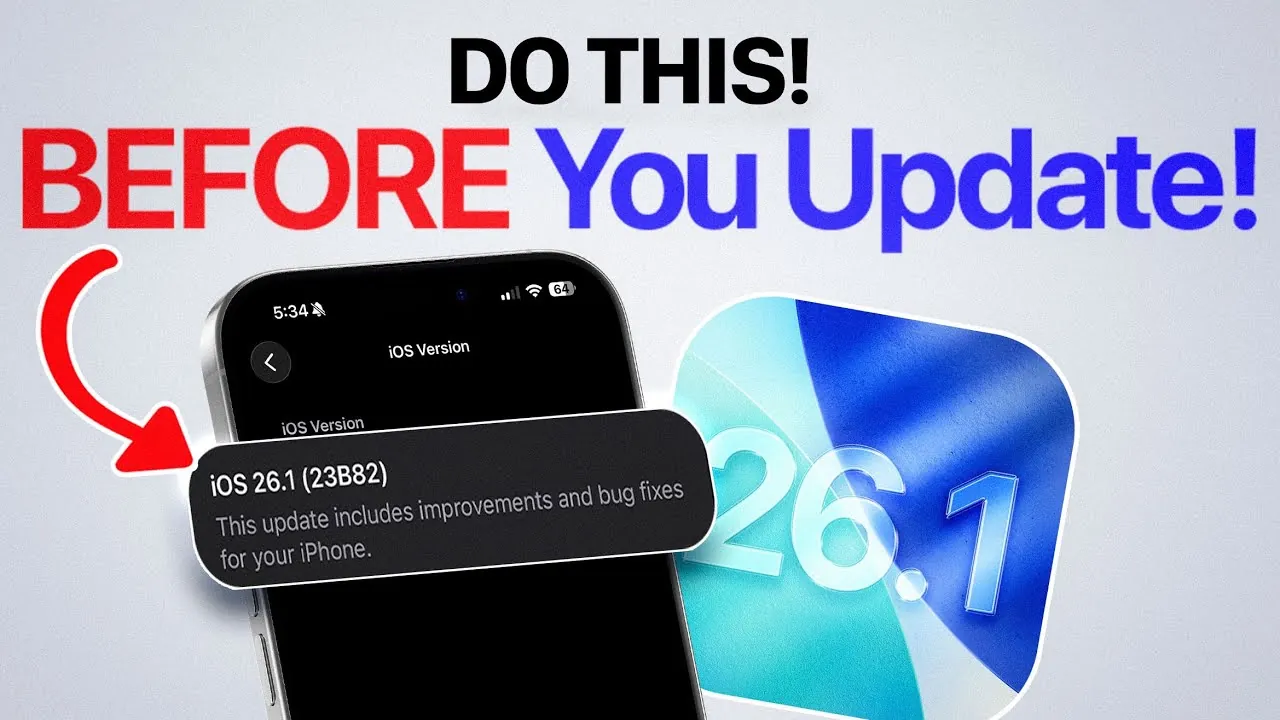
Apple is preparing to release iOS 26.1, the first major update to its latest operating system, iOS 26. This update brings a variety of enhancements aimed at improving performance, introducing new features, and addressing user feedback. With the release expected within the next 24 to 48 hours—likely on November 3rd or 4th—it is important to take specific steps to ensure a smooth and hassle-free update process. Proper preparation can help you avoid common issues and make the most of the new features.

What’s New in iOS 26.1?
iOS 26.1 introduces several updates that enhance the overall user experience. These improvements focus on refining system performance, adding customization options, and strengthening security measures.
- Enhanced Animations: The update delivers smoother transitions and improved responsiveness, creating a more polished and fluid visual experience.
- Improved Battery Life: System-wide optimizations are designed to extend battery performance, particularly benefiting users with older devices.
- Liquid Glass Display Options: New customization settings allow you to choose between clear or tinted liquid glass effects, offering a modern and personalized touch to your device’s display.
- Apple Music Swipe Controls: Intuitive swiping gestures for track navigation make managing playlists and music playback more seamless and user-friendly.
- Background Security Updates: Previously known as “Rapid Security Response,” this feature ensures automatic security updates without requiring a full system installation, keeping your device secure with minimal disruption.
These updates are designed to enhance both functionality and aesthetics, making iOS 26.1 a significant step forward for Apple’s operating system.
How to Prepare for the Update
Preparing your device before installing iOS 26.1 is essential to avoid potential issues such as installation errors, data loss, or performance problems. Follow these steps to ensure a smooth update process:
- Disable Beta Updates: If you are part of Apple’s beta program, temporarily turn off beta updates to receive the official release of iOS 26.1. Once the stable version is installed, you can re-enable beta updates if you wish to continue testing future versions.
- Backup Your Data: Use iCloud or another reliable backup method to safeguard your important data, including messages, photos, and app information. This step ensures your data is protected in case of unexpected issues during the update.
- Free Up Storage: Ensure your device has at least 20 GB of free storage space. Review and delete unnecessary files, such as unused apps, large videos, or duplicate photos, to make room for the update.
- Check Device Compatibility: Confirm that your device is compatible with iOS 26.1. While most devices running iOS 26 should support the update, verifying compatibility can prevent potential installation errors.
- Charge Your Device: Make sure your device is fully charged or connected to a power source during the update process. A low battery can interrupt the installation and cause errors.
Taking these steps will help you avoid common pitfalls and ensure a seamless transition to iOS 26.1.
Why Preparation Matters
Proper preparation is critical to making sure a successful update experience. Skipping these steps can lead to a range of issues, including installation errors, data loss, or reduced device performance. Disabling beta updates ensures you receive the stable version of iOS 26.1, while backing up your data protects against unforeseen complications. Additionally, freeing up storage space and making sure your device is charged minimizes the risk of interruptions during the installation process.
By taking the time to prepare, you can avoid unnecessary frustration and enjoy the benefits of the new features and improvements introduced in iOS 26.1.
When and How to Update
The iOS 26.1 update is expected to roll out within the next 24 to 48 hours, likely on November 3rd or 4th. Apple typically releases updates in stages, so availability may vary depending on your region and device. To check for the update, follow these steps:
- Open the Settings app on your device.
- Navigate to General > Software Update.
- If the update is available, follow the on-screen instructions to download and install it.
It is recommended to connect your device to a Wi-Fi network and ensure it has sufficient battery life before starting the update process. This will help prevent interruptions and ensure a smooth installation.
Making the Most of iOS 26.1
iOS 26.1 introduces a range of improvements that enhance both functionality and user experience. From smoother animations and better battery life to advanced customization options and enhanced security, this update offers something for everyone. By taking the necessary steps to prepare your device, you can avoid potential issues and enjoy a seamless update process. With the release just around the corner, now is the perfect time to act. Follow these guidelines to make the most of the new features and ensure a smooth transition to iOS 26.1.
Advance your skills in iOS 26.1 update by reading more of our detailed content.
- Everything You Need to Know About iOS 26.1 Before Updating
- iOS 26.1 and 26.0.2 Updates: Features, Fixes, and Release Dates
- iOS 26.1 Beta Features, Updates, and More
- What’s New in iOS 26.1? Apple’s Latest Update
- iOS 26.1 Beta 2 Features: Liquid Glass Effect and More Explained
Source & Image Credit: iDeviceHelp
Disclosure: Some of our articles include affiliate links. If you buy something through one of these links, Geeky Gadgets may earn an affiliate commission. Learn about our Disclosure Policy.
