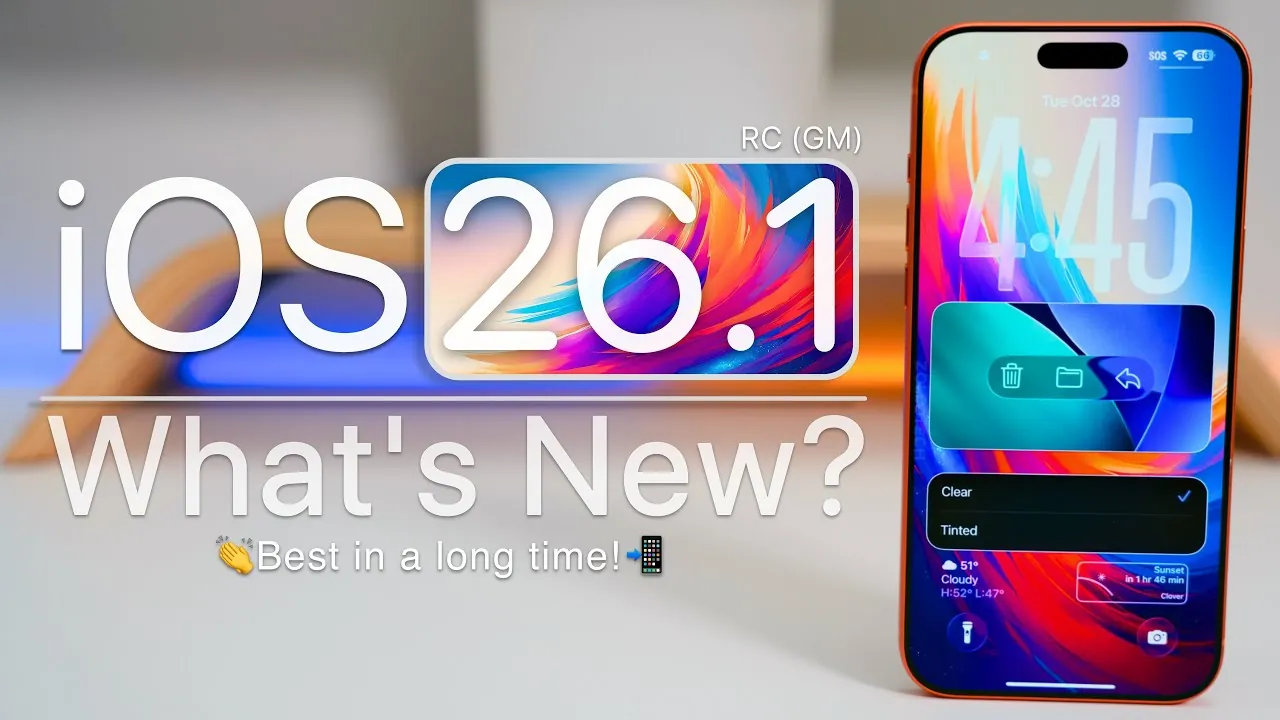
Apple has officially rolled out iOS 26.1 RC (Release Candidate), the final pre-release version available to developers and public beta testers. This version represents the last step before the public release, serving as a near-final iteration of the software. If no critical issues are identified, this version is expected to transition seamlessly into the official public release. Packed with a variety of new features, interface refinements, and bug fixes, iOS 26.1 RC is designed to enhance the overall user experience. The video below from Zollotech gives us more details on the new RC.
Notable Enhancements in iOS 26.1 RC
This update introduces a series of improvements aimed at usability, performance, and functionality. From interface upgrades to expanded global accessibility, iOS 26.1 RC delivers a comprehensive set of updates that cater to a wide range of user needs.
Interface and Display Refinements
iOS 26.1 RC introduces subtle yet impactful changes to the user interface, focusing on both aesthetics and functionality:
- The notifications panel and mini-player now feature “liquid glass” effects, available in both clear and tinted styles, offering a sleek, modern look.
- Control Center animations have been updated, providing a smoother and more dynamic user experience.
- Settings menus now use left-aligned headings, improving readability and making navigation more intuitive.
These updates aim to create a more visually appealing and user-friendly interface, making sure smoother interactions across the system.
Music and Gesture Improvements
Music playback and gesture controls receive significant upgrades, making it easier to interact with your media:
- New swipe gestures in the mini-player allow you to switch tracks effortlessly, enhancing convenience during playback.
- The Automix feature, which blends tracks seamlessly, now supports AirPlay, allowing compatibility with connected audio devices for a more immersive listening experience.
These enhancements are designed to make managing and enjoying your music library more intuitive and enjoyable.
Audio Quality and Communication Safety
iOS 26.1 RC prioritizes both audio performance and user safety with the following updates:
- FaceTime audio quality has been improved, making sure clearer calls even in low-bandwidth conditions.
- For users aged 13 to 17, communication safety features and web content filters are now enabled by default, providing additional layers of protection for younger audiences.
These updates reflect Apple’s commitment to delivering high-quality communication tools while safeguarding user privacy and security.
Haptic Feedback and Lock Screen Customization
New customization options enhance the tactile and visual experience of using your device:
- Haptic feedback now provides vibrations when calls connect or disconnect, offering a physical confirmation of call status.
- The ability to disable the lock screen swipe gesture that opens the camera has been added, giving users more control over their device’s behavior.
These features cater to personal preferences, allowing users to tailor their devices to better suit their needs.
File Management and Video Playback Enhancements
Everyday tasks like managing files and navigating video content are now more streamlined:
- Users can now specify save locations for downloads and captures, simplifying file organization and retrieval.
- The video player interface has been updated with improved scrubbing functionality, allowing precise navigation through video content.
These updates aim to improve efficiency and ease of use for common tasks.
Expanded Language Support
iOS 26.1 RC continues to broaden its global reach by adding support for eight new languages, including:
- Turkish
- Vietnamese
- Thai
- Swedish
This expansion ensures a more inclusive experience for users worldwide, making the software accessible to a broader audience.
Cross-Platform Enhancements for iPadOS and Apple TV
For iPad users, iPadOS 26.1 reintroduces the Slide Over feature, enhancing multitasking capabilities by allowing users to interact with multiple apps simultaneously. Additionally, the Apple TV app icon has been redesigned with a more modern aesthetic, reflecting Apple’s ongoing efforts to create a unified and visually cohesive ecosystem across its platforms.
Bug Fixes and Known Issues
This release addresses several bugs while leaving a few minor issues unresolved:
- Fixed AirDrop reliability issues, making sure smoother file sharing.
- Resolved game controller connectivity problems, improving compatibility with third-party accessories.
- Addressed keyboard diacritical mark inconsistencies for better typing accuracy.
- Fixed lock screen sleep issues in specific apps, enhancing stability.
- Improved responsiveness in the app library, making navigation faster and more fluid.
However, some issues persist, such as the wallpaper desaturation bug and minor Siri-related glitches, which may be addressed in future updates.
Performance and Battery Optimization
iOS 26.1 RC focuses on delivering a more seamless and efficient user experience through performance and battery improvements:
- Smoother scrolling and enhanced app stability contribute to a more reliable performance across the system.
- Battery efficiency has been refined, though further testing will determine its long-term impact on daily usage.
These optimizations aim to improve the overall functionality and longevity of your device.
Release Schedule and Future Updates
The public release of iOS 26.1 is anticipated within the next week, barring any unforeseen issues. Following this release, Apple is expected to begin testing iOS 26.2 beta, continuing its iterative update cycle to refine and expand its software ecosystem.
Comprehensive Enhancements for a Better Experience
iOS 26.1 RC delivers a well-rounded update, offering meaningful improvements across display, gestures, audio, and file management. By addressing critical bugs and introducing new features, Apple continues to refine its ecosystem, making sure a smoother and more efficient user experience. As the public release approaches, users can look forward to a polished update that caters to both functionality and personalization.
Enhance your knowledge on iOS 26.1 RC by exploring a selection of articles and guides on the subject.
- iOS 26.1 Release: Everything You Need to Know
- iOS 26.1 Release Date and Key Features Explained
- iOS 26.1 Review: Design Enhancements and What They Mean
- What’s New in iOS 26 RC? Features, Performance, and More
- How to Get Ready for iOS 26.1: Tips and Tricks
Source & Image Credit: zollotech
Disclosure: Some of our articles include affiliate links. If you buy something through one of these links, Geeky Gadgets may earn an affiliate commission. Learn about our Disclosure Policy.
