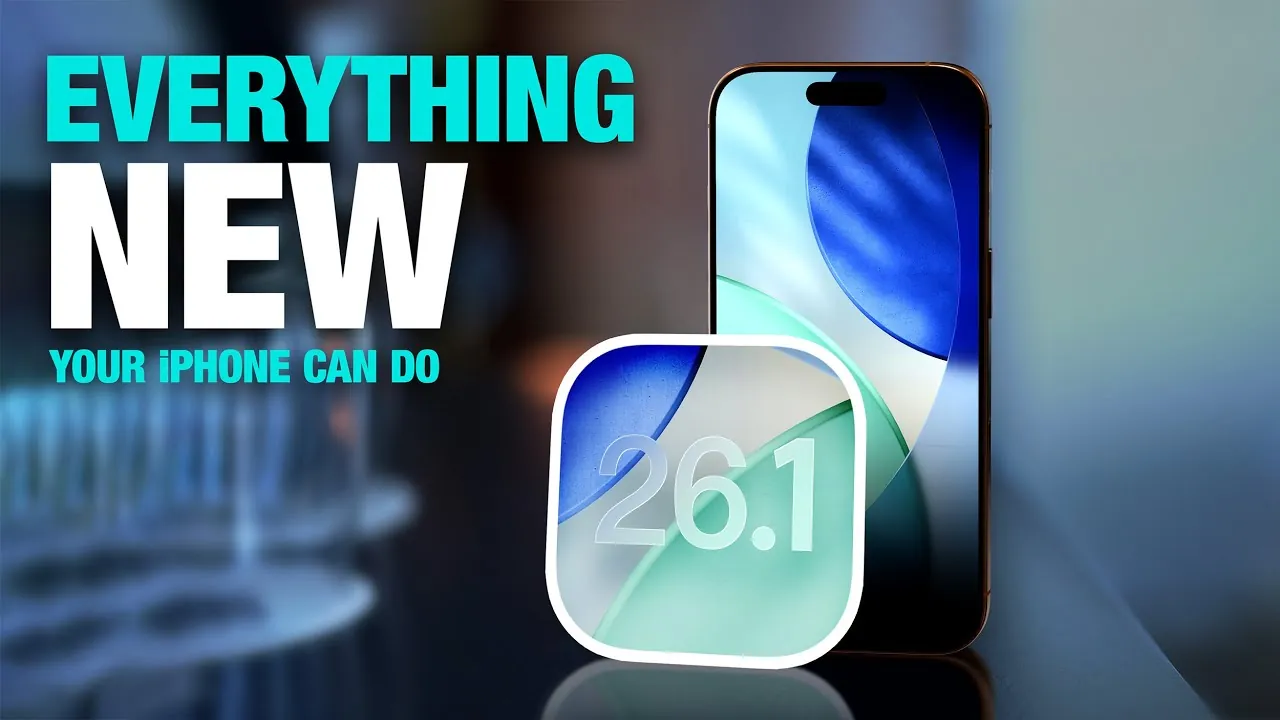
Apple has officially launched iOS 26.1, a carefully crafted update designed to enhance usability, customization, and accessibility. While it does not introduce new changes, this update refines existing features and incorporates new tools to improve your overall experience. With a focus on intuitive design and practical functionality, iOS 26.1 aims to make your device more efficient and user-friendly. The video below from MacRumors gives us another look at the new iOS 26.1 features.

Refined Visuals with Liquid Glass Design
One of the most prominent updates in iOS 26.1 is the Liquid Glass design, which introduces a toggle between “Clear” and “Tinted” modes. This feature allows you to adjust the transparency of system elements, offering a balance between aesthetics and functionality. The Tinted mode, in particular, enhances readability by adding contrast and reducing opacity, addressing concerns about the overly transparent design in earlier versions.
Additional visual refinements include:
- Left-aligned headers in the Settings app for improved consistency and easier navigation.
- Enhanced clarity for folder names on the home screen, making them easier to identify at a glance.
- Updates to the phone keypad, Safari tab bar, and photo scrubber for a more cohesive and polished look.
These subtle yet impactful changes create a more uniform and visually appealing experience across the system.
Enhanced Gesture Controls for Everyday Tasks
iOS 26.1 introduces new gesture controls aimed at simplifying daily interactions and reducing accidental actions. These updates are designed to make routine tasks more intuitive and error-free:
- The lock screen camera shortcut now includes an option to disable the swipe-left gesture, preventing unintended activations.
- Alarms now require a slide gesture to stop, reducing the likelihood of accidentally dismissing them.
- In Apple Music, the “Now Playing” bar supports swipe gestures, allowing you to skip or replay tracks without needing to open the full player.
These practical improvements streamline your interactions with the device, making sure greater convenience and control in everyday use.
Expanded Customization in Fitness and Beyond
Customization takes center stage in iOS 26.1, particularly within the Fitness app. You now have the ability to create personalized workouts tailored to your specific goals. This feature lets you define the type, duration, effort level, and start time of your exercise routines, offering greater flexibility and control over your fitness journey.
Beyond fitness, the update introduces additional toggle options throughout the system, giving you more control over how your device operates. These enhancements reflect Apple’s ongoing commitment to empowering users with tools that adapt to their individual preferences and needs.
Broader Language Support and Smarter Apple Intelligence
iOS 26.1 significantly expands language support, making the system more inclusive and accessible to a global audience. Key updates include:
- Live Translation now supports Japanese, Korean, Italian, and both traditional and simplified Chinese, allowing real-time communication across more languages.
- Apple Intelligence has added support for Danish, Dutch, Norwegian, Portuguese, Swedish, Turkish, and other languages, enhancing the functionality of features like Siri and predictive text.
These updates ensure that users from diverse linguistic backgrounds can interact with their devices in their preferred language, fostering a more inclusive and user-friendly experience.
Privacy and Security: Greater Control for Users
Privacy remains a cornerstone of Apple’s philosophy, and iOS 26.1 introduces new tools to give users greater control over their data and device security. A new toggle for managing background and security updates replaces the previous rapid security response system. This change allows you to decide when and how updates are applied, striking a balance between maintaining security and preserving user autonomy.
By providing more granular control over updates, Apple ensures that you can stay protected while tailoring the update process to your preferences.
Apple TV App Gets a New Identity
The Apple TV app has undergone a rebranding in iOS 26.1, reflecting a streamlined approach to Apple’s entertainment offerings. The service, previously known as “Apple TV Plus,” is now simply called “Apple TV.” Alongside the name change, the app features a vibrant new icon that aligns with the Liquid Glass aesthetic introduced in this update.
This rebranding not only simplifies Apple’s streaming service identity but also enhances the app’s visual appeal, making it a seamless part of the updated system design.
A Thoughtful Update for Everyday Use
iOS 26.1 is a well-rounded update that focuses on refining usability, expanding customization, and improving accessibility. By addressing user feedback and enhancing key features, Apple has delivered an update that makes your device more versatile and intuitive. Whether you’re exploring the Liquid Glass design, taking advantage of personalized fitness options, or benefiting from expanded language support, iOS 26.1 offers meaningful improvements that enhance your daily interactions with your iPhone or iPad.
Enhance your knowledge on iOS 26.1 features by exploring a selection of articles and guides on the subject.
- How to Get Ready for iOS 26.1: Tips and Tricks
- iOS 26.1 Review: Design Enhancements and What They Mean
- iOS 26.1 Beta Features, Updates, and More
- iOS 26.1 Beta 3 Features: What’s New and Why It Matters
- iOS 26.1 Beta 2 Features: Liquid Glass Effect and More Explained
Source & Image Credit: MacRumors
Disclosure: Some of our articles include affiliate links. If you buy something through one of these links, Geeky Gadgets may earn an affiliate commission. Learn about our Disclosure Policy.
