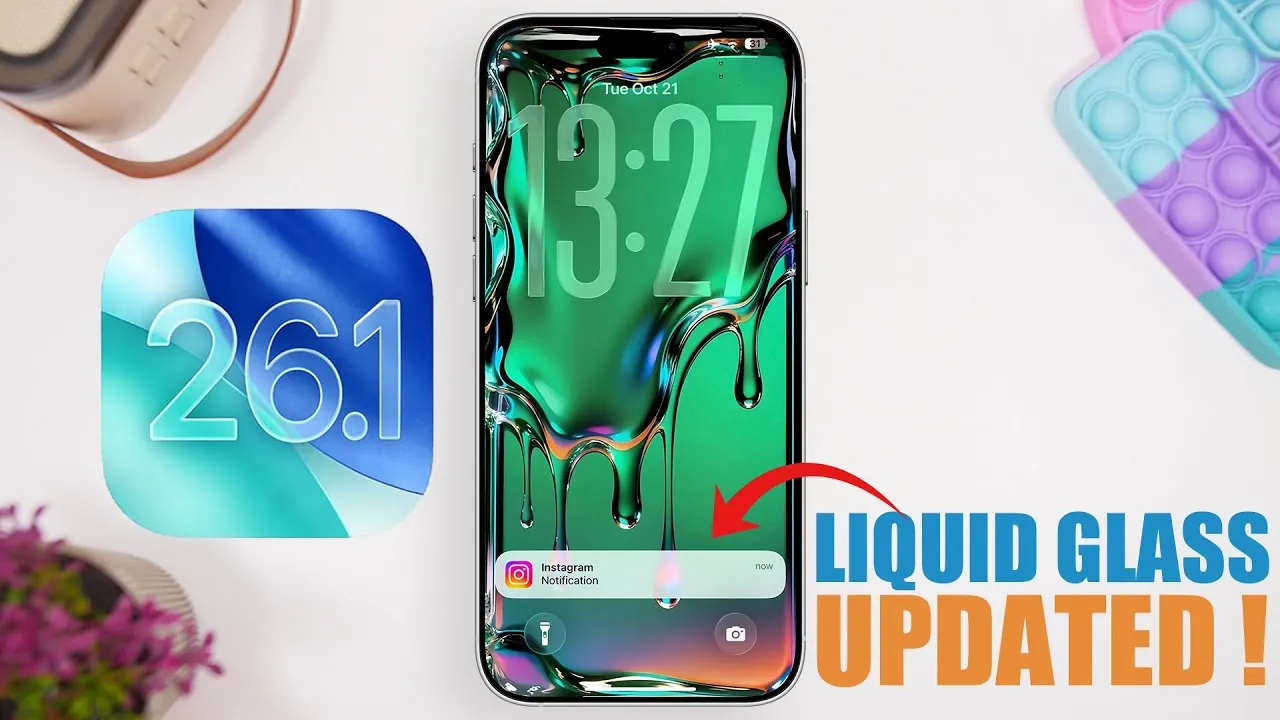
Apple’s iOS 26.1 Beta 4 represents a pivotal step toward the final release candidate (RC) and public rollout. This update introduces a host of refinements, focusing on customization, interface usability, and giving you greater control over your device. With the public release scheduled for November 3, 2025, this beta provides an early look at the polished experience that iOS users can expect. It reflects Apple’s commitment to addressing user feedback while maintaining a seamless and intuitive operating system. The video below from iReviews gives us more details about the changes in iOS 26.1 beta 4.
Liquid Glass Design: Enhanced Control and Simplicity
One of the standout features of iOS 26.1 Beta 4 is the ability to disable the liquid glass design, a signature element of recent iOS versions. This feature can now be toggled in the “Display & Brightness” settings, offering two distinct modes:
– Clear Mode: Provides a minimalist, transparent aesthetic, delivering a clean and modern visual experience.
– Tinted Mode: Introduces a subtle color overlay, creating a softer and more subdued appearance.
In addition to these options, the liquid glass effect has been scaled back across various interface elements, such as notifications, app tabs, and glow effects. These adjustments aim to create a streamlined and less visually overwhelming interface, catering to users who prefer a simpler design.
Expanded Customization Options
iOS 26.1 Beta 4 introduces several new customization features that enhance usability and personalization. These updates address long-standing user requests and provide greater flexibility in tailoring your device to your preferences:
- Lock Screen Camera Shortcut: You now have the option to disable the camera shortcut on the lock screen, improving security and reducing the likelihood of accidental activations.
- Haptic Feedback for Calls: A new setting in the Phone app allows you to turn off haptic feedback during calls, offering a quieter and more personalized experience.
- Device Name Display: Long device names now display fully in the “About” section of settings, addressing a minor but persistent limitation in previous versions.
These updates reflect Apple’s focus on user-centric design, making sure that the operating system adapts to your needs and preferences.
Visual and Interface Refinements
This beta also introduces subtle yet impactful visual updates that align with the overall design language of iOS 26. These refinements aim to enhance both aesthetics and usability without overwhelming the interface:
- Display Zoom Wallpapers: Updated wallpapers in the “Display Zoom” settings provide a fresh and cohesive look, enhancing the visual appeal of your device.
- Safari Readability: Blurred text beneath the address bar improves readability, helping you focus on web content without distractions.
- Lock Screen Indicators: The page indicator dots on the lock screen no longer have a background, resulting in a cleaner and more modern appearance.
- Interface Polishing: Minor alignment tweaks and the removal of the beta badge in the “Apple Intelligence and Siri” section contribute to a more refined and professional user interface.
These changes highlight Apple’s dedication to delivering a visually appealing and user-friendly operating system that balances functionality with design.
Preparing for the Final Release
As the final beta before the release candidate, iOS 26.1 Beta 4 lays the groundwork for the public rollout. The RC is expected to arrive on October 27, 2025, with the final version anticipated on November 3, 2025. This timeline underscores Apple’s focus on stability and refinement, making sure a seamless upgrade experience for users. By addressing key areas such as customization, usability, and visual design, this update sets the stage for a feature-rich and intuitive operating system.
Why iOS 26.1 Beta 4 Stands Out
iOS 26.1 Beta 4 represents a significant step forward in Apple’s approach to user-centric design and functionality. Key highlights of this update include:
- The ability to disable liquid glass effects, offering a more personalized and simplified visual experience.
- Expanded customization options that cater to individual preferences, security needs, and usability improvements.
- Polished visuals and interface refinements that enhance both aesthetics and functionality.
As the public release approaches, this beta offers a glimpse into the future of Apple’s mobile operating system. Whether you’re drawn to the new customization tools, the refined interface, or the enhanced usability, iOS 26.1 Beta 4 demonstrates Apple’s commitment to delivering a seamless and intuitive user experience.
Discover other guides from our vast content that could be of interest on iOS 26.1 Beta 4.
- iOS 26.1 Beta 4: Liquid Glass Customization Revealed
- What’s New in iOS 26.1 Beta 4: Full Breakdown
- How to Get Ready for iOS 26.1: Tips and Tricks
- What’s New in iOS 26.1 Beta 2? Features, Updates, and More
- iOS 26.1 Beta 2 Features: Everything You Need to Know
Source & Image Credit: iReviews
Disclosure: Some of our articles include affiliate links. If you buy something through one of these links, Geeky Gadgets may earn an affiliate commission. Learn about our Disclosure Policy.
