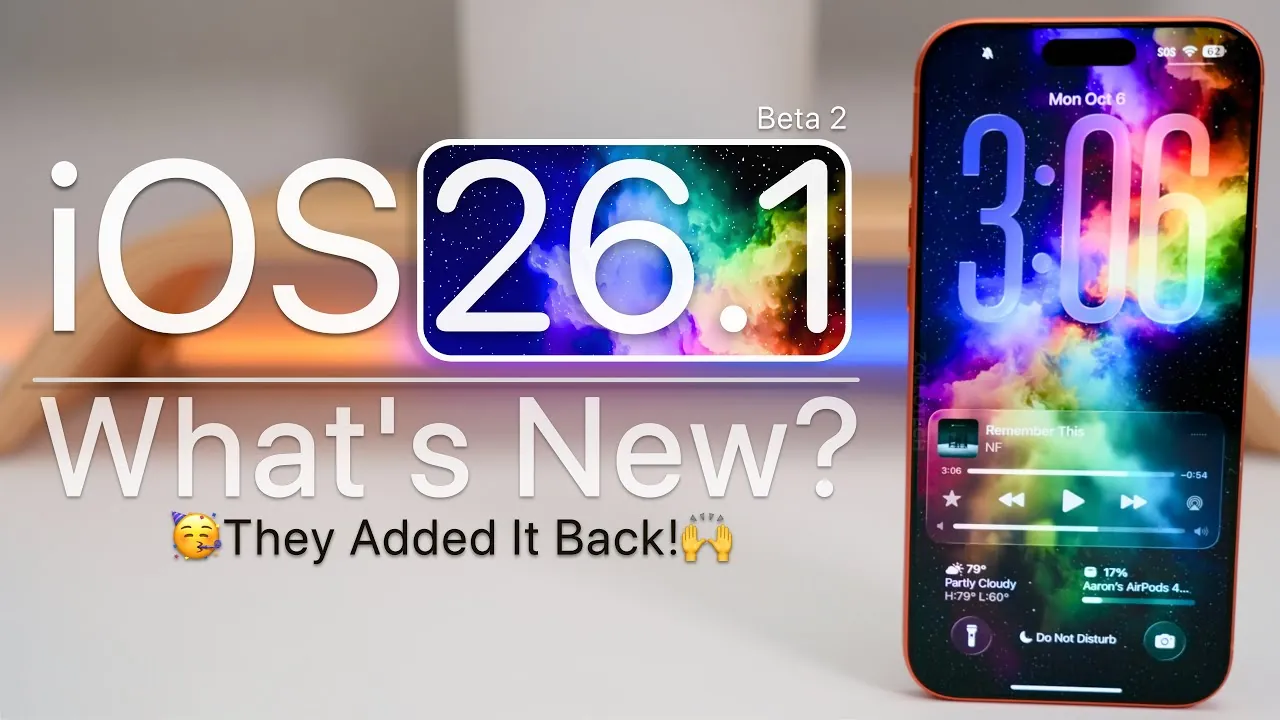
Apple has officially rolled out iOS 26.1 Beta 2, introducing a range of updates designed to enhance functionality, refine the user interface, and improve overall performance. This release builds upon the foundation of iOS 26, addressing existing bugs, adding new features, and implementing subtle yet impactful changes. Whether you’re a developer exploring the latest tools or an everyday user seeking a better experience, this update offers valuable improvements across the board. The video below from Zollotech gives us a look at the changes and new features in iOS 26.1 beta 2.

Enhanced Cellular Connectivity
One of the standout features of iOS 26.1 Beta 2 is the significant upgrade to the modem, which brings noticeable improvements to cellular connectivity. These enhancements aim to provide a more reliable and seamless experience for users in various environments:
- Improved Call Quality: Enjoy clearer and more consistent conversations, even in areas with weaker signals.
- Faster Data Speeds: Experience smoother browsing, quicker downloads, and uninterrupted streaming.
- Enhanced Network Reliability: Benefit from a more stable connection, especially in locations where connectivity has traditionally been a challenge.
These updates are particularly beneficial for users who rely heavily on their devices for communication and data-intensive tasks, making sure a more dependable connection in diverse scenarios.
Refined User Interface Updates
Apple continues to prioritize design improvements, introducing subtle yet meaningful changes to the iOS interface that enhance both usability and aesthetics. These refinements reflect Apple’s commitment to creating a polished and intuitive user experience:
- Liquid Glass Effect: Wallpapers and UI elements now feature a more immersive Liquid Glass effect, adding depth and sophistication to the visual design.
- Menu Alignment: Left-aligned menu headings and folder titles create a cleaner, more organized layout, improving navigation consistency.
- Redesigned Context Menus: Apps like Photos and the App Store now feature updated context menus, making navigation more intuitive and user-friendly.
- Revamped Alarm Interface: A redesigned alarm interface reduces the likelihood of accidental dismissals, making sure greater reliability for daily routines.
- Silent Mode Indicator: The silent mode indicator now displays red instead of green, providing a clearer and more intuitive visual cue for your device’s status.
These updates not only enhance the visual appeal of iOS but also improve functionality, making sure that users can navigate their devices with greater ease and efficiency.
Security Enhancements and Health Features
Security and health monitoring take center stage in iOS 26.1 Beta 2, with new features designed to protect your data and support your well-being. These updates highlight Apple’s focus on safeguarding both digital and physical health:
- Background Security Updates: Automatic security updates are now delivered between major releases, making sure your device remains protected against emerging threats. Users retain the option to disable this feature if desired.
- Hypertension Alerts: The Health app reintroduces hypertension alerts, allowing users to monitor blood pressure more effectively. This feature is particularly valuable for individuals managing chronic health conditions.
These additions underscore Apple’s dedication to providing tools that enhance both security and personal health, offering users greater peace of mind and control over their well-being.
Improved Multitasking for iPad Users
For iPad users, iOS 26.1 Beta 2 brings notable enhancements to multitasking capabilities. The return of the Slide Over feature allows users to open multiple apps in a floating window, streamlining workflows and improving productivity. This functionality is especially useful for tasks such as managing emails, browsing the web, or referencing documents while working on other projects. By allowing smoother multitasking, Apple continues to position the iPad as a powerful tool for both work and leisure.
Expanded Apple Wallet Functionality
Apple Wallet receives significant updates in this release, further enhancing its versatility and convenience. These improvements aim to simplify digital transactions and travel experiences:
- United Airlines Integration: Users can now add United Airlines boarding passes directly to Apple Wallet, making travel more seamless and efficient.
- Digital IDs: North Dakota becomes the latest state to support digital IDs, with hints of future passport integration included in this update.
These updates reflect Apple’s ongoing efforts to expand the functionality of Apple Wallet, making it an indispensable tool for modern life.
Bug Fixes and Performance Optimizations
iOS 26.1 Beta 2 addresses a range of bugs and introduces performance optimizations that enhance the overall user experience. These improvements ensure a smoother and more reliable operation across devices:
- Resolved Issues: Fixes include addressing wallpaper dimming, corner radius inconsistencies, and RAM management problems, reducing app closures and improving stability.
- ProMotion Animations: Smoother animations are now available, even on older devices, enhancing the visual fluidity of the interface.
- Heat Management: Updates are now less likely to cause overheating, making sure greater comfort during intensive tasks.
- Battery Life: Early reports suggest improved battery performance, though further testing is ongoing to confirm these gains.
These updates aim to deliver a more consistent and efficient experience, addressing common pain points and making sure that devices perform at their best.
Storage and Future Updates
Storage usage remains consistent with Beta 1, making sure that the update does not consume additional space unnecessarily. Looking ahead, Apple is expected to release iOS 26.0.2 in the near future to address any remaining issues. Additionally, iOS 26.1 Beta 3 is anticipated in the coming weeks, coinciding with an October Apple event that may unveil new iPads, MacBooks, and updates to VisionOS. These developments highlight Apple’s ongoing commitment to innovation and improvement across its ecosystem.
Here are more guides from our previous articles and guides related to iOS 26.1 Beta 2 that you may find helpful.
- What’s New in iOS 26.1 Beta 2? Features, Updates, and More
- iOS 26.1 Beta Features, Updates, and More
- iOS 26.1 Release Date and Key Features Explained
- iOS 26.1 Review: Design Enhancements and What They Mean
- iOS 26.1 Beta: Key Updates and Improvements Explained
Source & Image Credit: zollotech
Disclosure: Some of our articles include affiliate links. If you buy something through one of these links, Geeky Gadgets may earn an affiliate commission. Learn about our Disclosure Policy.
