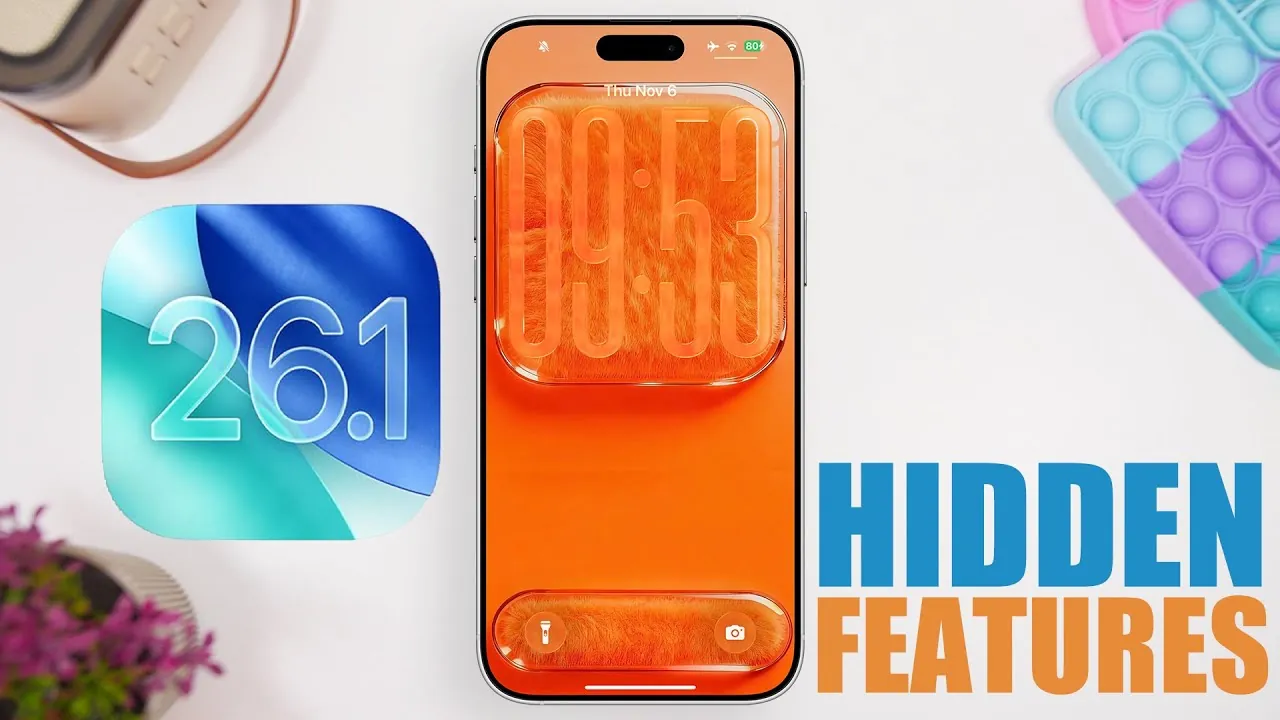
Apple’s iOS 26.1 brings a collection of subtle yet impactful updates designed to elevate your iPhone experience. This release focuses on enhancing usability, refining visuals, and addressing user feedback to deliver a more polished and efficient operating system. In the video below, iReviews delves into the most noteworthy hidden features and changes, making sure you can fully use the potential of this update.

Enhanced Lock Screen Experience
One of the standout updates in iOS 26.1 is the improved lock screen functionality. When playing music, the full-screen album art remains visible as you unlock your device, creating a seamless and immersive transition. This feature not only enhances the visual appeal but also integrates your media playback more naturally into the interface. The lock screen now feels more dynamic and personalized, making it a small yet significant improvement.
Refined Silent Mode Indicator
The silent mode toggle has been updated with a red indicator, replacing the previous green color. This adjustment aligns with the silent mode icon, offering better visual consistency across the system. The red indicator improves clarity, especially in low-light environments or situations where you need to confirm your device’s status at a glance. This seemingly minor change enhances usability and reduces potential confusion.
Smoother System Animations
Apple has fine-tuned system animations in iOS 26.1, resulting in smoother transitions for pop-up menus like AirDrop. These refinements contribute to a more fluid and responsive user experience. The polished animations make interactions feel more intuitive, making sure that every tap and swipe is met with a seamless response. This improvement underscores Apple’s attention to detail in creating a cohesive interface.
Redesigned iMessage Camera Icon
The iMessage app now features a redesigned camera icon within the message composer. This update aligns the icon’s design with the home screen camera app, creating a consistent visual language across the system. The new icon not only looks more modern but also improves usability, making it easier to access the camera while composing messages. This change reflects Apple’s commitment to refining even the smallest details.
New Features in the Photos App
The Photos app receives two notable updates that enhance its functionality:
- Shuffle wallpapers: You can now select multiple photos to create dynamic shuffle wallpapers for your home and lock screens. This feature adds variety and personalization to your device’s appearance, allowing you to enjoy a fresh look every time you unlock your phone.
- Improved screenshot viewing: Screenshots now display in a clearer, centered format, making it easier to review and edit captured images. This improvement streamlines the process of managing your screenshots.
These updates make the Photos app more versatile and user-friendly, catering to both aesthetic and practical needs.
Calculator App History Access
For users who frequently rely on the Calculator app, iOS 26.1 introduces a new icon for accessing calculation history. This feature allows you to quickly reference past calculations without interrupting your current tasks. The addition of a history function enhances productivity, making the Calculator app more functional for everyday use.
Home Screen Visual Upgrades
The home screen receives several aesthetic enhancements that contribute to a more modern and polished look:
- Refined dock effects: The dock now features a subtle blur and liquid glass effect, blending seamlessly with the background for a cleaner appearance.
- Enhanced app icon glow: App icons now have a more pronounced glow that extends outward, creating a visually striking highlight. This effect adds depth and vibrancy to the home screen.
These visual upgrades enhance the overall aesthetic of your device, making the home screen more engaging and visually appealing.
Safari Usability Improvements
Safari benefits from subtle yet effective adjustments that improve the browsing experience:
- Widened bottom bar layout: The bottom bar has been slightly widened to better align with the curved edges of iPhones, improving ergonomics and ease of use.
- Blurred address bar background: The address bar now features a blurred background, enhancing readability without distracting from your browsing experience.
These changes make Safari more intuitive and comfortable to use, ensuring a smoother browsing experience.
Performance and Battery Optimizations
iOS 26.1 delivers significant performance improvements alongside its visual and functional updates. Apps now launch faster, and system responsiveness has been fine-tuned to provide a smoother experience. Additionally, battery efficiency has been enhanced, allowing for extended usage time and reducing the frequency of charging. These optimizations ensure that your device performs reliably throughout the day, making it a practical upgrade for all users.
What’s Next: iOS 26.2 Beta
While iOS 26.1 introduces a host of refinements, Apple is already testing iOS 26.2 in beta. Early reports suggest that the upcoming update will bring further usability enhancements and new features, continuing Apple’s tradition of incremental but meaningful improvements. Staying updated ensures you can take full advantage of Apple’s ongoing innovations, keeping your device at the forefront of functionality and design.
Here are additional guides from our expansive article library that you may find useful on iOS 26.1 hidden features.
- iOS 26.1 Beta 3 Features and Performance Enhancements
- The 12 HIDDEN iOS 26.1 Settings No One is Talking About
- iOS 26 Secrets: 10 Hidden Features That Change How You Use
- iOS 26.1 Features: Liquid Glass Display, Siri Upgrades & More
- 12 Hidden iOS 26 Features You Need to Know About
Source & Image Credit: iReviews
Disclosure: Some of our articles include affiliate links. If you buy something through one of these links, Geeky Gadgets may earn an affiliate commission. Learn about our Disclosure Policy.
