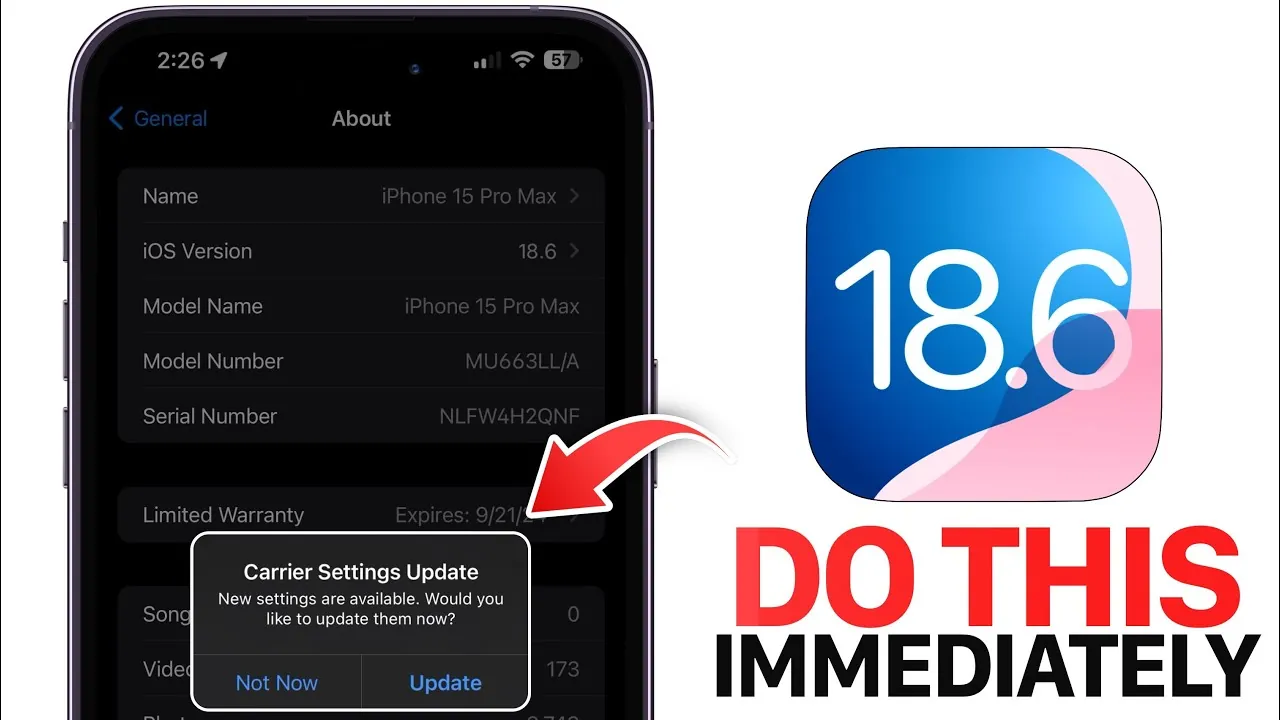
Apple has officially launched iOS 18.6, a major update designed to bolster security, fix persistent bugs, and enhance overall system performance. If you own an iPhone or iPad, this update is essential to ensure your device operates at its best. Below is a detailed overview of what’s included in this release, why it’s important, and the steps you should take to maximize its benefits. The video below from iDeviceHelp gives us more details on what to do after installing the iOS 18.6 software update.

Enhanced Security Features
The iOS 18.6 update introduces critical security improvements aimed at safeguarding your device against emerging threats. Apple has addressed vulnerabilities that could compromise your personal data or expose your device to cyberattacks. Key updates include:
- Advanced Encryption Protocols: Strengthened encryption mechanisms to better protect sensitive information such as passwords and financial data.
- Improved Unauthorized Access Prevention: Enhanced measures to block unauthorized attempts to access your device or accounts.
- Malware Vulnerability Fixes: Resolutions for flaws that could be exploited by malicious software, making sure a safer user experience.
These updates are particularly crucial for users who rely on their devices for tasks like online banking, managing confidential documents, or accessing sensitive accounts. By installing iOS 18.6, you ensure your device is equipped with the latest defenses against evolving security challenges.
Bug Fixes and System Reliability
iOS 18.6 also resolves several bugs that have impacted user experience in previous versions. These fixes aim to improve system reliability and ensure smoother operation. Notable corrections include:
- Photos App Sharing Issue: A persistent problem that prevented users from sharing memory movies has been resolved, allowing seamless sharing of your favorite moments.
- System Performance Glitches: Minor bugs affecting app functionality and overall responsiveness have been addressed, resulting in a more stable and efficient system.
These improvements contribute to a more enjoyable and reliable user experience, making everyday tasks on your device faster and more efficient.
New Features for European Union Users
For users in the European Union, iOS 18.6 introduces a significant feature: the ability to install third-party app marketplaces and download apps directly from the web. This change aligns with recent regulatory requirements and offers greater flexibility in managing your apps. While this feature expands customization options, Apple has maintained its stringent security protocols to ensure your device remains protected from potential risks.
Steps to Take After Updating
After installing iOS 18.6, it’s important to take a few steps to optimize your device and ensure compatibility with the latest features. Follow these recommendations:
- Update Your Apps: Open the App Store and check for updates to your third-party apps. Updating ensures compatibility with iOS 18.6 and prevents potential crashes or performance issues.
- Check for Carrier Updates: Navigate to Settings > General > About to see if your carrier has released updates. These updates can improve network connectivity and call quality.
- Monitor Battery Performance: While iOS 18.6 includes battery optimizations, observe your device’s battery life over the next few days. If irregularities occur, recalibrate by fully charging and discharging the battery once.
Taking these steps ensures your device operates at peak performance and remains compatible with the latest features.
Performance Enhancements
iOS 18.6 brings noticeable improvements to system performance, benefiting users across all device models. Key enhancements include:
- Faster App Launches: Apps now open more quickly, improving multitasking efficiency.
- Improved System Stability: Reduced system crashes and smoother operation enhance overall reliability.
- Extended Battery Life: Optimizations allow for longer usage between charges, particularly on older devices.
These updates make the system more responsive and efficient, ensuring a better user experience whether you’re using the latest iPhone or an older model.
Why You Should Update Now
If you’re still using an older version of iOS or a beta release, upgrading to iOS 18.6 is essential. This update not only resolves existing issues but also prepares your device for future updates and features. Delaying the update could leave your device vulnerable to security risks, performance inefficiencies, and compatibility issues with newer apps.
By updating to iOS 18.6, you ensure your device remains secure, efficient, and fully functional. The update is designed to provide a seamless experience, making it a necessary step for all users. Don’t wait—install iOS 18.6 today to take advantage of its comprehensive improvements and features.
Here is a selection of other guides from our extensive library of content you may find of interest on iOS 18.6 update.
- How to Prepare Your iPhone for the iOS Update
- First Look: iOS 18.6 – Sneak Peek at the Next iPhone Update
- iOS 18 Beta 2 Features, Updates, and More
- iOS 18.6 RC Update: Features, Bug Fixes, and Compatibility
- iOS 18.6 Update Features, Release Date, and What to Expect
Source & Image Credit: iDeviceHelp
Disclosure: Some of our articles include affiliate links. If you buy something through one of these links, Geeky Gadgets may earn an affiliate commission. Learn about our Disclosure Policy.
