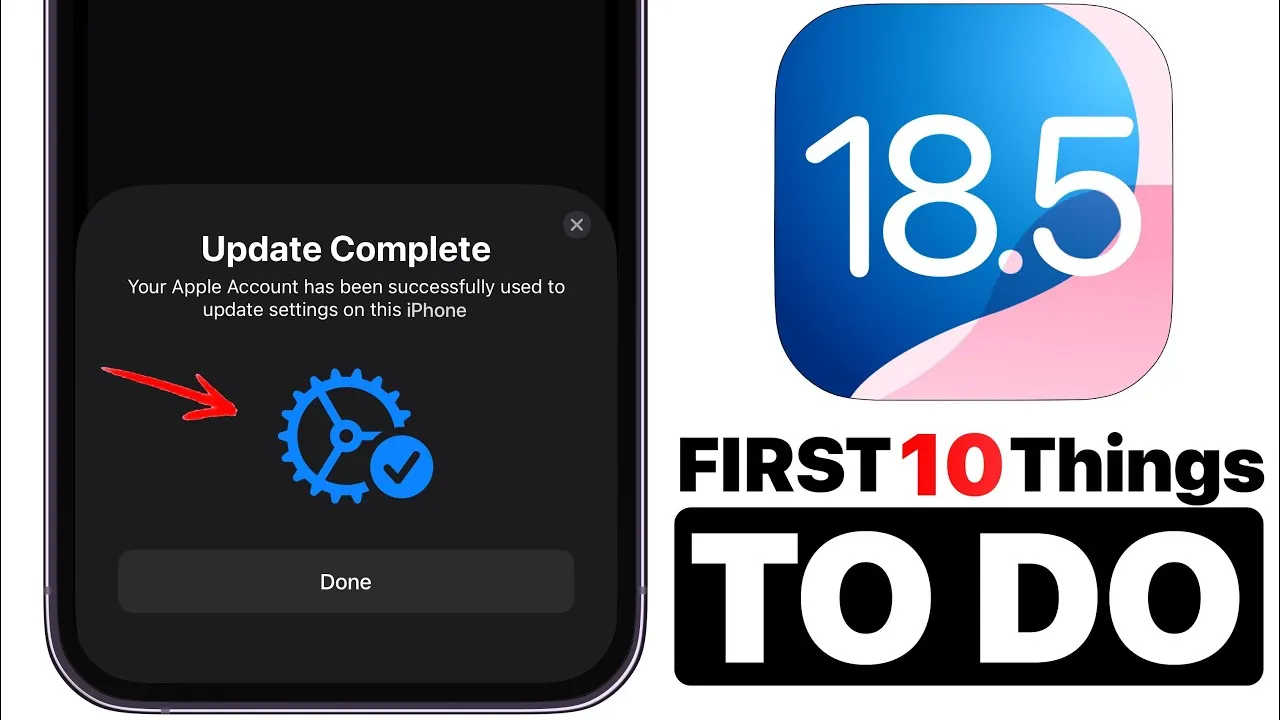
Apple has officially launched iOS 18.5, bringing a host of features, enhancements, and fixes aimed at improving your iPhone experience. Whether you’re seeking better performance, new tools, or refined usability, this update offers something for everyone. Below is a detailed breakdown of the most significant changes and how you can take full advantage of them in the latest video from iDeviceHelp.

Satellite Connectivity for iPhone 13 Users
iPhone 13 users can now access satellite connectivity through select carriers, a feature introduced with iOS 18.5. This functionality ensures you stay connected even in remote areas where cellular networks are unavailable. Whether you need to send messages or access emergency services, this feature provides a critical lifeline when you’re off the grid. To activate it, check with your carrier for availability and follow their setup instructions. This addition is particularly valuable for outdoor enthusiasts, travelers, or anyone who frequently ventures into areas with limited network coverage.
Enhanced Accessibility Options
iOS 18.5 continues Apple’s commitment to inclusivity by introducing updates that improve accessibility for all users. The Backtap feature now includes an option to disable background banners, offering greater control over notifications. This is especially useful if you rely on Backtap for shortcuts or accessibility actions, as it minimizes distractions. You can customize these settings in the Accessibility menu to better align with your preferences. These enhancements demonstrate Apple’s ongoing efforts to make technology more adaptable and user-friendly for individuals with diverse needs.
Upgraded Mail App Features
The Mail app receives subtle yet impactful updates in iOS 18.5, enhancing both functionality and aesthetics. A new “Show Contact Photos” option allows you to personalize your inbox by displaying contact photos alongside emails. While this feature is disabled by default, allowing it adds a layer of customization that makes your inbox feel more personal and visually engaging. Additionally, smoother animations for navigating inbox categories improve the app’s responsiveness, creating a more polished and seamless user experience. These updates make managing your emails more intuitive and enjoyable.
Dynamic Wallpapers and Pride Harmony Designs
For users who enjoy personalizing their devices, iOS 18.5 introduces the “Pride Harmony” wallpaper, a dynamic design featuring vibrant animations that celebrate diversity and inclusion. This wallpaper not only enhances your device’s appearance but also reflects Apple’s commitment to representation and equality. If you own an Apple Watch, you can pair this wallpaper with the matching Pride Harmony watch face for a cohesive and stylish look. These additions allow you to express your individuality while supporting a meaningful cause.
Redesigned Apple Care Interface
The Apple Care and Warranty section has been redesigned to provide a more streamlined and user-friendly experience. The updated layout simplifies navigation, making it easier to access warranty details and support options. Whether you’re checking your device’s coverage or exploring repair services, this redesign ensures quicker access to critical information. This improvement highlights Apple’s focus on enhancing usability and reducing friction in accessing essential support tools.
Bug Fixes and Performance Enhancements
iOS 18.5 addresses several bugs and introduces performance enhancements to ensure your device runs more efficiently. Notable fixes include resolving CarPlay connectivity issues, though you may need to re-pair your vehicle to apply the changes. Additionally, the update improves general performance and battery life, providing a smoother and more reliable user experience. These improvements underscore Apple’s dedication to maintaining the quality and stability of its operating system.
Carrier Settings Update
This update includes new carrier bundles designed to improve network performance and compatibility. While some devices update these settings automatically, others may require manual confirmation. To ensure you’re benefiting from the latest optimizations, navigate to your device’s settings and check for carrier updates. Staying up to date with these settings is essential for maintaining optimal connectivity and performance.
Third-Party App Compatibility
After installing iOS 18.5, it’s recommended to manually update your third-party apps to ensure compatibility with the new operating system. App developers often release updates to align with the latest iOS version, allowing you to take advantage of app-specific improvements. Regularly updating your apps not only enhances performance but also ensures better security, making this step an important part of maintaining your device.
Why Upgrade to iOS 18.5?
iOS 18.5 focuses on improving usability, personalization, and performance, making it a well-rounded update for a wide range of users. From satellite connectivity for iPhone 13 users to dynamic wallpapers and accessibility enhancements, this version offers meaningful upgrades that enhance your device’s functionality and customization options. Additionally, bug fixes, improved carrier settings, and redesigned interfaces contribute to a smoother and more efficient user experience. Whether you’re looking for practical improvements or ways to personalize your device, iOS 18.5 delivers on multiple fronts.
How to Get Started
To install iOS 18.5, go to Settings > General > Software Update on your iPhone. Ensure your device is connected to Wi-Fi and has sufficient battery life before proceeding. Once the update is installed, take some time to explore the new features and customize your settings to optimize your experience. This proactive approach ensures you get the most out of the latest iOS version.
Find more information on iOS 18.5 Update by browsing our extensive range of articles, guides and tutorials.
- What’s New in iOS 18.5? Key Updates and Issues
- iOS 18.5 Update: Key Features and Improvements
- Inside iOS 18.5: Get the Scoop!
- Apple iOS 18.5: Everything You Need to Know Before the Release
- Why iOS 18.5 Beta 2 May Not Be the Update
Source & Image Credit: iDeviceHelp
Disclosure: Some of our articles include affiliate links. If you buy something through one of these links, Geeky Gadgets may earn an affiliate commission. Learn about our Disclosure Policy.
