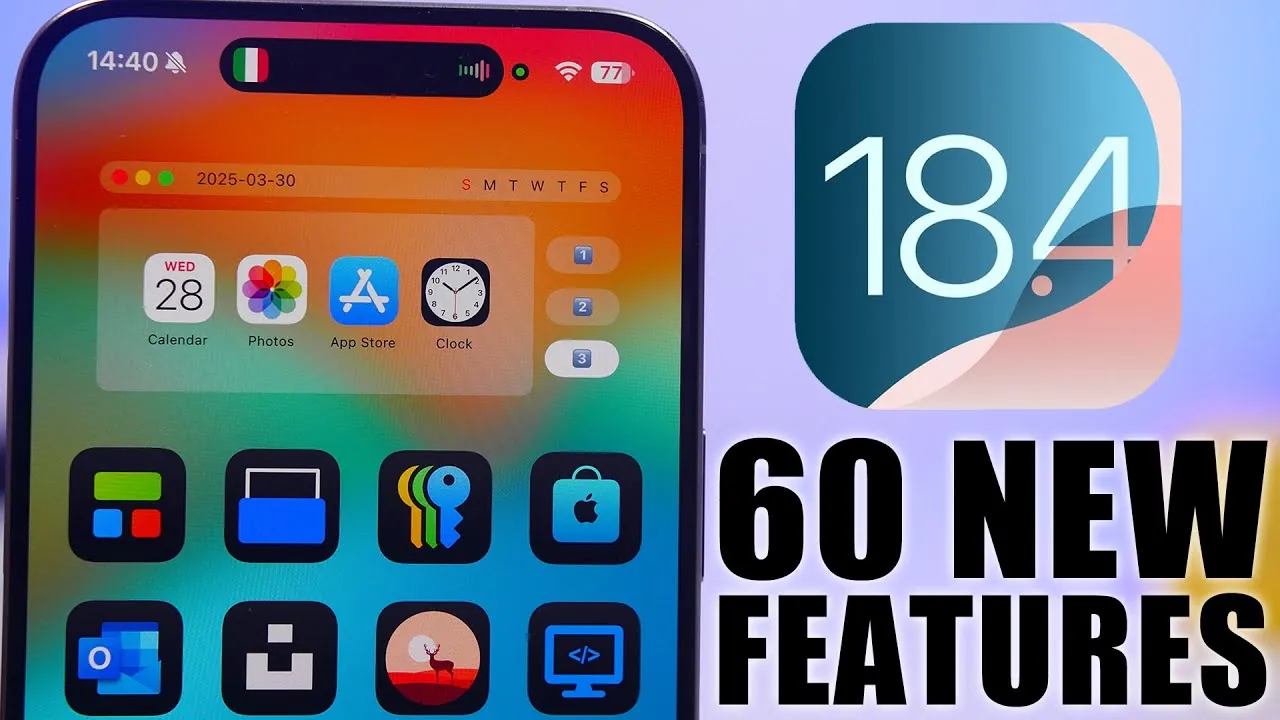
Apple’s iOS 18.4 delivers a comprehensive update packed with features designed to enhance usability, privacy, and functionality. From smarter notifications to expanded Siri capabilities, this release refines how you interact with your device. Whether you’re customizing the Control Center, exploring new language options, or managing notifications, iOS 18.4 introduces tools that make daily interactions more seamless and efficient. The video below from iReviews gives us a look at the new features in iOS 18.4.

Key Updates at a Glance
iOS 18.4 introduces a wide range of updates that cater to diverse user needs. Some of the standout features include:
- Enhanced notification management for improved focus and control.
- Expanded language support and smarter Siri interactions.
- Customizable Control Center with new toggles and sliders.
- Improved Photos app organization and advanced privacy features.
- Safari updates for a more secure and streamlined browsing experience.
- Advanced audio features and expanded smart home integration.
Let’s explore these updates in greater detail.
Enhanced Notification Management
Managing notifications becomes more intuitive with iOS 18.4. You can now enable or disable priority notifications directly from the lock screen or within individual app settings, allowing you to focus on what matters most. The update also introduces smoother animations for notification senders, making alerts less intrusive and visually polished. These changes ensure that notifications are both functional and aesthetically pleasing, enhancing your overall experience.
Expanded Language Support and Smarter Siri
iOS 18.4 significantly broadens its language capabilities, adding support for Chinese, French, Korean, German, Japanese, and more. This expanded support ensures that users can interact with their devices in their preferred language, making the system more inclusive and accessible. Siri also receives a notable upgrade, with contextual tips and in-app suggestions that help you complete tasks more efficiently. Enhanced animations for typing and interacting with Siri, along with improved response displays, create a smoother and less distracting experience.
Control Center Customization
The Control Center undergoes a major overhaul in iOS 18.4, offering greater flexibility and precision. Users can now:
- Rearrange toggles effortlessly to prioritize frequently used functions.
- Access new buttons for ambient music, focus modes, and visual intelligence.
- Use enhanced sliders for volume, brightness, text size, and flashlight control.
These updates allow you to tailor the Control Center to your specific needs, making sure quick and easy access to essential tools.
Photos App: Better Organization and Privacy
The Photos app introduces several tools to streamline library management. New filters for shared and unorganized photos make it easier to locate specific images, while hidden photos are now protected by Face ID for added privacy. Additional sorting options, such as sorting by modification date, and customizable album utilities give you more control over your photo collection. These updates ensure that your photo library is both secure and easy to navigate.
Safari Enhancements
Browsing with Safari becomes more secure and user-friendly in iOS 18.4. Key updates include:
- Search history suggestions for faster and more intuitive navigation.
- Options to clear search history, making sure your privacy is protected.
- Connection security details for websites, offering greater transparency about site safety.
- Smoother video player animations, making content skipping seamless and enjoyable.
These enhancements make Safari a more reliable and efficient browser for everyday use.
App Store Improvements
The App Store receives updates aimed at improving convenience and usability. Summarized app reviews provide concise insights, helping you make informed decisions before downloading. Additionally, the ability to pause and resume downloads or updates gives you greater control over app management, making sure a smoother experience when managing your device’s apps.
Settings: More Customization Options
The Settings app in iOS 18.4 introduces several new features, allowing for greater personalization. Users can now:
- Select a default translation app for easier language management.
- Change the default maps app in the EU to comply with regional preferences.
- Access advanced camera controls for iPhone 16 Pro and 16 Pro Max.
- Choose new Siri voices in Australia for a more localized experience.
- Use a reset option for voice memo identifiers to simplify organization.
These updates make it easier to customize your device to suit your preferences and needs.
Dynamic Island: Functional Upgrades
Dynamic Island receives functional upgrades that improve transparency and usability. New indicators for camera and microphone usage and Bluetooth connections provide users with greater awareness of their device’s activity. Additionally, smoother animations enhance the overall user experience, making interactions with Dynamic Island more fluid and enjoyable.
Audio and Smart Home Integration
For audio enthusiasts, iOS 18.4 introduces lossless and ultra-low latency audio for AirPods Max, delivering superior sound quality. Smart replies in third-party messaging apps streamline communication, while expanded Matter support for robot vacuums enhances smart home integration. These updates cater to both entertainment and convenience, making your device more versatile.
Vision Pro and CarPlay Updates
The Vision Pro app debuts in iOS 18.4, bringing augmented and virtual reality support to compatible devices. This addition opens up new possibilities for immersive experiences. CarPlay also sees improvements, including a new layout with three rows of icons and EU-specific map app changes. These updates enhance navigation and usability, making CarPlay more functional for drivers.
Privacy and Additional Features
Privacy remains a central focus of iOS 18.4. Key updates include:
- Face ID protection for hidden photos, making sure sensitive content stays secure.
- EU-specific app settings for greater compliance and user control.
- Ambient music controls and updated UI options for iPhone setup.
- Age range configuration during device setup for personalized experiences.
Additionally, the Mail app for Mac and iPad receives updates that simplify email management, further enhancing productivity across Apple devices.
iOS 18.4 is a feature-rich update that enhances usability, privacy, and functionality across the Apple ecosystem. With improvements spanning notifications, Siri, Control Center, Photos, Safari, and more, this release enables users to make the most of their devices. Whether you’re exploring new features or fine-tuning existing settings, iOS 18.4 ensures a smarter, more efficient experience.
Here is a selection of other guides from our extensive library of content you may find of interest on iOS 18.4 features.
- iOS 18.4 Beta 2 Explained: Key Features and Enhancements
- iOS 18.4 Beta 1 Features, Bugs, and Performance Insights
- Overview of iOS 18.4 key updates and features for Apple devices
- iOS 18.4 Beta Release Date, Features & Why You Should Care
- iOS 18.4 Features and Release Date: Full Breakdown
Source & Image Credit: iReviews
Disclosure: Some of our articles include affiliate links. If you buy something through one of these links, Geeky Gadgets may earn an affiliate commission. Learn about our Disclosure Policy.
