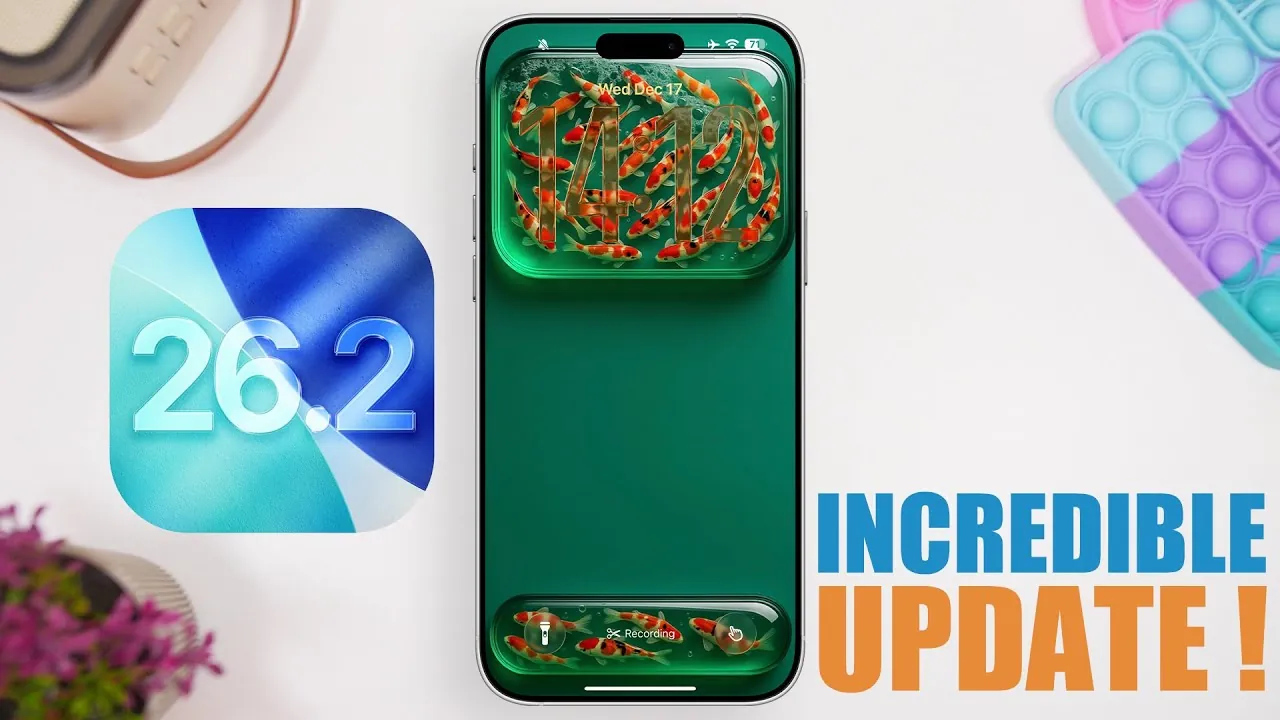
Apple’s iOS 26.2 update brings a host of new features aimed at enhancing functionality, accessibility, and personalization. Whether you’re streamlining your daily tasks, exploring entertainment options, or customizing your device, these updates are designed to make your iPhone more intuitive and efficient. Below is a detailed look at the most impactful additions in this release in a new video from iReviews.

1. Enhanced Reminders with Alarms
Managing tasks becomes significantly more effective with the ability to add alarms to reminders. This feature ensures that important tasks are not overlooked by integrating time-sensitive alerts directly into your to-do list. Additionally, reminders now appear as live activities on your lock screen, allowing you to complete or reschedule them without navigating through menus. This seamless integration not only saves time but also helps you stay organized and focused on your priorities.
2. Improved Podcast Experience
Podcast enthusiasts will appreciate the new linked content feature in iOS 26.2. When listening to an episode, you’ll now see links to related content, such as other podcasts, books, or music, displayed within the episode’s details. A dedicated section organizes these links for easy access, allowing you to explore recommendations or dive deeper into topics of interest. This enhancement makes discovering new content more engaging and convenient.
3. Offline Lyrics in Apple Music
Music lovers can now enjoy the convenience of offline lyrics in Apple Music. Downloaded songs come with lyrics that are accessible even without an internet connection. Whether you’re traveling or in an area with limited connectivity, this feature ensures you can follow along with your favorite tracks anytime, anywhere. This update enhances the overall music experience, especially for those who enjoy singing along or analyzing song lyrics.
4. Advanced Password Management
Security and convenience are further improved with the new “Excluded Websites” feature in the Passwords app. This update allows you to specify websites that you prefer to exclude from password-saving prompts. By giving you greater control over your password management preferences, this feature simplifies the process of managing credentials while making sure a more tailored and secure experience.
5. Accessibility Enhancements
Accessibility receives a significant boost with the introduction of the “Flash for Alerts” feature. In addition to or instead of the camera flash, your screen can now flash to notify you of incoming alerts. This update is particularly beneficial for users with hearing impairments or those who prefer visual notifications. By offering more inclusive notification options, iOS 26.2 ensures that all users can stay connected and informed.
6. Redesigned News App
The News app has been reimagined to improve usability and navigation. A new tabbed interface allows you to explore categories such as sports, puzzles, and more with ease. Enhanced search functionality now includes categorized browsing options, making it simpler to find specific content. These updates create a more streamlined and enjoyable reading experience, making sure that you can quickly access the stories that matter most to you.
7. Refined Control Center
The Control Center has been updated with smoother swipe gestures and refined animations. These changes make accessing essential controls and settings more intuitive and visually appealing. Whether you’re adjusting brightness, toggling Wi-Fi, or managing other settings, the improved fluidity enhances the overall user experience.
8. Polished Home Screen Animations
iOS 26.2 introduces subtle yet impactful updates to home screen animations. Whether you’re rearranging apps or navigating between screens, these refinements enhance the visual appeal and polish of the user interface. The smoother transitions and cohesive design contribute to a more engaging and satisfying interaction with your device.
Final Thoughts
iOS 26.2 exemplifies Apple’s dedication to enhancing the iPhone experience through thoughtful updates that cater to a wide range of user needs. From practical improvements like alarms for reminders and advanced password management to entertainment-focused features such as offline lyrics and podcast-linked content, this update offers something for everyone. Combined with accessibility enhancements, a redesigned News app, and refined animations, iOS 26.2 ensures that your iPhone remains a powerful, intuitive, and enjoyable tool in your daily life.
Take a look at other insightful guides from our broad collection that might capture your interest in iOS 26.2 features.
- iOS 26.2 Update: Top 10 Features You’ll Love
- iOS 26.2 Beta 4 Release & More New Features
- iOS 26.2 Beta 2 Features: What’s New and Improved
- iOS 26.2 Features Breakdown: Everything You Need to Know
- Apple iOS 26.2: Release Date, Features, and What’s Next
Source & Image Credit: iReviews
Disclosure: Some of our articles include affiliate links. If you buy something through one of these links, Geeky Gadgets may earn an affiliate commission. Learn about our Disclosure Policy.
