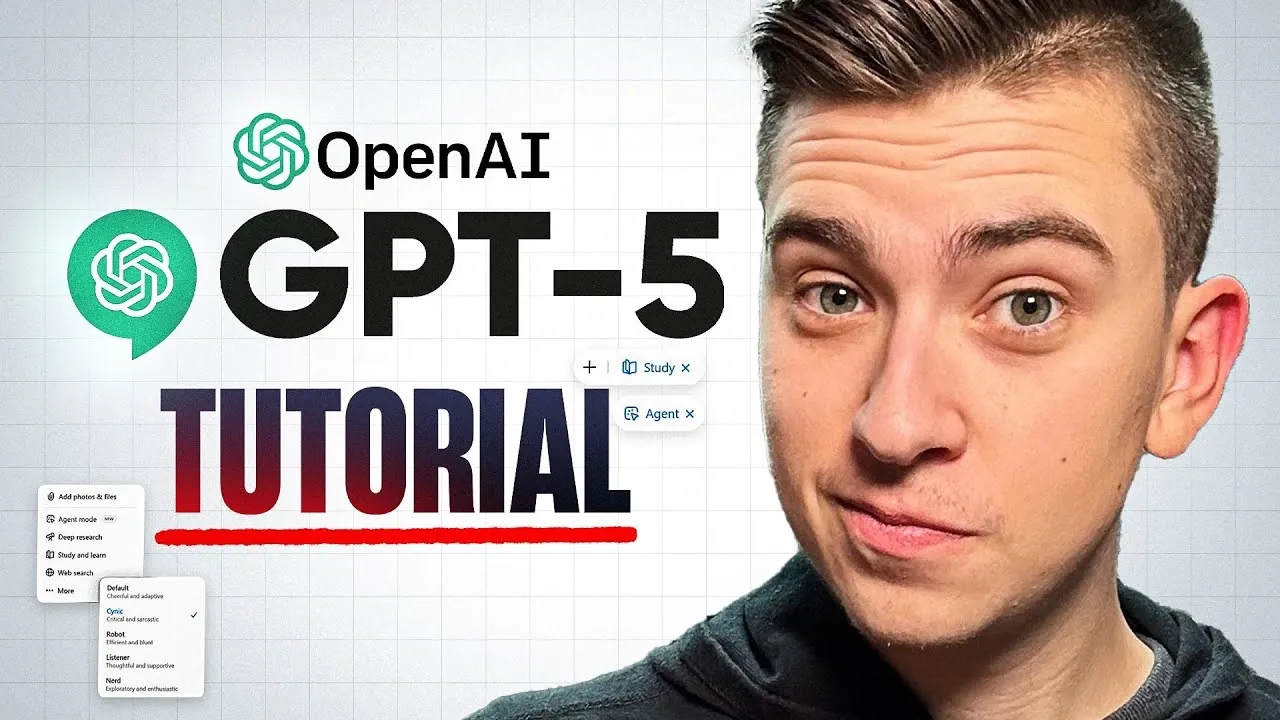
Have you ever wondered what it would be like to have a personal assistant that could think, create, and problem-solve faster than you ever imagined? Enter ChatGPT 5, the next-generation AI that’s redefining how we interact with technology. From crafting detailed research reports to generating stunning visuals or even automating your daily tasks, GPT-5 is a fantastic option for beginners and experts alike. But here’s the catch: its true power lies in how you use it. Without the right guidance, even the most advanced AI can feel overwhelming. That’s why this step-by-step overview is here, to help you unlock the full potential of GPT-5, no matter where you’re starting from.
In this guide, created by the experts at Digyet, you’ll discover how to navigate GPT-5’s new features, like its adaptive modes that seamlessly shift between quick answers and deep analysis, and its ability to generate everything from research-backed insights to custom images. You’ll also learn practical tips for crafting better prompts, exploring advanced tools, and tailoring the AI to your unique needs. Whether you’re looking to boost productivity, spark creativity, or simplify complex tasks, this guide will show you how to make ChatGPT 5 work for you. Ready to rethink what’s possible with AI? Let’s explore how this innovative tool can transform the way you work, create, and innovate.
Mastering ChatGPT 5 Features
TL;DR Key Takeaways :
- GPT-5 introduces versatile modes, Instant, Thinking, and Auto, to adapt seamlessly to various tasks, enhancing usability and efficiency.
- Optimizing prompts with specificity, context, and experimentation significantly improves the accuracy and relevance of ChatGPT 5’s outputs.
- Advanced features like Deep Research Mode, Agent Mode, and Image Generation expand GPT-5’s capabilities for professional and creative tasks.
- Customization and source verification ensure a user-centric experience, allowing tailored responses and reliable research outputs.
- Practical applications include business planning, research assistance, and creative projects, making GPT-5 a powerful tool for productivity and innovation.
What Makes GPT-5 Stand Out?
ChatGPT 5 is designed to simplify complex tasks by integrating multiple functionalities into a single, adaptable model. Its defining feature is its ability to seamlessly transition between different modes to meet your specific needs. These modes are tailored to enhance usability and efficiency:
- Instant Mode: Offers quick, concise answers for straightforward queries, making it ideal for casual or time-sensitive tasks such as answering trivia or providing brief explanations.
- Thinking Mode: Delivers detailed, well-researched responses for complex or nuanced questions, making sure depth and accuracy in areas like academic research or strategic planning.
- Auto Mode: Automatically determines the most appropriate mode based on your query, streamlining the process and saving you time by eliminating the need for manual selection.
These modes ensure that GPT-5 adapts to your requirements, whether you need rapid responses or in-depth analysis. Its ability to switch effortlessly between these functionalities makes it a powerful tool for a wide range of applications.
How to Optimize Prompts for Better Results
The effectiveness of ChatGPT 5 largely depends on the quality of the prompts you provide. Crafting clear and detailed instructions allows the AI to deliver more accurate and relevant outputs. Here are some strategies to optimize your prompts:
- Be Specific: Include all relevant details in your query. For instance, if you are developing a marketing strategy, specify the target audience, industry, and key objectives to receive tailored suggestions.
- Set Context: Provide contextual information to narrow the scope of the response. For example, when conducting legal research, mention the jurisdiction and specific legal questions to ensure precise results.
- Experiment with Structures: Test different ways of phrasing your prompts to discover new approaches and unlock GPT-5’s full potential.
By refining your input, you can guide GPT-5 to produce outputs that align closely with your goals, making it a more effective tool for your tasks.
Using ChatGPT 5 For Beginners Guide 2025

Find more information on ChatGPT 5 by browsing our extensive range of articles, guides and tutorials.
- How ChatGPT 5 Pro Solved a Decades-Old Math Problem
- How to Use ChatGPT 5 Study Mode for Smarter Learning
- OpenAI reveals new details about ChatGPT 5 development
- OpenAI’s ChatGPT-5 Roadmap: What to Expect from the Next AI
- How ChatGPT 5 is Transforming Creative Writing and Storytelling
- ChatGPT 5 Coding Skills Tested : The Good, The Bad and The Future
- How to Build an iPhone App Without Coding Using ChatGPT 5
- ChatGPT 5 Guide : From Real-Time Voice Chat to Custom GPTs
- The Truth About ChatGPT-5 – Why OpenAI Is Holding Back
- Sam Altman Reveals ChatGPT-5: A Unified AI Model for the Future
Advanced Features That Enhance Productivity
Beyond its core functionalities, GPT-5 includes advanced features designed to address specialized tasks, significantly boosting productivity and efficiency. These features expand the scope of what you can achieve with the platform:
- Deep Research Mode: Conducts thorough, multi-source research on complex topics, compiling detailed reports complete with citations for verification. This feature is invaluable for academic, professional, or technical projects.
- Agent Mode: Simulates real-time web browsing to automate tasks such as booking flights, gathering market data, or monitoring trends, saving you time on routine activities.
- Image Generation and Editing: Creates and customizes images based on textual descriptions, offering flexibility for creative projects, marketing campaigns, or professional presentations.
These advanced tools make GPT-5 a versatile assistant capable of handling both professional and personal tasks, allowing you to achieve more in less time.
Customization and Transparency: A User-Centric Approach
GPT-5 emphasizes adaptability and transparency, making sure that it aligns with your specific needs. You can switch between modes or refine responses based on your feedback, allowing for a personalized experience. Additionally, GPT-5 includes a source verification feature, allowing you to trace the origins of its responses. This is particularly valuable for research and decision-making, where accuracy and reliability are critical.
Practical Applications of GPT-5
The versatility of GPT-5 makes it suitable for a wide range of applications, from professional tasks to creative endeavors. Here are some practical ways to use its capabilities:
- Business Planning: Generate comprehensive business plans that consider factors such as market trends, legal requirements, and financial constraints, helping you make informed decisions.
- Research Assistance: Access multi-source research with citations, simplifying the process of compiling reports or supporting arguments in academic or professional settings.
- Creative Projects: Brainstorm ideas, generate engaging content, or create and edit images for use in presentations, advertisements, or social media campaigns.
By exploring these applications, you can unlock new possibilities for productivity and creativity, making GPT-5 an indispensable tool in your workflow.
Tips for Getting the Most Out of GPT-5
To fully use GPT-5’s capabilities, consider these practical tips:
- Provide Detailed Prompts: The more specific and clear your instructions, the better the quality of the responses you will receive.
- Explore All Features: Experiment with different modes and functionalities to discover the best fit for your unique tasks and objectives.
- Verify Information: Use the source verification feature to ensure the accuracy and reliability of research-based outputs, particularly for critical projects.
Incorporating these strategies into your workflow will help you maximize GPT-5’s potential, streamlining your tasks and enhancing your overall efficiency.
Redefining Productivity with GPT-5
GPT-5 is more than just an AI tool, it is a comprehensive platform designed to tackle a wide range of tasks with precision and efficiency. From providing instant answers to conducting deep research, generating images, and automating web-based tasks, GPT-5 adapts to your needs, making it a valuable asset for both beginners and experienced users. By mastering prompt optimization, exploring advanced features, and using its customization options, you can transform the way you work and create. Whether your goal is to boost productivity, enhance creativity, or streamline research, GPT-5 offers the tools you need to succeed in today’s fast-paced, technology-driven world.
Media Credit: Digyet
Disclosure: Some of our articles include affiliate links. If you buy something through one of these links, Geeky Gadgets may earn an affiliate commission. Learn about our Disclosure Policy.
