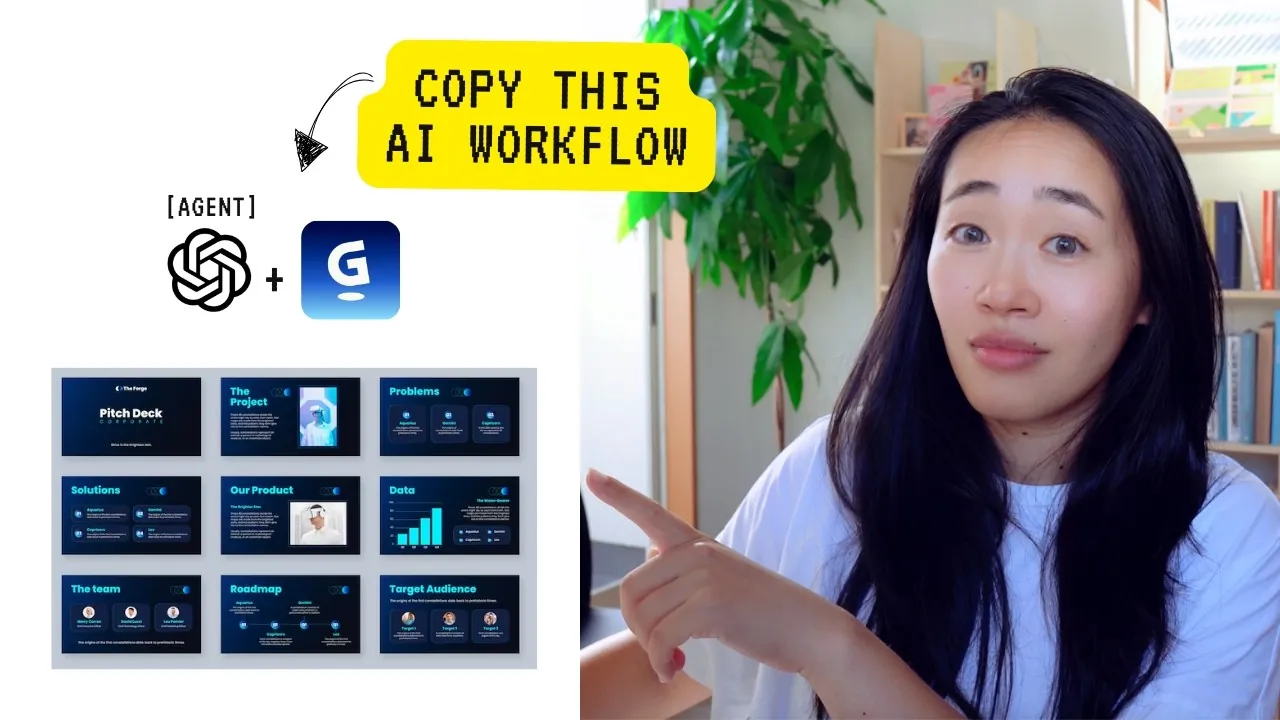
What if you could create a presentation so polished, so engaging, that it leaves your audience captivated—without spending hours agonizing over every detail? Thanks to the rise of AI-powered tools, this is no longer a distant dream but a reality within reach. From automating tedious tasks to generating fresh ideas, artificial intelligence is transforming how we approach presentation design. But here’s the catch: while AI can supercharge your workflow, it’s not a magic wand. The key lies in knowing how to harness its strengths while avoiding its pitfalls. Imagine combining your expertise with AI’s precision to craft presentations that not only inform but inspire.
In this guide Vicky Zhao uncovers how to use AI as your creative partner to design presentations that are both efficient and impactful. We’ll explore how to define your objectives, use AI for research, and refine its outputs to ensure your content resonates with your audience. Along the way, you’ll discover tools like Gamma and ChatGPT that simplify slide design and content creation, while learning how to avoid common pitfalls like overly generic outputs. Whether you’re pitching to clients or leading a team meeting, this approach will help you deliver presentations that stand out for all the right reasons. After all, the future of presentations isn’t just about technology—it’s about how we use it to tell better stories.
AI-Powered Presentation Tips
TL;DR Key Takeaways :
- AI has become a fantastic tool for creating professional presentations, offering speed, efficiency, and enhanced quality when combined with human expertise.
- AI-generated content often requires human intervention to address limitations such as lack of depth, context, and industry-specific knowledge.
- A structured five-step workflow—defining objectives, using AI for research, validating insights, organizing with frameworks, and customizing slides—ensures effective AI-driven presentations.
- Best practices for collaborating with AI include providing clear context, validating outputs, and tailoring content to audience needs for maximum impact.
- AI tools like ChatGPT, Gamma, and Canva streamline tasks such as research, design, and automation, allowing the creation of visually appealing and insightful presentations.
Understanding the Challenges of AI-Generated Presentations
AI tools have transformed how presentations are developed, offering speed and efficiency that were once unimaginable. However, these tools are not without their challenges. AI-generated content often lacks the depth, context, and nuanced understanding required for specific industries or objectives. For instance, AI may struggle to incorporate proprietary company knowledge or align its insights with your unique goals. Additionally, AI outputs can sometimes feel generic or overly broad, requiring human intervention to refine and customize the content. Recognizing these limitations is crucial to using AI effectively—not as a standalone solution, but as a collaborative partner that enhances your expertise.
A Five-Step Workflow for Effective AI-Driven Presentations
To fully use AI in your presentation creation process, it is essential to follow a structured workflow. The following five-step approach ensures clarity, efficiency, and alignment with your objectives:
- Define Your Hypothesis: Begin by clearly outlining the purpose of your presentation. Identify the key insights, objectives, and context you wish to convey. Conduct preliminary research to establish a strong foundation for your content.
- Use AI for Deep Research: Use advanced AI tools, such as ChatGPT, to gather targeted insights. Provide detailed prompts that specify your goals, constraints, and areas of focus. Refine your queries to address gaps or ambiguities in the AI’s output.
- Validate and Deepen Insights: Review the AI-generated content critically. Dive deeper into unresolved questions or areas where the output lacks specificity. Cross-check findings with reliable sources to ensure accuracy and relevance.
- Organize with Frameworks: Structure your presentation using proven frameworks like SWOT analysis, S-C-Q-A (Situation, Complication, Question, Answer), or STR (Situation, Task, Result). These frameworks help you present information logically and concisely.
- Create and Customize Slides: Use AI-powered tools like Gamma for slide design or ChatGPT Agent for drafting content. Customize the output to align with your audience’s expectations, making sure the presentation is both professional and engaging.
Designing Presentations Using AI

Explore further guides and articles from our vast library that you may find relevant to your interests in AI-generated presentations.
- Napkin AI: The Future of Text-to-Visual Technology
- What’s the best AI for creating amazing PowerPoint presentations
- How to Create Stunning Presentations & Websites with Gamma AI
- How to make PowerPoint presentations using ChatGPT AI
- How to Use AI to Create Interactive PowerPoint Presentations 2025
- Enhance Your Presentations with Gamma.app’s AI Tools
- Gamma AI vs PowerPoint : Which Presentation Tool is Best?
- How to use Copilot AI to make fantastic PowerPoint presentations
- Improve your presentation skills with Microsoft Teams Speaker
- How to Use Microsoft Copilot for AI-Driven Productivity in 2025
Best Practices for Collaborating with AI
To maximize the potential of AI in your workflow, it is essential to treat it as a collaborative partner. Here are some best practices to guide your approach:
- Provide Context: Clearly communicate your objectives, audience, and constraints when using AI tools. This ensures the outputs are aligned with your specific needs.
- Validate AI Outputs: Always review and refine AI-generated content. Ensure it is accurate, relevant, and tailored to your goals before incorporating it into your presentation.
- Focus on Your Audience: Keep your audience’s expectations and preferences in mind. Tailor the tone, design, and content of your presentation to resonate with their needs.
Enhancing Presentation Quality
Creating impactful presentations requires more than just compelling content; the design and delivery must also captivate your audience. Use professional design platforms like Canva or Gamma to craft visually appealing slides that complement your message. These tools offer intuitive features, such as customizable templates and design suggestions, to help you maintain a polished and cohesive aesthetic. Additionally, focus on delivering actionable insights and data-driven conclusions that add value to your audience. By combining strong visuals with meaningful content, you can create presentations that leave a lasting impression.
AI Tools to Elevate Your Workflow
AI offers a range of tools and features designed to simplify and enhance the presentation creation process. Here are some of the most effective options:
- Advanced Research: Platforms like ChatGPT provide in-depth analysis and help you explore complex topics with precision.
- Task Automation: Tools such as ChatGPT Agent can handle repetitive tasks like drafting slides or sourcing data, saving you valuable time.
- Seamless Integration: AI integrates with platforms like Gmail and Canva, allowing smoother collaboration and streamlined workflows.
- Design Optimization: Gamma offers user-friendly tools for creating visually compelling presentations with minimal effort, making sure your slides are both professional and engaging.
Key Takeaways
By integrating AI into your presentation workflow, you can achieve a balance of efficiency and quality that was previously unattainable. A structured approach ensures that your presentations are clear, professional, and aligned with your objectives. While AI tools continue to evolve, human oversight remains indispensable for providing context, validating findings, and refining outputs. Embrace this collaborative approach to elevate your presentations, delivering results that resonate with your audience and drive meaningful engagement.
Media Credit: Vicky Zhao [BEEAMP]
Disclosure: Some of our articles include affiliate links. If you buy something through one of these links, Geeky Gadgets may earn an affiliate commission. Learn about our Disclosure Policy.
