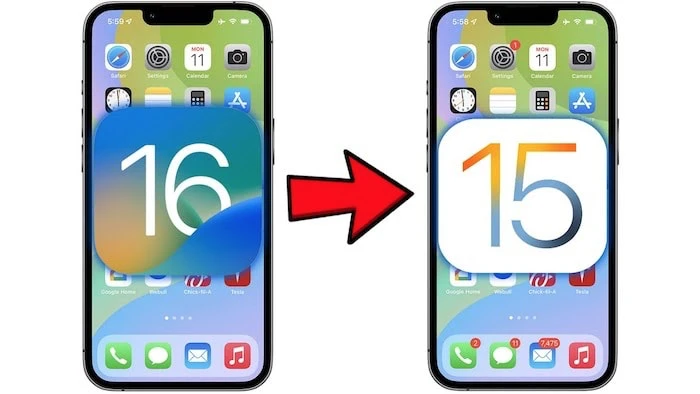
Apple recently released the first public beta of iOS 16, you can try the software out on your iPhone if you sign up for Apple’s public beta program. We previously saw a video on how to install the software on your iPhone.
You may try the software out and then decide that you would like to go back to iOS 15.5 until the final version of Apple’s iOS 16 is released.
If you want to know how to downgrade from iOS 16 to iOS 15, we have a great video from Brandon Butch which explains exactly what you need to do.
As we can see from the video, you can downgrade your iPhone from the iOS 16 public beta to the iOS 15.5 software by following the instructions in the video.
You will need to connect your device to your computer in order to downgrade the software to iOS 15, make sure that you backup your device before you downgrade.
It is going to be a while before the final version of Apple’s iOS 16 is released, we are expecting the software to be released sometime in September along with the new iPhone 14.
Apple’s iOS 16 software will bring a range of new features to the iPhone, this will include Apple’s new Lock Screen with a range of new widgets, plus the new Lock Down mode, and much more.
Source & Image Credit: Brandon Butch
Disclosure: Some of our articles include affiliate links. If you buy something through one of these links, Geeky Gadgets may earn an affiliate commission. Learn about our Disclosure Policy.
