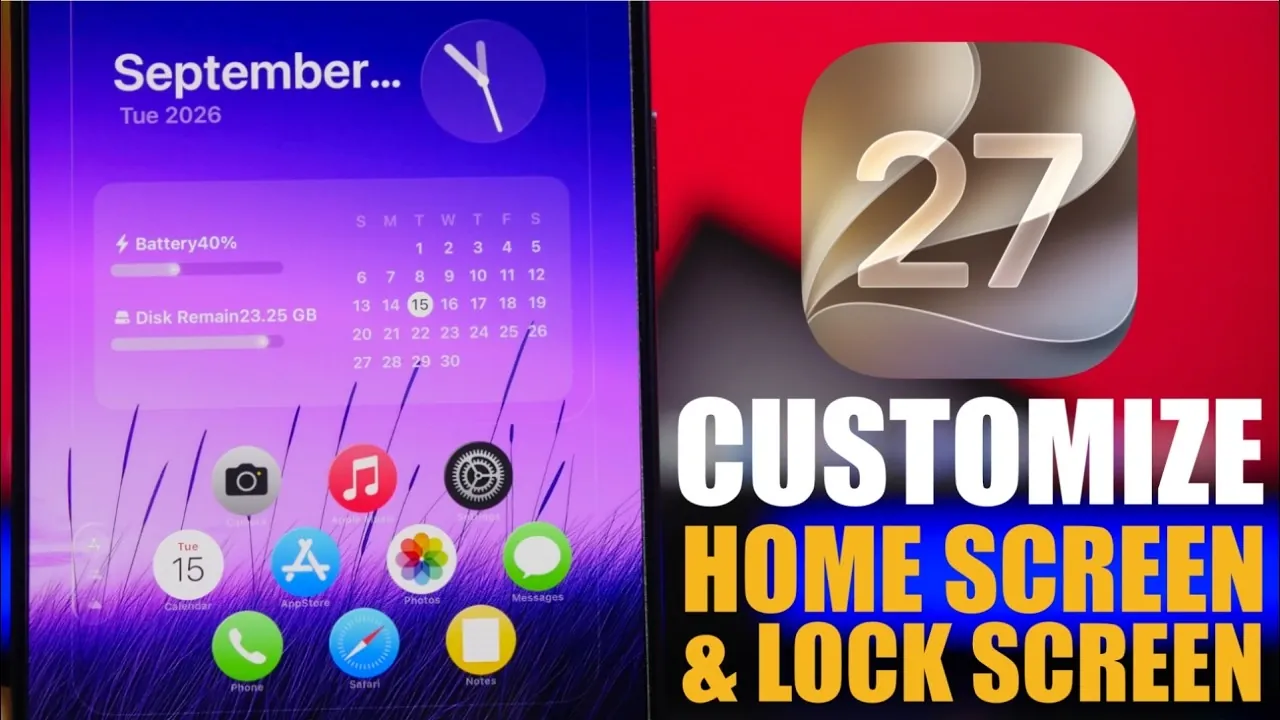
iOS 27 brings a fantastic approach to personalization, offering users unprecedented control over their lock screen and home screen. With features like dynamic wallpapers, interactive widgets, and a refined user interface (UI), this update seamlessly combines aesthetics with functionality. Whether you aim to create a visually captivating setup or prioritize streamlined usability, iOS 27 provides a tailored experience that caters to diverse preferences. Below is an in-depth exploration of its standout features and enhancements. The video below from iReviews gives us more details.

Lock Screen: A Canvas for Personal Expression
The lock screen in iOS 27 has evolved into a versatile and adaptive space, empowering users to personalize their devices like never before. Key features include:
- Dynamic Wallpapers: These wallpapers adapt to the time of day, seamlessly transitioning between light and dark modes. Additionally, they incorporate color-matching technology, making sure that your lock screen maintains a cohesive and harmonious appearance with your device’s overall theme.
- Image Playground: This innovative tool allows you to craft custom wallpapers by entering prompts or using personal images. Whether you prefer abstract designs, scenic landscapes, or cherished photos, the possibilities for creating unique backgrounds are virtually limitless.
- Customizable Layouts: The clock’s size, color and position can now be adjusted to complement your chosen wallpaper. Widgets are also fully repositionable, allowing you to place them at the top or bottom of the screen for improved accessibility and visual balance.
These enhancements transform the lock screen into more than just a functional interface, it becomes a space for creativity and individuality.
Home Screen: A Fusion of Style and Practicality
The home screen in iOS 27 receives a significant upgrade, blending visual appeal with enhanced functionality. Key improvements include:
- Liquid Glass App Icons: These modern, sleek icons feature adjustable transparency, allowing you to achieve a polished and distinctive look. A slider in the appearance settings provides precise control over this effect, allowing you to customize the aesthetic to your liking.
- Full-Page Widgets: These widgets consolidate multiple functions into a single, streamlined interface. For example, you can view calendar events, weather updates and quick toggles all in one place, saving space while improving efficiency.
- Interactive Widgets: Perform actions directly from the home screen without needing to open apps. Whether you’re controlling music playback, toggling settings, or managing tasks, these widgets simplify everyday interactions and enhance productivity.
These features elevate the home screen experience, making it not only visually appealing but also more intuitive and efficient to navigate.
Refined User Interface for Enhanced Usability
iOS 27 introduces subtle yet impactful UI refinements that enhance both clarity and usability. These updates ensure that the interface remains functional while maintaining a clean and organized appearance:
- Outlined UI Elements: Borders around Control Center elements, docks, and app icons create a more structured and visually cohesive layout. This design choice reduces visual clutter and makes navigation more intuitive.
These adjustments reflect Apple’s commitment to delivering a user experience that is both aesthetically pleasing and practical.
Performance and Efficiency: A Seamless Experience
Beyond its visual and functional upgrades, iOS 27 prioritizes performance and efficiency, making sure a seamless experience for users. Key improvements include:
- Optimized Performance: The system is engineered to run smoothly, even with extensive customization, providing a responsive and reliable user experience.
- Battery Efficiency: Advanced power management ensures that your device maintains optimal battery life, even when dynamic features like interactive widgets and dynamic wallpapers are in use.
- Simplified Customization: The customization process has been streamlined, making it easier than ever to personalize your device with minimal effort and maximum impact.
These enhancements ensure that iOS 27 not only looks impressive but also performs exceptionally well, meeting the demands of modern users.
A New Standard for Personalization
iOS 27 sets a benchmark for device customization, offering a seamless integration of style, functionality and performance. With features like dynamic wallpapers, interactive widgets and refined UI elements, users have the tools to create a device that reflects their personal style and enhances usability. Whether you’re focused on improving efficiency or expressing your individuality, iOS 27 delivers an experience that is both innovative and intuitive, redefining what it means to personalize your device.
Deep dive into the latest in iOS 27 by exploring our other resources and articles.
- Apple Delaying iOS 27 Beta 5? Here’s When to Expect the Next Update
- New iOS 27 Beta 5 Release Arrives with a Big Shift Coming
- iOS 27 Beta 5 Is Late: What’s Holding Up Apple’s Next Release?
- The iOS 27 Beta 5 Release Imminent with More New Features
- Apple’s iOS 27 Beta 3 Is Just Days Away: Here’s When It Drops
- Apple iOS 27 Beta 5 Preview: a Look at the Next Release
Source & Image Credit: iReviews
Disclosure: Some of our articles include affiliate links. If you buy something through one of these links, Geeky Gadgets may earn an affiliate commission. Learn about our Disclosure Policy.
