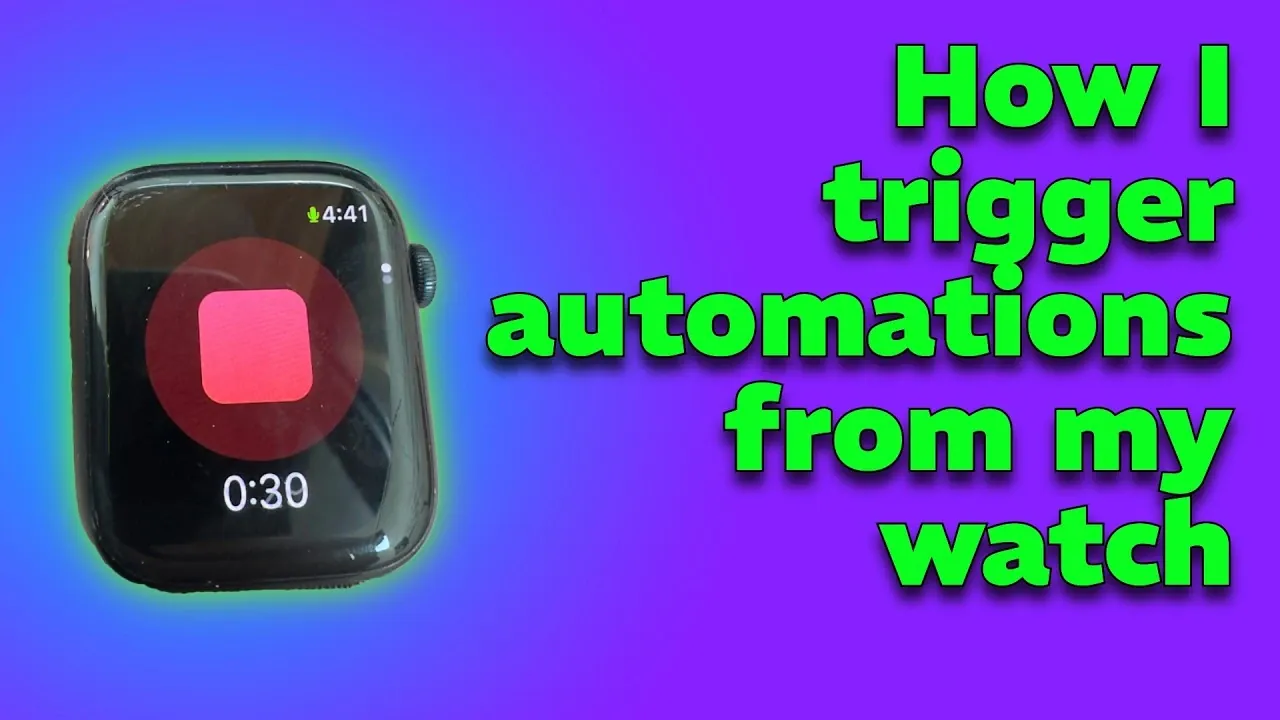
Matt Williams explores how to build a hands-free system for capturing and organizing ideas in real time. By integrating Just Press Record, Apple Shortcuts, and n8n workflows, this method enables automated transcription and classification through Ollama. For instance, you can record thoughts while driving or exercising, making sure they are transcribed and categorized without manual effort.
Discover how to connect audio recording with automation for efficient transcription and organization. Learn to use devices such as Apple Watch or CarPlay for hands-free input and gain insight into how n8n can structure your notes. This analysis outlines practical steps to adapt the workflow to fit your specific requirements.
Challenges with Traditional Note-Taking
TL;DR Key Takeaways :
- Traditional note-taking methods often fail in dynamic or hands-free environments, leading to missed ideas and inefficiencies.
- An automated workflow using tools like Just Press Record, Apple Shortcuts, n8n, and Ollama enables seamless audio capture, transcription and organization.
- The Apple Watch and CarPlay provide hands-free solutions for capturing ideas during activities like driving or exercising, making sure safety and convenience.
- Automation eliminates manual steps by syncing audio to iCloud, processing it via n8n workflows, and organizing it with Ollama, saving time and maintaining accuracy.
- The system is customizable and scalable, allowing integration with additional tools and platforms, making it adaptable for both Apple and Android users.
Conventional note-taking tools, including voice memo apps, often require multiple manual steps to record, save and organize your ideas. This process can be cumbersome, particularly in situations where hands-free operation is necessary. For instance, opening an app, pressing record and later transcribing the audio disrupts your workflow and increases the likelihood of incomplete or lost notes. The absence of automation and integration in these systems exacerbates the problem, making it difficult to maintain a consistent and efficient process.
Building an Automated Workflow for Idea Capture
A more effective approach involves integrating hands-free audio capture with automated transcription and organization. This system combines several tools to create a streamlined workflow:
– Just Press Record acts as the entry point, allowing you to record audio with a single tap or voice command.
– Apple Shortcuts transcribes the audio and forwards it to n8n, a powerful automation platform.
– n8n workflows process the transcription, while Ollama classifies and organizes the text into actionable notes.
This automated process eliminates manual steps, making sure that your ideas are captured and processed efficiently, regardless of your location or activity.

Find more information on Automation by browsing our extensive range of articles, guides and tutorials.
- Best Way to Use IKEA Devices with Home Assistant in 2026
- Claude Code 2 Feature Update: Automation, Workspace Links and Skill Scoring
- IKEA Home Tech Review : Dirigera Hub and IP67 Motion Sensor
- Wago Matter Smart Home Devices: Wi-Fi vs Thread Options
- Anthropic Brings Full Desktop Control to Claude Code
- How OpenClaw Works : Event Triggers, Queues & Local States
- IKEA Dubbelkisel Turns Standard Lights into Smart Lights
- Best iPhone Shortcuts for Settings, Photos & Automation in 2026
- 10 Practical iPhone Automations to Simplify Your Life
- Smart Home Protocols Ranked : Thread Zigbee Z-Wave Wi-Fi
Hands-Free Idea Capture with Apple Watch
The Apple Watch is an ideal device for capturing ideas when you’re on the move or your hands are occupied. With Just Press Record, you can initiate recordings using a simple tap or voice command. The audio files are automatically synced to iCloud, where they are processed by your automation workflows. This hands-free approach ensures that your thoughts are preserved, even during activities like workouts or errands. The convenience and accessibility of the Apple Watch make it a valuable tool for maintaining productivity in real-world scenarios.
Safe and Efficient Note-Taking While Driving
Driving presents another challenge for traditional note-taking methods, as safety must remain a priority. With CarPlay, you can safely capture ideas using Just Press Record without taking your hands off the wheel. The app serves as the trigger, while automation tools handle transcription and organization in the background. This workflow not only enhances safety but also ensures that your ideas are recorded and processed in real time. By integrating CarPlay into your system, you can maintain focus on the road while preserving your thoughts for later use.
The Role of Automation in the Workflow
Automation is the backbone of this system, allowing seamless processing after audio capture. Here’s how the workflow operates:
– Audio files recorded through Just Press Record are automatically synced to iCloud.
– The files are sent to an n8n webhook, where workflows handle tasks such as transcription, text classification and organization.
– Ollama categorizes the text, making sure that your notes are clean, structured and ready for use.
This automated backend eliminates the need for manual intervention, saving you time and effort while maintaining accuracy and consistency.
Setting Up the Workflow
To implement this hands-free, automated system, follow these steps:
- Install Just Press Record on your Apple Watch or enable it for CarPlay.
- Create an Apple Shortcut to transcribe audio and send it to an n8n webhook.
- Design an n8n workflow to process the transcription and integrate Ollama for text classification.
- Test the system to ensure smooth syncing and processing across all devices.
Advantages of an Automated Workflow
This system offers several key benefits that enhance productivity and convenience:
- Enables hands-free idea capture in various scenarios, such as during workouts or while driving.
- Provides a unified backend for multiple entry points, including the Apple Watch and CarPlay.
- Eliminates manual steps, making sure reliable syncing and automation without requiring complex setups.
- Maintains accuracy and organization, making your notes actionable and easy to retrieve.
Customizing and Expanding the System
Although this workflow is optimized for Apple devices, it can be adapted for Android users with equivalent tools. The modular design of n8n workflows allows for extensive customization and scalability. For example, you can integrate additional classification models, connect the workflow to task management tools, or link it to cloud storage platforms for enhanced functionality. This flexibility ensures that the system can evolve alongside your needs, making it a versatile solution for idea capture and organization.
Enhancing Creativity and Productivity
By integrating tools like Just Press Record, Apple Shortcuts, n8n, and Ollama, you can overcome the limitations of traditional note-taking methods. This hands-free, automated workflow prioritizes ease of use and reliability, making sure that your ideas are captured and processed exactly when and where they occur. Whether you’re driving, exercising, or multitasking, this system allows you to focus on your creativity and productivity without the friction of manual processes.
Media Credit: Matt Williams
Disclosure: Some of our articles include affiliate links. If you buy something through one of these links, Geeky Gadgets may earn an affiliate commission. Learn about our Disclosure Policy.
