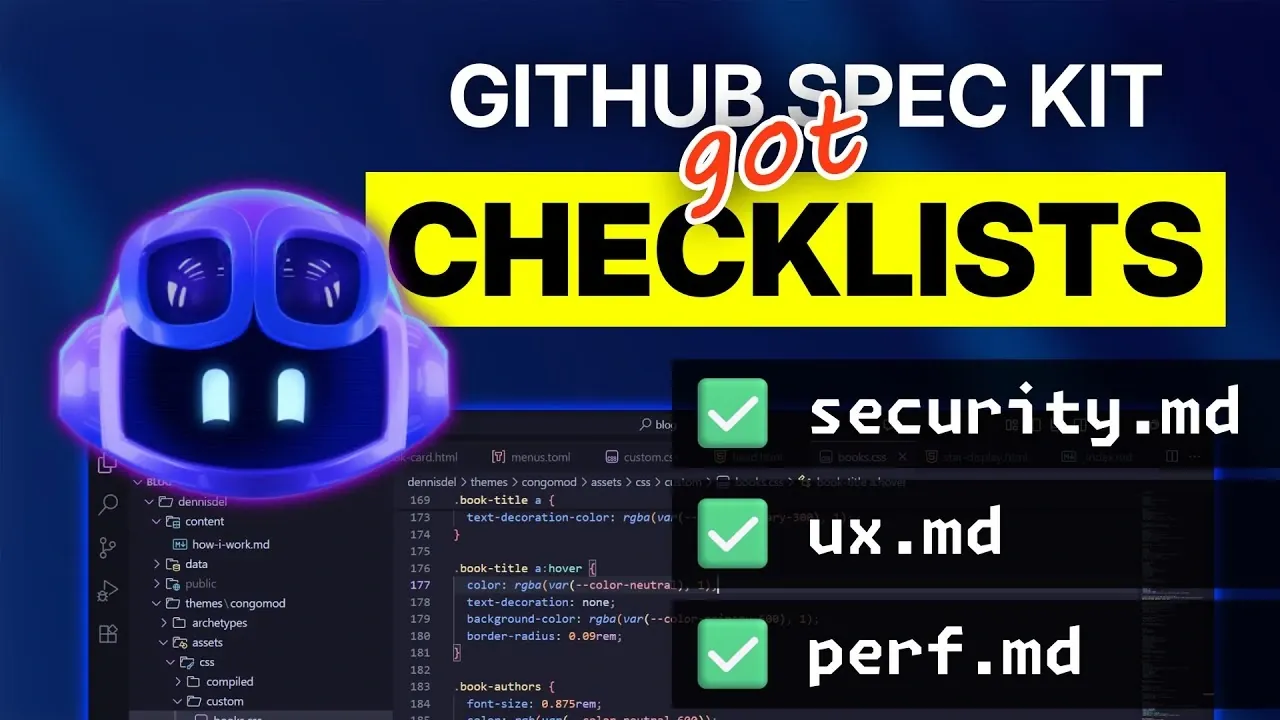
What if you could eliminate the nagging fear of missing a critical detail in your project planning? For developers and product managers, the stakes are high, overlooked requirements can lead to costly delays, frustrated teams, and subpar outcomes. Enter the latest evolution of the GitHub Spec Kit: domain-specific checklists. These aren’t your average to-do lists; they’re carefully designed tools that address key areas like security, user experience, and accessibility, making sure no stone is left unturned. With this update, GitHub is redefining how teams approach project specifications, turning chaos into clarity and uncertainty into confidence.
This exploration provide more insights into how these checklists—alongside other powerful Spec Kit enhancements, are transforming workflows for modern development teams. You’ll discover how tailored templates simplify complex planning, how seamless integrations with tools like Visual Studio Code reduce context-switching, and how automation features save precious time. Whether you’re managing a sprawling enterprise project or refining a lean MVP, these updates promise to make your process more efficient, thorough, and adaptable. The question isn’t whether you’ll benefit from these tools, it’s how much smoother your projects could run with them.
GitHub Spec Kit Updates
TL;DR Key Takeaways :
- The GitHub Spec Kit introduces domain-specific checklists for areas like UX, security, and accessibility, making sure thorough project planning and reducing overlooked requirements.
- Enhanced Command Line Interface (CLI) now supports folder-specific commands and integrates with AI tools like GitHub Copilot, Claude, and Gemini for streamlined workflows and coding assistance.
- Optimized automation features, including auto-approval for scripts and improved runtime performance, save time and reduce errors in repetitive tasks.
- Task management has been restructured to align with user stories and scenarios, focusing on phased development and minimum viable product (MVP) prioritization.
- Improved support for iterative and modular development allows teams to adapt to evolving requirements while maintaining efficiency and consistency.
Streamlined Command Line Interface (CLI) for Simplified Workflows
The updated Command Line Interface (CLI) functionality offers a more efficient way to initiate and manage projects. With folder-specific commands, you can now bootstrap projects and execute tasks with minimal effort. The CLI also integrates seamlessly with multiple AI agents, including GitHub Copilot, Claude, and Gemini, providing advanced coding assistance and project management support. These integrations reduce manual effort, allowing you to focus on core development tasks without unnecessary distractions. Whether you’re starting a new project or managing ongoing tasks, the enhanced CLI ensures a smoother and more intuitive experience.
Refined Command Structure and Enhanced IDE Integration
The command structure has been redesigned to improve usability, employing a “specit” prefix for all commands. This intuitive naming convention makes it easier to organize and execute commands, reducing the learning curve for new users. Integration with Visual Studio Code has also been optimized, allowing direct access to commands within the IDE. This eliminates the need for frequent context-switching, allowing you to maintain focus and accelerate workflows. By combining a clear command structure with seamless IDE integration, the Spec Kit enhances both accessibility and productivity.
Guide to Using GitHub Spec Kit for Better Development Workflows

Unlock more potential in GitHub by reading previous articles we have written.
- GitHub Copilot AI for developers potentials and pitfalls
- How to Connect a GoDaddy Domain to GitHub Pages
- GitHub Spark: The New AI in App Development
- GitHub Copilot in the CLI exits beta and is now available
- GitHub Copilot Free : Features, Benefits & Limitations Explained
- Why your private GitHub repos may not be as secure as you think
- GitHub Copilot Free : Features, Benefits & Limitations Explained
- GitHub Spec-Kit : Claude Code Specification-Driven Development
- Analyse Github Repos with Gitingest MCP for Actionable Insights
- GitHub Copilot February 2025 Updates: Smarter AI for Developers
Optimized Script Automation and Improved Runtime Performance
Automation features have been significantly enhanced to streamline repetitive tasks. Auto-approval functionality for helper scripts in Visual Studio Code eliminates the need for repetitive prompts, allowing faster and smoother task execution. Additionally, runtime performance has been optimized to ensure scripts run efficiently with fewer errors. These updates are particularly beneficial for handling complex or repetitive tasks, saving time and reducing the risk of mistakes. Whether you’re automating routine processes or managing intricate workflows, these improvements ensure a more reliable and efficient experience.
Domain-Specific Checklists for Thorough Project Planning
One of the most impactful updates is the introduction of domain-specific checklists. These checklists address critical areas such as user experience (UX), security, and accessibility, providing clear and measurable acceptance criteria for project specifications. By offering templates tailored to specific domains, the Spec Kit ensures comprehensive and consistent planning. You can cross-reference these checklists with existing specifications to verify completeness, reducing the likelihood of overlooked requirements. This feature is particularly valuable for teams aiming to deliver high-quality projects that meet all necessary standards.
Restructured Task Management Aligned with User Stories
Task management tools have been restructured to align more closely with user stories and scenarios, offering a more organized and logical approach to project planning. Tasks are now divided into phases, prioritizing foundational work and minimum viable product (MVP) development. This phased approach helps you focus on critical components first, making sure a solid foundation for iterative development. Additionally, tests are excluded unless explicitly requested, keeping task lists concise and manageable. This structured methodology enables teams to maintain clarity and focus throughout the development process.
Support for Iterative Development and Modular Design
The Spec Kit now provides enhanced support for iterative development, allowing you to review and adjust outputs at various stages of the project. This flexibility ensures that individual components can be refined independently, adapting to evolving requirements. Improved sequencing further assists modular development, allowing the independent assembly of project components. By supporting iterative and modular workflows, the Spec Kit enables teams to adapt quickly to changes while maintaining efficiency and consistency.
Enhanced Collaboration and Feedback Mechanisms
Collaboration tools have been upgraded to foster inclusivity and streamline feedback. Using GitHub issues and pull requests, you can share insights, report bugs, and suggest improvements directly within the platform. This collaborative approach ensures that all stakeholders, from developers to product managers, can actively participate in the development process. By encouraging open communication and feedback, the Spec Kit promotes a more cohesive and successful project environment.
Comprehensive Tools for Modern Development Needs
The latest updates to the GitHub Spec Kit represent a significant step forward in addressing the challenges of modern project specification and development. With features like domain-specific checklists, refined task management tools, and enhanced CLI functionality, the Spec Kit provides a robust toolkit for developers and product managers. These improvements not only streamline workflows but also ensure that projects are well-defined, consistent, and adaptable to changing requirements. Whether you’re leading a small team or managing a large-scale initiative, the Spec Kit equips you with the tools needed to achieve success in today’s dynamic development landscape.
Media Credit: youtube.com
Disclosure: Some of our articles include affiliate links. If you buy something through one of these links, Geeky Gadgets may earn an affiliate commission. Learn about our Disclosure Policy.
