What if the biggest bottleneck in your software development process wasn’t your team’s skillset or tools, but the lack of a clear, structured roadmap? For years, developers have wrestled with the chaos of ambiguous requirements, disconnected workflows, and the constant pressure to deliver faster. Enter GitHub’s Specify toolkit, a fantastic option that promises to transform how we approach coding. With its Specification-Driven Development (SDDD) methodology and integration of innovative AI agents like Claude, Specify doesn’t just streamline workflows; it redefines them. But here’s the twist: while the toolkit’s potential is undeniable, its early iterations left many developers frustrated, until now. The latest update, dubbed the “Spec-Kit,” has finally addressed the gaps, particularly in how it uses AI like Claude to supercharge coding precision and efficiency.
AI Labs takes you through how the Spec-Kit update has transformed the Specify experience, making it a must-have for developers striving for clarity and collaboration. You’ll discover how its three-phase workflow, Specify, Plan, and Tasks, ensures every project starts with a solid foundation and progresses with methodical precision. We’ll also explore how the enhanced AI integration, including Claude’s revamped capabilities, bridges the gap between automation and human creativity. Whether you’re a seasoned developer or a team lead navigating complex projects, this evolution of Specify could be the key to unlocking smoother, smarter development cycles. So, how does this toolkit finally deliver on its promise? Let’s explore the details that are reshaping the way we build software.
Overview of GitHub Specify
TL;DR Key Takeaways :
- GitHub’s Specify toolkit introduces Specification-Driven Development (SDDD), emphasizing detailed specifications to enhance clarity, efficiency, and collaboration in software development.
- The toolkit integrates advanced AI agents like Claude, Gemini, and C-Pilot, allowing tasks such as prompt refinement, code generation, and multi-agent collaboration for improved productivity.
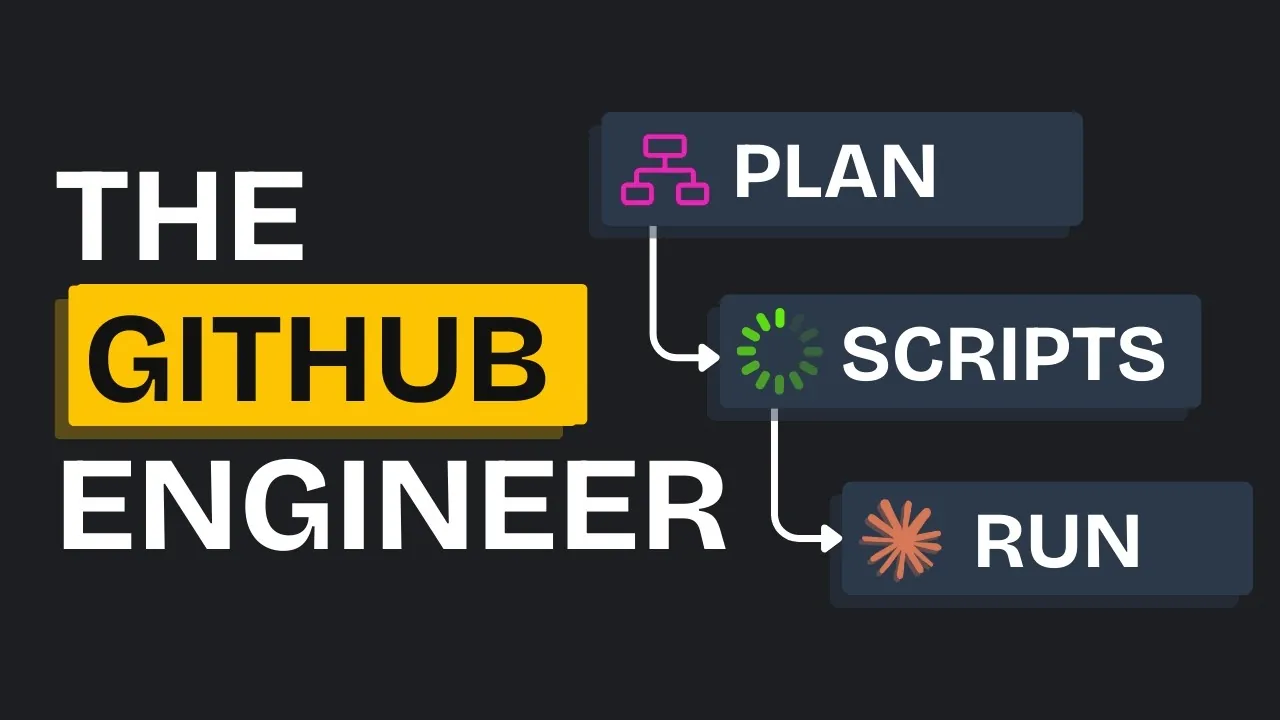
- Specify follows a three-phase workflow, Specify, Plan, and Tasks, making sure methodical progress through detailed specifications, technical planning, and organized task execution.
- Strengths include structured workflows, parallel task execution, and CI/CD pipeline integration, while challenges involve reliance on external tools, manual task execution, and UI design limitations.
- Practical applications, such as developing a CMS, demonstrate Specify’s ability to streamline complex projects, though areas like user interface design may require further refinement.
Understanding Specification-Driven Development (SDDD)
At the heart of Specify lies the Specification-Driven Development (SDDD) methodology, which prioritizes creating comprehensive and detailed specifications before any implementation begins. Unlike unstructured or ad hoc approaches, SDDD focuses on clarity and structure, making sure that projects are built on a solid foundation. For developers, this methodology reduces ambiguities, minimizes errors, and leads to more predictable outcomes throughout the software development lifecycle. By adopting SDDD, you can approach projects with a clear roadmap, enhancing both individual and team productivity.
Core Features of the Specify Toolkit
The Specify toolkit is designed to streamline your development process by fostering organization, collaboration, and efficiency. Its standout features include:
- AI Integration: The toolkit seamlessly integrates with AI agents like Claude, Gemini, and C-Pilot, which assist in tasks such as refining prompts, generating code, and enhancing overall productivity.
- Curated Templates: Pre-built templates and executable scripts simplify project setup and ensure consistency across different development stages.
- Multi-Agent Collaboration: Specify enables multiple AI agents to work together, improving the quality of outputs and reducing the workload on developers.
These features make Specify particularly valuable for teams aiming to maintain a structured and efficient workflow while using innovative AI capabilities.
Github’s New Spec-Kit Finally Fixed Claude Code

Gain further expertise in Claude Code by checking out these recommendations.
- Codex CLI vs Claude Code Detailed Comparison for Developers
- Guide to Installing Claude Code on Windsurf and Cursor
- Claude Code : Building Beautiful Websites, Seamless & Engaging
- How Claude Code & Playwright MCP Are Transforming UI Design
- Claude Code Usage Limits and Subscription Plans Explained (Aug
- Claude Code’s Smart Features to Boost Your Coding Efficiency
- Claude Code vs Cursor: AI Coding Assistant Comparison
- 8 Essential Strategies to Master Claude Code in Just 14 Minutes
- How to Use Claude Code for Seamless GitHub Integration
- Boost Code Efficiency with Claude Code’s New AI Sub-Agents
The Three-Phase Workflow
Specify’s workflow is divided into three distinct phases, each addressing a critical aspect of the development process. This structured approach ensures that every stage is methodical and well-organized.
- Specify Phase: The first phase focuses on generating detailed, product-specific specifications based on your project requirements. During this phase, the toolkit organizes branches and directories for feature implementation and identifies areas requiring further clarification. By refining specifications at the outset, you can avoid potential roadblocks later in the process.
- Plan Phase: In this phase, the focus shifts to technical planning. Specify provides templates and planning documents to guide this process, but it also relies on external tools like ChatGPT for in-depth research and structured planning. While this ensures thorough preparation, it introduces additional complexity to the workflow.
- Tasks Phase: The final phase involves breaking down the implementation plan into executable tasks. These tasks are organized into phases, allowing for parallel execution to save time. However, task execution remains manual, which can be time-intensive depending on the project’s scope and complexity.
This three-phase workflow ensures that development progresses in a logical and efficient manner, reducing the likelihood of errors or inefficiencies.
Strengths and Challenges
The Specify toolkit offers several advantages while also presenting some challenges that developers should consider. Here’s a breakdown:
- Strengths:
- Clear organization of specifications, plans, and tasks promotes a structured workflow.
- Parallel task execution accelerates development timelines.
- Integration with CI/CD pipelines ensures continuous testing and functionality throughout the development process.
- Challenges:
- Dependence on external tools for planning and research can complicate workflows and increase reliance on third-party platforms.
- Manual task execution may slow down progress, particularly for larger or more complex projects.
- The user interface design could benefit from further refinement to enhance usability and accessibility.
While the toolkit’s strengths make it a powerful resource for structured development, its challenges highlight areas where future updates could improve its overall functionality and user experience.
Practical Application: A Real-World Example
To illustrate Specify’s potential, consider its application in developing a content management system (CMS). Using the toolkit, developers were able to:
- Generate detailed specifications that clearly outlined the project’s requirements and objectives.
- Plan the technical implementation using curated templates and external tools for additional research and validation.
- Execute tasks in parallel, significantly reducing the overall development time while maintaining a high level of organization.
While the functional implementation of the CMS was successful, the user interface design required additional adjustments to meet end-user expectations. This example demonstrates how Specify can deliver structured and efficient development while also highlighting areas where further refinement may be necessary.
Enhancing Development with Specify
GitHub’s Specify toolkit offers a robust framework for developers seeking a structured, specification-driven approach to software development. By integrating advanced AI agents and providing a clear three-phase workflow, Specify enhances clarity, organization, and efficiency in managing complex projects. Its emphasis on detailed specifications ensures that every step of the development process is methodical and purposeful, reducing the risk of errors and improving overall outcomes.
However, the toolkit’s reliance on external tools and manual task execution underscores the need for further refinement. For developers like you, Specify represents a valuable resource for tackling complex projects with confidence. By adopting its structured approach, you can achieve more predictable and successful results, paving the way for innovation and growth in your development endeavors.
Media Credit: AI LABS
Disclosure: Some of our articles include affiliate links. If you buy something through one of these links, Geeky Gadgets may earn an affiliate commission. Learn about our Disclosure Policy.
