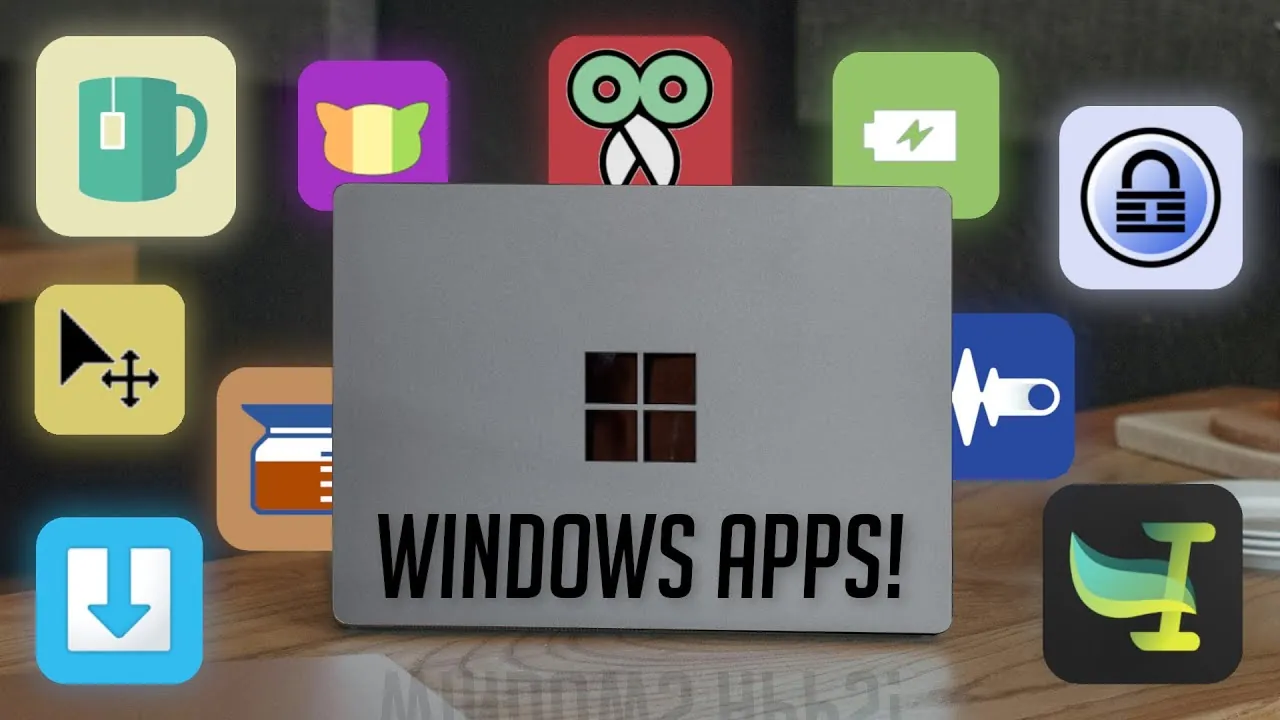
Windows 11 introduced a sleek and modern interface, but like any operating system, it has its limitations. To enhance your experience and address these gaps, here are ten free apps that can significantly improve your productivity and streamline your workflow. Each app is tailored to solve specific challenges, making your Windows 11 experience more efficient and user-friendly.
Maybe you’ve struggled to keep track of files while juggling multiple windows, or perhaps you’ve wished for a quicker way to switch audio devices during a virtual meeting. In this guide, Productive Tech features ten free Windows 11 apps that are not only practical but also genuinely useful in solving those everyday annoyances.
Whether you’re looking to boost productivity, simplify file management, or even take better care of your health during long work sessions, these apps have you covered. No fluff, no unnecessary downloads—just tools that actually make your life easier. So, if you’re ready to make Windows 11 work for you instead of the other way around, read on!
Free Windows 11 Productivity Apps
TL;DR Key Takeaways :
- Drop Shelf: Simplifies file management by providing a temporary storage space for dragging and dropping files, reducing window-switching and streamlining workflows.
- KeePass: A secure, offline password manager that encrypts credentials and ensures privacy, offering a safer alternative to cloud-based solutions.
- Battery Percentage: Displays precise battery levels with customizable alerts, helping users avoid unexpected shutdowns during critical tasks.
- SoundSwitch: Enables seamless switching between audio devices using customizable keyboard shortcuts, ideal for multitasking with multiple audio setups.
- BreakTimer: Promotes healthy work habits by reminding users to take regular breaks, reducing eye strain and improving posture during prolonged screen time.
1. Drop Shelf: Simplify File Management
Managing files across multiple windows can often feel cumbersome, especially when juggling tasks. Drop Shelf offers a practical solution by providing a temporary storage space where you can drag and drop files or clipboard content. Its intuitive interface and customizable features make it indispensable for organizing files before moving them to their final destination. Whether you’re working on a complex project or transferring files between folders, Drop Shelf reduces the need for constant window-switching, helping you stay focused and efficient.
2. KeePass: Secure Your Passwords
In an era where digital security is paramount, KeePass stands out as a reliable password manager. This free, open source tool encrypts your credentials and stores them locally on your device, offering a safer alternative to cloud-based options. With features like backup capabilities and quick access to stored passwords, KeePass ensures your sensitive information remains secure while being easily accessible when needed.
3. Mouse Pointer: Highlight Your Cursor
When presenting or recording tutorials, keeping your audience engaged is crucial. Mouse Pointer enhances visibility by adding a distinct yellow circle around your cursor, making it easier to follow during screen-sharing sessions or instructional videos. This simple yet effective tool ensures your actions remain clear, improving communication and reducing confusion during presentations.
4. Battery Percentage: Stay on Top of Power Levels
The default battery indicator in Windows 11 can be vague, but Battery Percentage provides a more precise solution. By displaying the exact charge level in your system tray, this app helps you monitor your device’s power status at a glance. With color-coded icons and customizable alerts, you can avoid unexpected shutdowns and plan your work sessions more effectively.
5. AltSnap: Improve Window Management
AltSnap is a lightweight app designed to enhance window management. It allows you to drag and resize windows using a combination of keyboard shortcuts and mouse buttons, offering a more flexible alternative to Windows’ default snapping features. For multitaskers, AltSnap simplifies workspace organization, allowing a smoother and more productive workflow.
10 FREE Windows 11 Apps You’ll ACTUALLY Use

Check out more relevant guides from our extensive collection on Microsoft Excel that you might find useful.
- Top 15 Excel Functions to Improve Productivity and Efficiency
- How to Use SuperXLOOKUP for Advanced Excel Data Analysis
- 10 New Excel Functions to improve your formulas
- Microsoft Copilot setup process for Excel’s advanced AI tools
- Master Excel 2025 : New Features for Desktop, Web, Mac & iPad
- How to use Excel Copilot with VLOOKUP and XLOOKUP
- How to use Excel new Show Details Checkbox feature
6. Caffeine: Prevent Unwanted Sleep Mode
If your PC has ever gone to sleep during a long download or presentation, Caffeine is the perfect solution. This app prevents your computer from entering sleep mode, making sure uninterrupted activity. It’s particularly useful for tasks that require your screen to stay active, such as watching videos, running lengthy processes, or delivering presentations without interruptions.
7. CopyQ: Supercharge Clipboard Management
CopyQ takes clipboard functionality to the next level by allowing you to store, organize, and search your copied content. You can categorize items like text and images, making it easy to retrieve previously copied material. For users who frequently work with repetitive text or multimedia, CopyQ is an indispensable tool that saves time and boosts productivity.
8. SoundSwitch: Seamlessly Switch Audio Devices
Switching between audio devices in Windows 11 can be a hassle, but SoundSwitch simplifies the process. With a customizable keyboard shortcut, you can instantly toggle between headphones, speakers, or other audio outputs. This app is ideal for users who regularly switch between multiple audio setups, such as gamers, content creators, or professionals in virtual meetings.
9. BreakTimer: Promote Healthy Work Habits
Prolonged screen time can lead to fatigue and health issues. BreakTimer encourages better work habits by reminding you to take regular breaks. You can customize the intervals and notifications to fit your schedule, promoting ergonomic practices like improved posture, reduced eye strain, and overall well-being. It’s a simple yet effective way to maintain a healthier work routine.
10. Espanso: Speed Up Typing
Espanso is a powerful text expander that automates repetitive typing tasks. By creating shortcuts for frequently used words, phrases, or paragraphs, you can save time and increase efficiency. Unlike cloud-based alternatives, Espanso stores your data locally, making sure your privacy is protected while helping you streamline your workflow.
Maximize Your Windows 11 Experience
These ten free apps address common challenges in Windows 11, offering practical solutions to enhance your productivity and user experience. From file management tools like Drop Shelf to ergonomic aids like BreakTimer, each app is designed to meet specific needs, making them valuable additions to your daily routine. By integrating these tools into your workflow, you can unlock the full potential of your Windows 11 system and work more efficiently, all while tailoring the operating system to better suit your personal and professional requirements.
Media Credit: Productive Tech
Disclosure: Some of our articles include affiliate links. If you buy something through one of these links, Geeky Gadgets may earn an affiliate commission. Learn about our Disclosure Policy.
