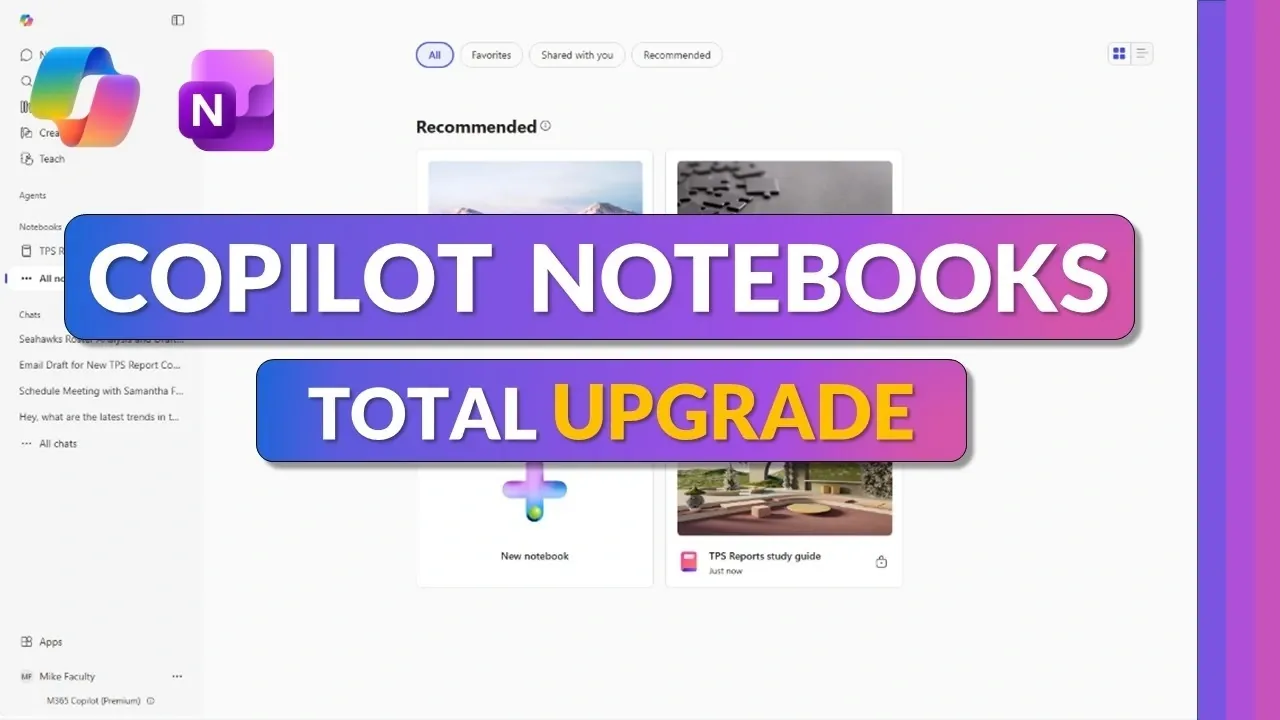
Microsoft 365 Copilot Notebooks is set to receive updates in 2026, focusing on enhancing usability and expanding functionality for a range of tasks. Mike Tholfsen highlights a redesigned interface that supports various file types, such as Word documents, Excel spreadsheets and PDFs. The updates also include a customizable layout, allowing users to tailor their workspace to better suit specific workflows, such as managing complex projects or organizing in-depth research.
Explore key features like AI-driven content summarization, which simplifies information processing by condensing large volumes of data. Learn how the chat functionality enables dynamic interactions with notebook content, including refining responses and extracting insights. Additionally, gain insight into collaboration enhancements, such as real-time editing and integration with OneNote, alongside features for creating flashcards, quizzes and other resources to support diverse use cases.
Enhanced Interface for Improved Usability
TL;DR Key Takeaways :
- Microsoft has introduced major updates to Copilot Notebooks, featuring a redesigned interface for improved usability, customizable layouts and support for various file types like Word, Excel, PowerPoint and PDFs.
- Advanced AI tools now enable automatic content summarization, key insights extraction and interactive chat features for personalized suggestions and dynamic task management.
- Interactive learning tools, such as flashcards, quizzes and glossaries, are tailored for students and educators, enhancing engagement and simplifying complex topics.
- Seamless collaboration across devices and platforms, including real-time editing and OneNote integration, ensures efficient teamwork and accessibility for remote and hybrid environments.
- Enhanced file management features, including tagging and categorization, streamline organization and improve productivity, especially for users handling large volumes of information.
The latest updates introduce a redesigned interface that prioritizes simplicity and ease of use. Supporting a wide range of file types, including Word documents, Excel spreadsheets, PowerPoint presentations and PDFs, Copilot Notebooks allow you to create and organize content tailored to your specific needs. The customizable layout ensures that you can prioritize the tools and features most relevant to your tasks, offering a more personalized and efficient experience.
By simplifying navigation and file management, the platform reduces the time spent searching for resources, allowing you to focus on your work. The improved interface is particularly beneficial for users managing multiple projects, as it provides a clear and organized workspace.
AI-Driven Tools for Smarter Productivity
Central to these updates is the integration of advanced AI capabilities designed to save time and enhance productivity. Copilot can now automatically analyze and summarize content, making it easier to extract key insights. For instance, if you are working on a complex research paper, the AI can generate concise summaries, highlight critical points and even suggest additional resources to deepen your understanding.
The new Copilot chat feature further enhances productivity by allowing direct interaction with your notebook content. You can ask questions, request tailored suggestions, or customize Copilot’s responses to align with your unique style or project requirements. This interactive functionality transforms how you engage with your work, making tasks more dynamic and efficient. Whether you are drafting reports, preparing presentations, or conducting research, these tools provide practical support to help you achieve your goals.

Deep dive into the latest in Microsoft Copilot by exploring our other resources and articles.
- Microsoft Copilot Tips for Beginners : Free vs Paid Features
- Use Microsoft Copilot for Event Agendas and Email Drafts
- Microsoft 365 Copilot Tips for Faster Meeting Preparation
- Microsoft Copilot 2026 Tutorial for Excel, PowerPoint, Teams, Outlook
- What’s New in Microsoft 365 March 2026
- 9 New Copilot Features : Across Teams, OneDrive & PowerPoint
- 7 New Microsoft 365 Copilot Features for Outlook, Voice & More
- Microsoft 365 Copilot Tips for Faster Meetings and Clear Follow-Ups
- How to Use Microsoft Copilot for Summarizing Lengthy PDFs
- How to Use Microsoft Copilot for AI-Driven Productivity in 2025
Interactive Learning Tools for Students and Educators
For students and educators, the introduction of interactive study tools is a fantastic option. Copilot Notebooks now allow you to create topic-specific pages, flashcards, quizzes and glossaries directly within your notebooks. These tools are designed to support active learning, helping users retain information more effectively. Upcoming features, such as fill-in-the-blank exercises and matching activities, will further enhance engagement and comprehension.
These resources are particularly valuable for exam preparation or teaching complex subjects. By simplifying the process of breaking down information into manageable components, Copilot Notebooks make learning more accessible and enjoyable. Educators can also use these tools to create customized lesson plans, making sure that content is tailored to the needs of their students.
Seamless Collaboration Across Devices and Platforms
Collaboration has been made more intuitive with the ability to share notebooks effortlessly. Whether you are working on a group project, coordinating with colleagues, or collaborating on a presentation, you can invite others to contribute and edit in real time. This feature ensures that everyone involved stays on the same page, reducing the risk of miscommunication and duplication of effort.
Integration with OneNote further enhances accessibility, allowing you to access your notebooks across devices and platforms. Whether you are working from a desktop, tablet, or smartphone, you can stay connected and productive no matter where you are. This seamless collaboration capability is particularly useful for remote teams and hybrid work environments.
Dynamic Resource Creation for Better Engagement
The updates also introduce tools for creating dynamic learning and presentation materials. With just a few clicks, you can generate audio summaries to highlight key points, mind maps to visualize complex ideas and other resources to support your projects. These features are especially useful when working under tight deadlines or presenting information in a more engaging and digestible format.
By allowing users to create visually appealing and interactive materials, Copilot Notebooks help ensure that your content resonates with your audience. Whether you are delivering a presentation, conducting a workshop, or preparing study guides, these tools simplify the process of creating impactful resources.
Advanced File Management and Organization
Managing files has never been easier. The enhanced file management tools in Copilot Notebooks allow you to add, filter and organize references with minimal effort. Whether you are compiling research articles, organizing meeting notes, or curating multimedia resources, these tools ensure that your content is well-structured and easily accessible.
The ability to tag and categorize files further streamlines the organization process, making it simple to locate specific documents when needed. This feature is particularly valuable for users handling large volumes of information, as it reduces the time spent searching for files and improves overall efficiency.
Availability and Future Potential
Currently available in private preview, these updates are expected to roll out widely by late 2026. Microsoft is targeting both educational and enterprise users, aiming to provide tools that enhance productivity and learning experiences. With its combination of intuitive design, powerful AI features and interactive tools, Copilot Notebooks is poised to become an indispensable resource for anyone looking to optimize their workflow.
As Microsoft continues to refine and expand the platform, future updates are likely to introduce even more innovative features, further solidifying Copilot Notebooks as a leader in AI-driven productivity and learning solutions.
Media Credit: Mike Tholfsen
Disclosure: Some of our articles include affiliate links. If you buy something through one of these links, Geeky Gadgets may earn an affiliate commission. Learn about our Disclosure Policy.
