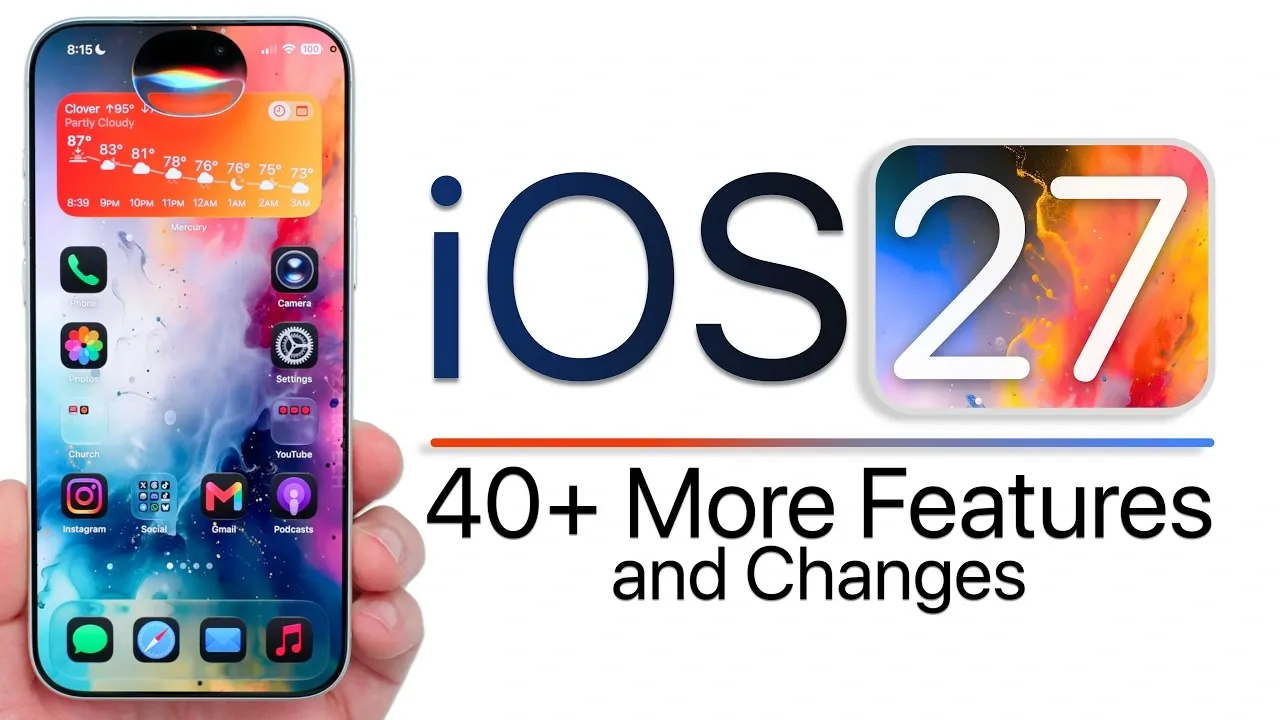
Apple’s iOS 27 delivers a robust suite of updates designed to enhance usability, customization, and functionality across its devices. With a strong focus on privacy, automation, and seamless app integration, this release refines the user experience while addressing performance and security concerns. Below is a detailed exploration of the most notable features and changes introduced in iOS 27. The video below from Zollotech gives us more details on what to expect from iOS 27.
System-Wide Updates
iOS 27 introduces several system-level enhancements aimed at streamlining your overall experience:
- Liquid Glass Power-Off Interface: The power-off screen now features a sleek, modern design, offering a visually appealing and intuitive update.
- Optimized Low Power Mode: Faster activation ensures efficient battery conservation, especially during critical moments when power is running low.
- On-Device Recovery Assistant: Troubleshooting becomes more convenient with the ability to access recovery tools directly on your device, eliminating the need for a Mac.
These updates reflect Apple’s commitment to improving both the aesthetic and functional aspects of its operating system.
Control Center Enhancements
The Control Center receives significant upgrades to improve multitasking and user control:
- Adjustable Window Sizes: Resize Focus Mode and connectivity settings to better suit your workflow and preferences.
- Bug Fixes in Progress: While beta testing revealed occasional glitches with resizing, Apple is actively working to resolve these issues in upcoming patches.
These enhancements make the Control Center more versatile, catering to users who rely on it for quick access to essential tools.
Privacy and Security Features
Privacy remains a cornerstone of iOS 27, with new tools designed to safeguard your data and enhance security:
- Impersonation Risk Detection: This feature identifies potential security threats, reinforcing Apple’s dedication to protecting users from phishing and impersonation attacks.
- Default Media Sharing Apps: Users can now set their preferred apps for sharing media, simplifying cross-platform interactions and improving convenience.
These updates reflect Apple’s ongoing efforts to prioritize user safety and data protection in an increasingly interconnected digital landscape.
Home Screen and Navigation Improvements
Navigating your device becomes more intuitive and efficient with these updates:
- Shake-to-Undo: A simple shake gesture allows you to quickly undo app rearrangements on the home screen, saving time and effort.
- Safari Enhancements: Improved access to bookmarks, history, and reading lists makes browsing faster and more user-friendly.
These changes aim to simplify everyday tasks, making sure a smoother and more enjoyable user experience.
App-Specific Updates
Several core apps receive targeted improvements to enhance functionality and usability:
- Photos: Save video frames as photos, view full HDR content, and prioritize iCloud syncing for seamless media management.
- Messages: Create calendar events directly from conversations and adjust audio message playback speeds for added flexibility.
- Reminders: Siri integration enables detailed reminder creation, while grocery lists are now auto-categorized for better organization.
- Calendar: Multiple alert options provide greater precision in scheduling and event management.
- Fitness: A redesigned interface introduces customizable activity rings and a landscape workout mode for enhanced tracking capabilities.
- Freeform: Dark mode support and folder organization improve this collaborative tool’s usability and visual appeal.
These updates demonstrate Apple’s focus on refining its core apps to meet the evolving needs of its users.
Siri and Automation Upgrades
Siri and automation workflows see significant advancements, making them more powerful and user-friendly:
- Improved Multitasking: Siri now supports multitasking actions, allowing hands-free management of multiple tasks simultaneously.
- Enhanced Dictation Accuracy: Voice-to-text functionality is now more reliable and precise, reducing errors in transcription.
- CarPlay Integration: Smoother interactions with CarPlay enhance the driving experience, making navigation and media control more intuitive.
- Multiple Automation Triggers: Create complex workflows with support for multiple triggers, offering greater flexibility in automation routines.
These upgrades highlight Apple’s commitment to making Siri and automation tools indispensable for productivity and convenience.
Accessibility and Usability Enhancements
iOS 27 introduces features aimed at improving accessibility and customization for all users:
- Back Tap Options: A new alternate model expands the functionality of this accessibility feature, offering more customization options.
- Improved Email Search: Faster and more accurate indexing enhances email management, making it easier to locate important messages.
- Customizable Lock Screen: Users can now hide the lock screen clock for a cleaner, more personalized appearance.
These enhancements ensure that iOS 27 remains inclusive and adaptable to a diverse range of user needs.
Device-Specific Features
Certain updates cater specifically to iPad users and smart home enthusiasts, further expanding the Apple ecosystem’s versatility:
- Apple Pencil Connection Sound: A new audio cue confirms successful pairing, improving the Apple Pencil’s usability.
- Sidecar Scaling Options: Enhanced scaling options make the iPad even more versatile as a secondary display for Mac users.
- Home App Upgrades: Support for 4K streaming and a multi-camera timeline enriches the smart home experience, offering greater control and functionality.
These device-specific features demonstrate Apple’s dedication to optimizing its products for various use cases.
Miscellaneous Improvements
Additional updates round out the iOS 27 experience, addressing smaller but impactful areas:
- Keyboard Dictation: Multilingual quotation support improves typing efficiency for users who frequently switch between languages.
- Notes App Enhancements: Easier pasting and improved password management simplify note-taking and organization.
- Birthday Notifications: Special notifications during phone calls help you celebrate contacts’ birthdays in a more personal way.
These updates, while minor, contribute to a more polished and user-friendly operating system.
Final Thoughts
iOS 27 represents a thoughtful evolution of Apple’s mobile operating system, addressing user feedback while introducing advanced features across privacy, automation, and app functionality. Whether you’re focused on improving productivity, enhancing customization, or safeguarding your data, this release offers meaningful upgrades tailored to a wide range of needs. With its blend of practical refinements and innovative tools, iOS 27 continues to elevate the Apple ecosystem, making sure a seamless and enjoyable experience for all users.
Uncover more insights about iOS 27 features in the previous articles we have written.
- Apple Just Confirmed 8 Major Features Coming to iOS 27
- iOS 27 Rumors: Top Features We Need (and What’s Leaked So Far)
- Is Your iPhone on the List? iOS 27 Could Cut Off These Popular Models
- iOS 27 Leak: Apple Is Giving You More Control Over the ‘Liquid Glass’ Design
- What to Expect from Apple’s Massive iOS 27 Update
Source & Image Credit: zollotech
Disclosure: Some of our articles include affiliate links. If you buy something through one of these links, Geeky Gadgets may earn an affiliate commission. Learn about our Disclosure Policy.
