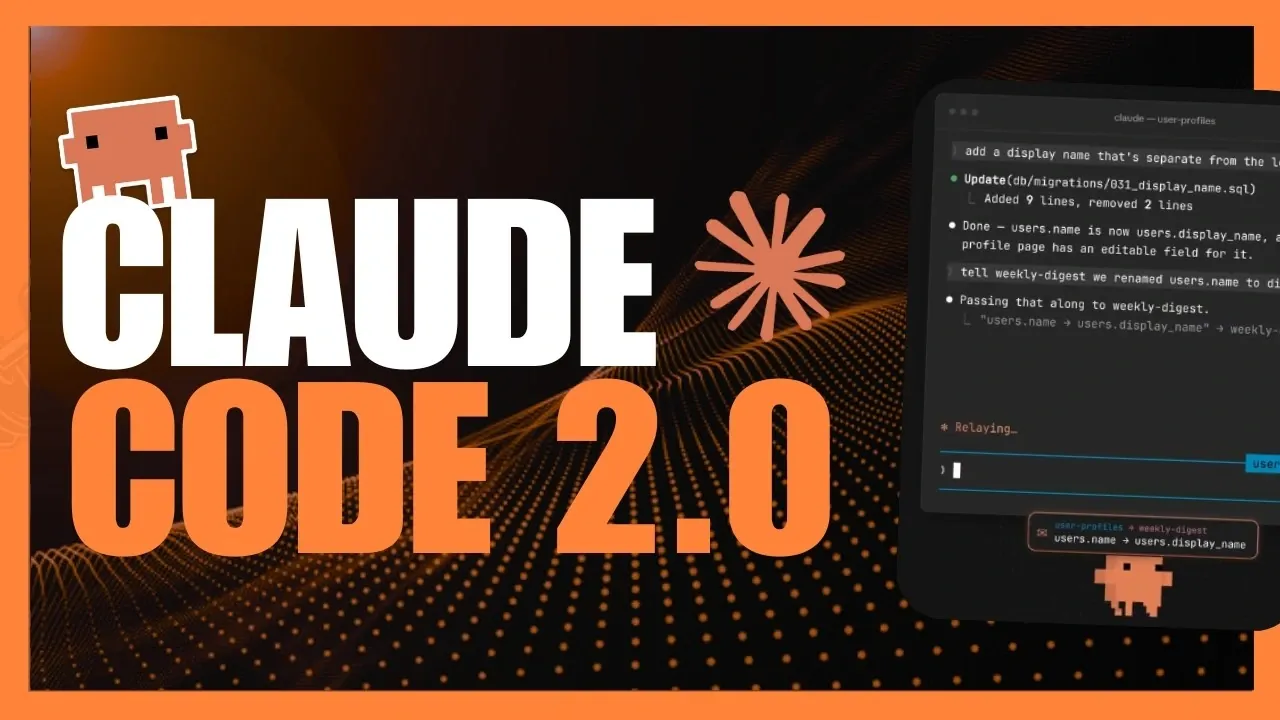
Claude Code 2.0 introduces a range of updates aimed at addressing key challenges in modern development workflows. One notable feature is the cross-session messaging capability, which allows developers to maintain communication across multiple sessions without disruption. According to World of AI, this addition is particularly useful for managing collaborative projects, helping to minimize miscommunication and keep teams aligned during complex tasks.
Discover how features like default auto mode can automate repetitive coding tasks while maintaining safeguards and how concise output mode delivers streamlined results to save time. Gain insight into performance improvements, including faster desktop app launches and reduced GPU usage, as well as new functionalities such as the built-in browser and iOS simulator. This explainer breaks down how these updates can enhance both individual and team workflows.
Features of Claude Code 2.0
TL;DR Key Takeaways :
- Claude Code 2.0 introduces advanced features like cross-session messaging, default auto mode and concise output mode to streamline workflows and enhance developer productivity.
- Performance enhancements include faster app launch times, reduced GPU usage and extended weekly usage limits, making sure a smoother and more efficient coding experience.
- New tools such as a design skill for UI artboards, iOS simulator, screen reader mode and auto-continue functionality expand development capabilities and improve accessibility.
- Enhanced code review functionality with adjustable effort levels and an ultra mode improves debugging accuracy and reduces false positives for maintaining high-quality codebases.
- Additional features like MCP connectors for live data integration, a built-in browser and a visual feedback tool foster collaboration, security and efficient project management.
Claude Code 2.0 brings a range of innovative features aimed at simplifying development processes and fostering seamless collaboration. Each enhancement has been carefully crafted to address common challenges faced by developers, making this update a valuable asset for teams and individuals alike.
Cross-Session Messaging
The cross-session messaging feature allows for uninterrupted communication across multiple sessions, making sure that workflows remain synchronized in multi-agent environments. Whether you’re collaborating on complex projects or managing tasks across various instances, this feature ensures that your work stays cohesive and efficient. By allowing seamless coordination, it reduces the risk of miscommunication and enhances overall productivity.

Find more information on Claude Code by browsing our extensive range of articles, guides and tutorials.
- 3 Ways Claude Code’s Creator Gets More Done with Simpler Prompts
- How to Automate Multi-Step Tasks with Claude Opus 4.8 Workflows
- The Hidden Strategy Behind Anthropic’s New Claude Opus 4.8 Release
- 14 Claude Code Features That Will Transform Your Development Workflow
- 12 Hidden Claude Code Tweaks to Improve Your Coding Workflows
- Claude Opus 4.8 vs ChatGPT 5.5 : a Stepping Stone to Anthropic’s Mythos Series
- Codex vs Claude Code: Slash App Development Costs and Time
- Anthropic Doubles Claude Code Rolling Limits for Paid Plans
- Claude Code Creator Boris Cherny Advises Deleting CLAUDE.md for Better Precision
- Claude Code Has Quietly Evolved Thanks to Open Source Memory Tools
Default Auto Mode
The introduction of the default auto mode automates routine tasks while maintaining a high level of safety by blocking potentially harmful commands. This feature minimizes interruptions, allowing you to concentrate on more intricate and creative aspects of your work. It is particularly beneficial for repetitive workflows, as it reduces the need for constant manual approvals, streamlining your development process.
Concise Output Mode
To optimize token usage and deliver precise results, Claude Code 2.0 introduces a concise output mode. This feature generates shorter, more focused responses that can be tailored to your specific project requirements. By eliminating unnecessary information, it saves both time and resources, allowing you to achieve your goals more efficiently.
Performance Enhancements
Performance improvements are a cornerstone of Claude Code 2.0, making sure a smoother and more efficient development experience. Key upgrades include:
- Faster desktop app launch times, reducing delays and improving workflow continuity.
- Lower GPU usage for command-line interface (CLI) tools, enhancing performance on resource-intensive tasks.
- Extended weekly usage limits, with the potential for further increases based on user feedback, providing greater flexibility for developers.
These enhancements allow you to focus on critical tasks without being hindered by technical limitations, making sure a more productive coding environment.
New Tools for Development
Claude Code 2.0 introduces a variety of new tools designed to expand your development capabilities and simplify complex tasks. These tools cater to a wide range of needs, from UI design to mobile app development:
- Design Skill: Create editable UI artboards to streamline the design and integration of user interfaces, saving time and effort.
- iOS Simulator: Build, test and debug iOS applications directly within the desktop app, simplifying the mobile app development process.
- Screen Reader Mode: Enhance accessibility with linear text interfaces and auditory cues, making coding more inclusive for developers with visual impairments.
- Auto-Continue: Automatically resume sessions after usage limits reset, making sure uninterrupted progress on long-term projects.
These tools are designed to address specific challenges faced by developers, making them indispensable for a wide range of applications.
Enhanced Code Reviews
The code review functionality has been significantly upgraded, offering adjustable effort levels to customize the depth of analysis. The new ultra mode provides a thorough review process, identifying bugs with greater accuracy while minimizing false positives. This enhancement simplifies the debugging process, allowing you to maintain a high-quality codebase with less effort.
MCP Connectors
MCP connectors enable live data integration, allowing artifacts to fetch real-time information and execute personalized actions. This feature is available on paid tiers and is disabled for publicly shared artifacts to maintain security and privacy. By allowing dynamic data interactions, MCP connectors open up new possibilities for creating responsive and adaptive applications.
Built-in Browser
The built-in browser allows you to interact with web resources directly from the desktop app. Its sandboxed environment ensures secure usage, while configurable settings provide the flexibility to tailor its functionality to your specific needs. This feature is particularly useful for developers who require quick access to online resources without leaving their development environment.
Visual Feedback Tool
The visual feedback tool offers an intuitive way to annotate and suggest changes for user interfaces. This feature is especially valuable for collaborative projects, as it facilitates clear communication and enhances the design process. By providing a straightforward method for offering feedback, it improves the efficiency of UI development and refinement.
Why This Update Matters
Claude Code 2.0 represents a significant advancement in coding technology, addressing critical pain points and introducing tools that cater to the diverse needs of developers. By focusing on automation, accessibility and performance, this update enables developers to work more efficiently and effectively. Whether you’re managing multi-agent workflows, building mobile applications, or conducting in-depth code reviews, Claude Code 2.0 equips you with the tools to succeed in a competitive and fast-paced industry.
Media Credit: WorldofAI
Disclosure: Some of our articles include affiliate links. If you buy something through one of these links, Geeky Gadgets may earn an affiliate commission. Learn about our Disclosure Policy.
