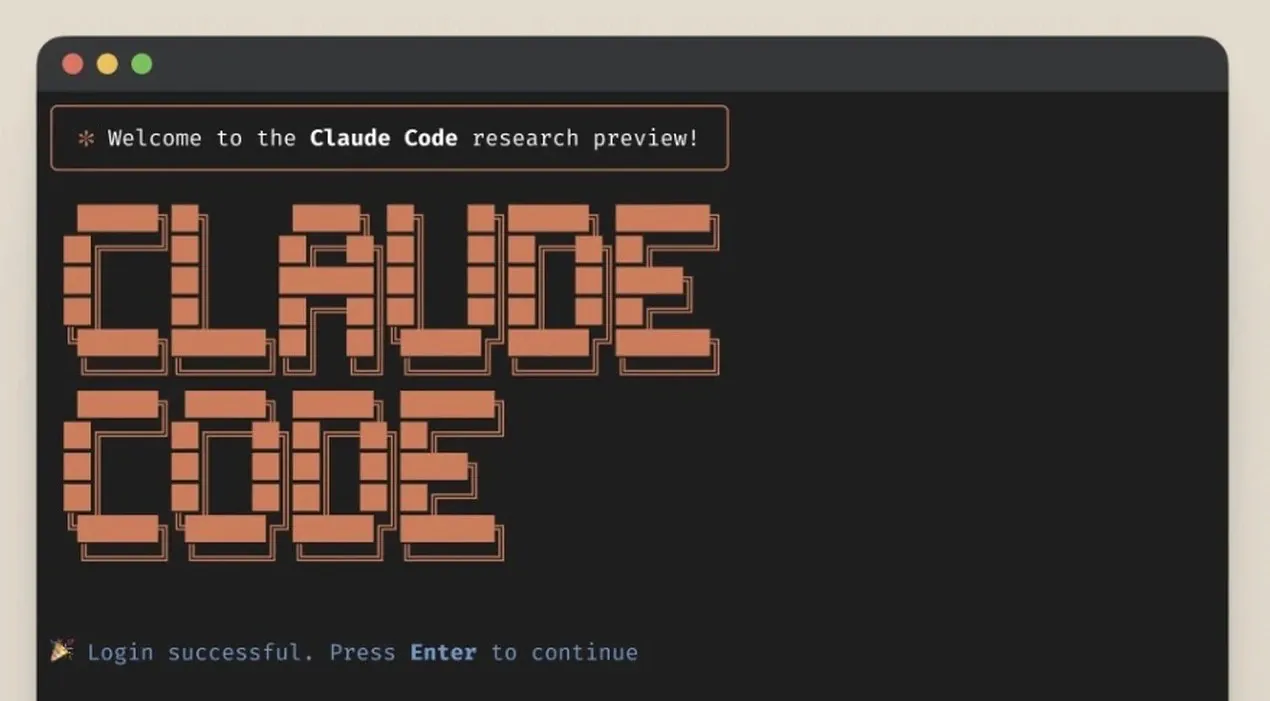
What if you could condense 800+ hours of expertise into just eight minutes? Imagine unlocking the full potential of Claude Code, a innovative AI tool, without the trial-and-error that consumes countless hours of developers’ lives. Whether you’re a seasoned coder or just stepping into the world of AI-assisted development, this perspective offers something fantastic: a fast track to mastering the newest model of Claude Code, packed with unknown tricks and advanced features. Forget the frustration of repetitive tasks or the inefficiency of scattered workflows, Claude Code is designed to streamline, optimize, and elevate your productivity. But here’s the catch: its true power lies in knowing how to wield it effectively.
In the video guide below, Edmund Yong takes you through the secrets behind Claude Code’s most powerful capabilities, from memory management that eliminates redundancy to sub-agents that delegate tasks with precision. You’ll learn how to build a custom command library, integrate external tools using MCP servers, and even engineer prompts that communicate seamlessly with AI. But this isn’t just a tutorial, it’s a mindset shift. By the end, you’ll not only understand how to use Claude Code but also how to think like a developer who uses AI as an extension of their creativity and expertise. So, what does it take to truly master this tool? Let’s explore the possibilities and challenge the boundaries of what’s possible in development.
Mastering Claude Code Tips & Tricks
TL;DR Key Takeaways :
- Memory Management: Claude Code’s memory feature allows developers to store and retrieve frequently used instructions, reducing repetitive tasks and making sure consistency across projects.
- Custom Command Library: Developers can create and organize reusable commands tailored to specific needs, enhancing efficiency and scalability in workflows.
- Sub-Agents and MCP Servers: Sub-agents enable task delegation for focused workflows, while MCP servers integrate external tools for extended functionality, such as debugging and database management.
- Plugins and Prompt Engineering: Plugins automate workflows for scalability, while effective prompt engineering ensures clear communication with AI for precise outputs.
- AI-Assisted Development Mindset: Balancing automation with responsibility is key; developers must combine AI’s efficiency with their expertise to maintain quality and reliability.
Claude Memory Feature: Simplifying Repetitive Tasks
One of the standout features of Claude Code is its memory management system, which is designed to save time and minimize errors. This feature allows you to store frequently used instructions for future use, either locally or globally, using the hash key. For example, if you often rely on a specific debugging process, you can save it as a memory entry and retrieve it instantly whenever needed.
To maintain organization, you can edit or delete these entries directly in the `claude.md` file. This functionality not only reduces repetitive work but also ensures consistency across your projects. By using this feature, you can focus on solving complex challenges while Claude handles routine tasks efficiently.
Custom Command Library: Building Reusable Tools
Efficiency is a cornerstone of effective development, and Claude Code’s custom command library enables you to create reusable commands tailored to your specific needs. By organizing these commands into a dedicated directory, you can easily manage and access them. Subdirectories allow for further categorization, while argument support adds flexibility, allowing you to adapt commands to different scenarios.
For instance, you could develop a command to generate API documentation and customize it for various projects. This modular approach not only reduces redundant effort but also ensures consistency and scalability in your workflows. By building a robust library of reusable tools, you can significantly enhance your productivity.
800+ Hours of Learning Claude Code in 8 Minutes

Here is a selection of other guides from our extensive library of content you may find of interest on Claude Code.
- Claude Code : Building Beautiful Websites, Seamless & Engaging
- Guide to Installing Claude Code on Windsurf and Cursor
- How to use Claude Code Web For Software Development in 2025
- New Claude Code 2.0 Agentic AI Coding Agent : The Secret
- How to Install Claude Code on Windows Using Ubuntu
- Transition from Claude Code to Codex CLI Without Losing
- 36 Claude Code Tips for Smarter, Faster AI Coding Workflows
- How to Use Sub-Agents in Claude Code for Better Coding Results
- Stop Wasting Tokens: Optimize Claude Code Like a Pro
- GPT-5 vs Claude Code : Comprehensive AI Design Comparison
MCP Servers: Extending Functionality with External Tools
Claude Code integrates seamlessly with external tools through MCP (Multi-Channel Protocol) servers, allowing you to expand its capabilities and address specialized tasks without leaving your development environment. These servers act as extensions, allowing you to perform a wide range of functions efficiently.
Some notable examples of MCP servers include:
- Context 7: Provides access to up-to-date documentation, making sure you always have the latest information at your fingertips.
- Superbase: Supports database queries, simplifying data management tasks.
- Playwright MCP: Assists frontend debugging, helping you identify and resolve UI issues quickly.
- Strap MCP: Simplifies payment integration, streamlining e-commerce development.
By incorporating these tools into your workflow, you can tackle complex challenges more effectively, saving both time and effort.
Sub-Agents: Delegating Tasks for Better Focus
Managing intricate workflows often requires effective task delegation, and Claude Code’s sub-agents feature is specifically designed to address this need. Instead of assigning roles manually, you can define sub-agents to handle specific tasks, such as code optimization, documentation generation, or error detection.
This approach minimizes context window pollution, making sure that each sub-agent focuses exclusively on its assigned task. For example, while one sub-agent works on identifying performance bottlenecks, another can focus on refining code quality. This parallel execution not only enhances efficiency but also keeps your workflow organized and streamlined.
Plugins: Automating Workflows for Scalability
Claude Code supports plugins, allowing you to bundle workflows into reusable packages that can be easily shared and customized. These plugins can be cloned from marketplaces and tailored to meet your specific requirements, making them a versatile addition to your development toolkit.
For example, you could adapt an automated testing plugin to include your preferred testing frameworks or modify a deployment plugin to align with your infrastructure. This modularity simplifies setup, promotes consistency across projects, and fosters collaboration by allowing team members to share and reuse workflows effortlessly.
Prompt Engineering: Communicating Clearly with AI
Effective communication with AI is essential for achieving accurate and reliable results, and prompt engineering is the key to success. By breaking down complex problems into smaller, clear instructions, you can guide Claude Code to deliver precise outputs that align with your expectations.
For instance, instead of requesting “a website,” specify the framework, design elements, and functionality you require. Claude’s plan mode is particularly useful for refining vague ideas, allowing you to iteratively improve your prompts. The clearer and more detailed your inputs, the better the outputs you’ll receive, making sure that your development process remains efficient and aligned with your goals.
Code Review and Quality Assurance: Making sure Reliability
While Claude Code can generate high-quality code, regular code reviews are essential to ensure security, performance, and error handling. Over-reliance on AI can lead to overlooked issues, so it’s important to maintain strong development fundamentals and thoroughly test AI-generated code in real-world scenarios.
By combining AI’s efficiency with your expertise, you can identify potential vulnerabilities, optimize performance, and deliver robust solutions that meet your standards. This collaborative approach ensures that your projects remain reliable and secure.
AI-Assisted Development Mindset: Balancing Automation and Responsibility
As you integrate Claude Code into your workflow, adopting the right mindset is crucial. While AI is a powerful assistant, the responsibility for the final output ultimately rests with you. Clear and precise prompts are the foundation of successful AI-assisted development, as the principle of “garbage in, garbage out” applies, your inputs directly influence the quality of the results.
By treating AI as a tool to augment your skills rather than replace them, you can achieve greater efficiency without compromising quality. This balanced approach allows you to unlock new levels of productivity while maintaining control over your development process.
Media Credit: Edmund Yong
Disclosure: Some of our articles include affiliate links. If you buy something through one of these links, Geeky Gadgets may earn an affiliate commission. Learn about our Disclosure Policy.
