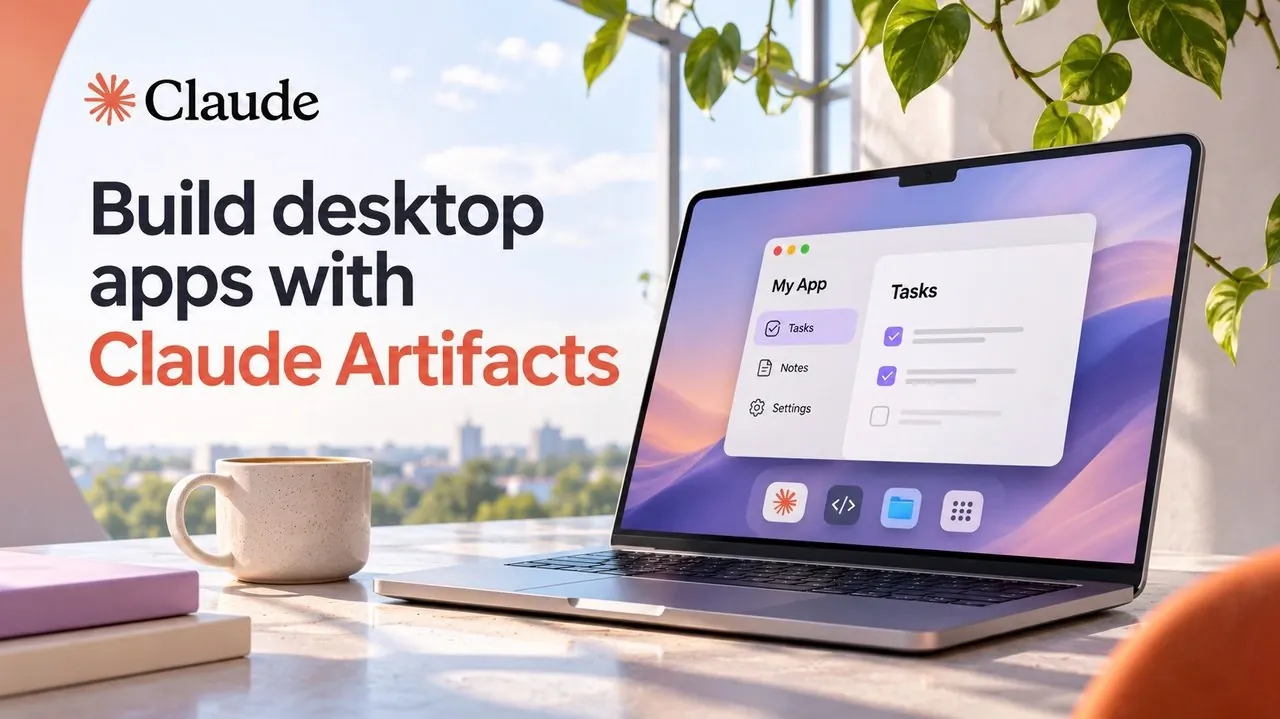
Anthropic’s Claude Artifacts, a way to build interactive apps through chat, turns your written descriptions into software you can use. Installing an app on your computer can take about five seconds. Bart Slodyczka breaks down how you can create and revise apps through conversation, with installed versions updating automatically after your edits. You still need to be online and signed in to open them, but you can choose what each app can access. You’ll see how to build your own app, install it and manage its permissions.
Claude Artifacts: Apps for Mac and Windows
TL;DR Key Takeaways :
- Claude Artifacts can be installed as Mac and Windows apps in a beta rolling out across Claude plans, using Claude Desktop 6.28899.0 or later.
- To create an Artifact, enable Cloud code execution and file creation in Settings, then describe the tool you want in a Claude conversation.
- Installed apps update automatically when their Artifacts are edited, but you must be online and signed in to open them.
- Anthropic does not review apps before installation, and full computer access permits them to run programs and modify or delete files without repeated prompts.
- Paid plans support persistent storage of up to 100 MB or 25,000 records per Artifact, whichever comes first.
Anthropic’s Claude Artifacts can now be installed as apps on Mac and Windows, giving you a separate window and icon instead of requiring you to return to Claude. Artifacts are self-contained outputs made in a Claude conversation, including small interactive tools, dashboards and trackers.
The Install as app feature is in beta and rolling out across Claude plans. You can use it with Claude for Mac and Windows without packaging or signing an app, providing an API key or using a separate login. Sharing a signed Mac app with a team can otherwise require a paid Apple developer account.
Team plans have app installation on by default, with full computer access off; on Enterprise, an owner must turn the feature on. Team and Enterprise administrators can control app permissions and full computer access for their organization. HIPAA-ready organizations and hybrid deployments cannot use the feature.
Create an Artifact for Your App
Describe the app you want in a Claude chat, including what it should display or do. You can also make personal versions of apps you already like. Claude can build the tool as an Artifact, which you can later find in the Artifacts tab and revise through conversation.
You can create and edit Artifacts in Claude on the web or in Claude Desktop. To create them, you must switch on Cloud code execution and file creation under Capabilities in Settings, or in the equivalent organizational settings.
For example, you can ask for a weather app that shows live conditions for a chosen location. In one test, the installed app initially failed to read live data, even after a refresh, and the data appeared only after Claude was asked to fix it. In an earlier attempt, Claude had to add a scheduler before the app could read real-time data. If you encounter issues like these, you may want to give the beta a couple of days.

Here are additional guides from our expansive article library that you may find useful on Claude Artifacts and Claude Code.
- What are Claude Artifacts and how do you use them?
- Why Claude’s New Live Artifacts Are Replacing Static Dashboards
- How to share and publish Claude 3 Artifacts
- New Claude Artifacts Let You Manage a Complex Project in One Chat
- Claude Code 2.0 Adds an iOS Simulator for Desktop App Testing
Install the App on Your Computer
Update Claude Desktop to version 6.28899.0 or later, sign in and open the Artifact in the Mac or Windows app. In the weather app example, installation took roughly five to ten seconds. You cannot install Claude Docs, Slides and Sheets Artifacts as apps.
- Open the Artifact in Claude Desktop.
- Choose Install as app from its Share menu.
- Respond to any permission requests the app makes.
- Open the installed app from its own icon and window, and keep it in the Mac Dock if you wish.
Your installed app updates automatically when you edit its Artifact. You must be online and signed in to Claude to open it.
Choose What the App Can Access
Permissions are set for each app. By default, an app can do what it could do in a browser. Additional app permissions cover notifications, windows that stay on top and keyboard shortcuts that work across apps. An app can also add an item to the Mac menu bar or Windows system tray.
Full computer access is more extensive: it lets an app run programs and read, change or delete files without asking each time. It is limited to apps you made or, on Team and Enterprise, apps made within your organization.
Anthropic does not review apps before installation, and permission applies only to the current version. Claude asks again after an update, including one caused by your own edits. Parts loaded from another website can change without another prompt.
Use Claude, Connectors and Saved Data
An Artifact app can call Claude to respond to input or change content within the tool. For example, a terminal viewer could have Claude alongside it to explain what appears there. Requests count against the individual user’s Claude plan limits, rather than the allowance of the person who made the Artifact.
Supported connectors, such as Gmail or a calendar, are available through Claude on the web or desktop on Pro, Max, Ultra, Team and Enterprise plans. An Artifact asks permission the first time it accesses a connected app, and you can turn off individual connector tools. A task app could use a Gmail connection to sort emails into to-dos, while customer information from emails could become CRM prospects. Automated actions require the computer to remain open.
Paid plans also support persistent storage, allowing an app to retain data between sessions. The default limit is 100 MB or 25,000 records per Artifact, whichever comes first. Storage can be private to each user or shared with people using the same Artifact.
Adapt an Example or Revise Your Own
Anthropic provides 11 example apps to explore, built by Anthropic’s Felix Rieseberg. Vitals displays computer information such as processor usage, memory, health and battery levels. Tally is a to-do app with Inbox, Today, Upcoming and Someday sections. Folder Automations works on the files in a folder: drop invoices into it, for example, and Claude can organize them and bring them into a dashboard.
To bring an example into Claude Desktop, open it from Anthropic’s app collection and choose Open in the desktop app. You can then install it using the menu or install button. Vitals took seconds to install and asked once for access to performance information, while another example, Sift, installed in about five seconds and asked for file access.
Slodyczka says an example installed as it comes still belongs to Anthropic’s team, which limits actions such as exporting images or chatting with Claude inside the app. Duplicating the example makes it your own, he says, which allows those actions and permissions such as full access to local files.
An image editor illustrates how an installed app can work with files and Claude together. You can arrange images, text and shapes as layers, use export settings, then make a written request to change a composition. In one test, Claude made a poster from an uploaded image, and the app exported it as a PNG.
We think this suits curious individuals who want a small tool for their own computer and do not mind tinkering, but it is a poorer fit for anyone who needs a polished, reviewed app to give to a whole company. Quick installation and conversational editing make it approachable, while the weather app’s initial failure shows why some patience helps. The beta status and lack of Anthropic review before installation matter more when choosing something for company-wide use.
You could use this approach to fill small gaps in your existing apps rather than recreate every part of a workflow from scratch. If you want to turn a recurring personal task into a desktop tool, building an app with Claude Artifacts is well worth trying.
Media Credit: Bart Slodyczka
Disclosure: Some of our articles include affiliate links. If you buy something through one of these links, Geeky Gadgets may earn an affiliate commission. Learn about our Disclosure Policy.
