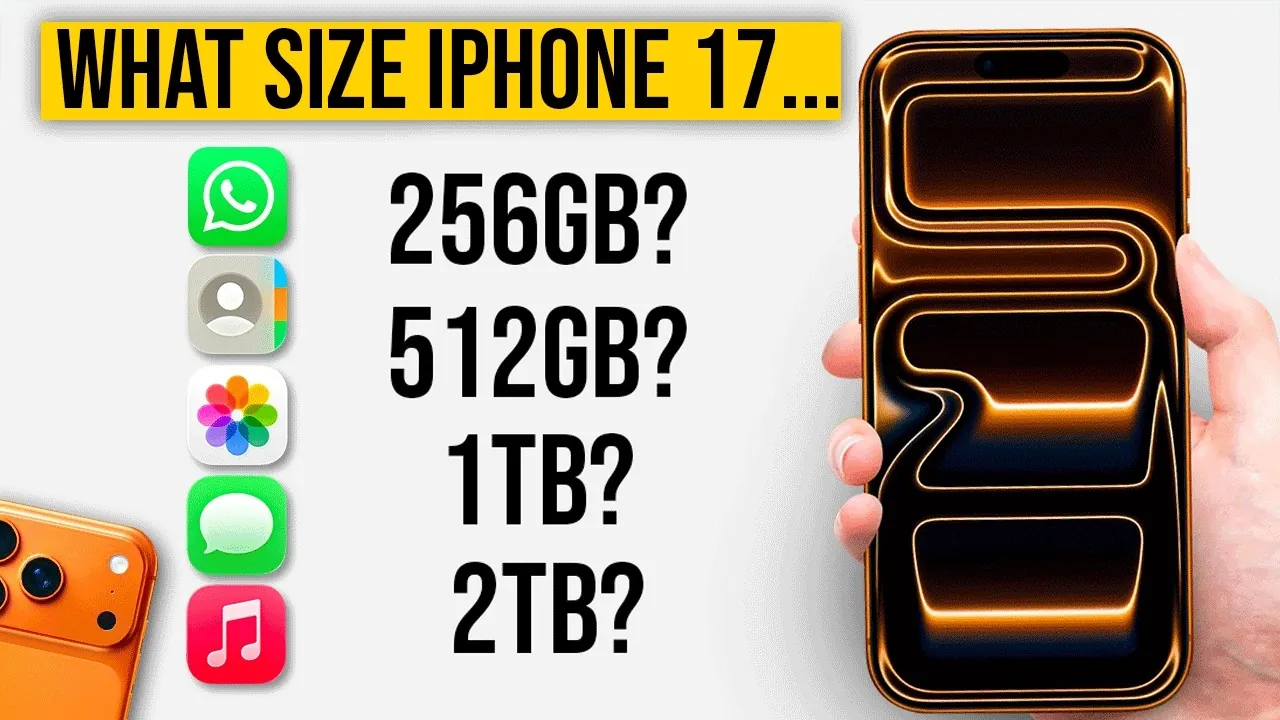
Selecting the appropriate storage size for your iPhone 17, 17 Pro, 17 Pro Max, or iPhone Air is a decision that directly impacts how you use your device both now and in the future. Since iPhone storage cannot be upgraded after purchase, it’s essential to evaluate your needs carefully. The video below from Matt Talks Tech will help you make an informed decision quickly and confidently, making sure your device aligns with your lifestyle and usage patterns.

iPhone 17 Storage Options and Their Use Cases
The iPhone 17 series offers a variety of storage options, ranging from 256 GB to 2 TB. Each capacity caters to different user profiles, from casual users to professionals. Understanding these options will help you determine which one best suits your requirements:
- 256 GB: Ideal for casual users who primarily browse the web, use a limited number of apps, and take occasional photos or videos. This option is sufficient for everyday tasks without unnecessary excess storage.
- 512 GB: A great choice for moderate users who frequently take photos, record videos, and use multiple apps. It provides a balance between capacity and cost for those with slightly higher storage demands.
- 1 TB & 2 TB: Tailored for professionals such as content creators, filmmakers, or photographers who require substantial storage for 4K/ProRes videos, large files, and resource-intensive apps. These options are designed for users who need maximum capacity and performance.
When choosing a storage size, consider both your current habits and how your needs might evolve over time. For example, if you plan to explore professional photography or video editing, opting for higher storage may save you from running out of space in the future.
How iCloud Can Enhance Your Storage Strategy
For users considering lower internal storage options, Apple’s iCloud service offers a practical and flexible way to supplement your device’s capacity. iCloud plans range from 50 GB to 2 TB, providing scalable solutions for different storage needs. Here’s how iCloud can enhance your iPhone experience:
- Automatic Backups: iCloud automatically backs up your photos, videos, and app data, making sure your information is safe even if your device is lost or damaged.
- Cross-Device Access: With iCloud, your data is accessible across all Apple devices, allowing seamless transitions between your iPhone, iPad, and Mac.
- Family Sharing: Share your iCloud plan with up to five family members, making it a cost-effective solution for households with multiple Apple devices.
By integrating iCloud with your iPhone, you can effectively expand your storage capacity without the need for a higher-tier device. This approach is particularly useful for users who rely on cloud-based services and prefer to keep their device costs manageable.
Balancing Cost, Convenience, and Long-Term Value
Choosing the right storage size involves balancing your budget with your storage needs. Pairing a lower internal storage model with an iCloud subscription is a cost-effective strategy for many users. For instance, a 256 GB iPhone 17 combined with a 2 TB iCloud plan offers ample storage at a lower upfront cost compared to purchasing a 2 TB internal storage model.
Additionally, iCloud simplifies data management by automatically syncing and securing your files. This ensures that your data remains accessible and protected, even when upgrading to a new device. For users who prioritize flexibility and affordability, this combination provides a practical solution.
Key Considerations for Choosing the Right Storage Size
Before making your decision, take some time to evaluate your current usage patterns and future needs. Here are a few critical questions to guide your choice:
- Do you frequently shoot 4K videos or use your iPhone for professional tasks? If so, higher internal storage may be essential to accommodate large files and demanding applications.
- Do you rely on cloud-based apps and services? If yes, you may not need as much internal storage, as iCloud can handle a significant portion of your data storage needs.
- How often do you upgrade your iPhone? Casual users who upgrade every few years may find a lower storage option with iCloud integration more practical and cost-effective.
- Do you prefer offline access to files? If you frequently access files without an internet connection, higher internal storage may be more convenient for your needs.
Your decision should reflect your personal preferences, such as whether you prioritize offline access or are comfortable relying on cloud storage. By carefully assessing these factors, you can select a storage size that aligns with your lifestyle and ensures your iPhone remains functional and efficient for years to come.
Here is a selection of other guides from our extensive library of content you may find of interest on iPhone 17 Storage Options.
- The Next Generation of iPhone is Here: Unveiling the iPhone 17
- iPhone 17 Series: Battery Life, Storage, and Features You’ll Love
- iPhone 17 Pro Max: Camera, Battery, and Display Explained
- iPhone 17 Pro Max: Key Features, Specs, and What to Expect
- iPhone 17 Colors, Features, and Pricing: Full 2025 Guide
Source & Image Credit: Matt Talks Tech
Disclosure: Some of our articles include affiliate links. If you buy something through one of these links, Geeky Gadgets may earn an affiliate commission. Learn about our Disclosure Policy.
