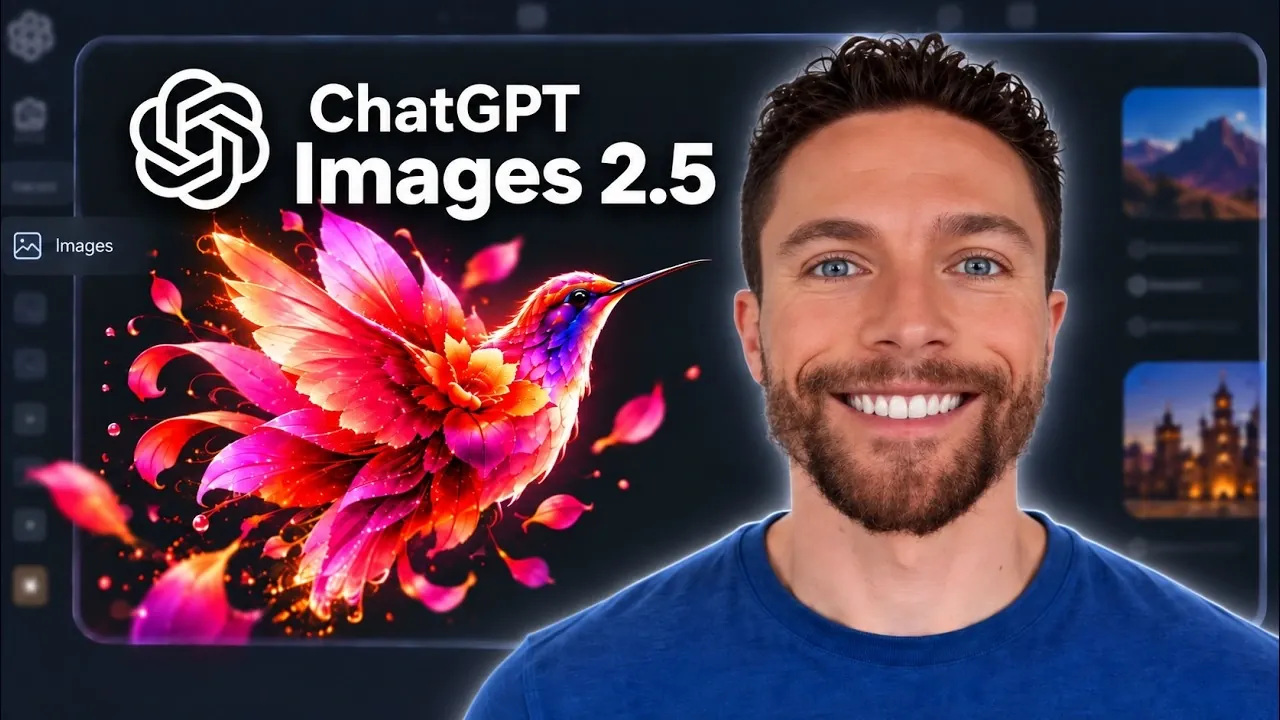
ChatGPT Images 2.5 brings updates that improve the speed and quality of AI-generated visuals, offering new ways to approach creative projects. Paul Lipsky highlights the sketch-based image creation feature, which allows users to begin with a simple outline or concept sketch. The AI then refines this input into a polished, high-quality image. This feature supports tasks like landscape drafts or character designs, blending manual input with AI-driven enhancements.
Discover how faster processing and sharper image rendering can optimize creative workflows for a variety of projects. Gain insight into editing features such as the erase function and background remover, which simplify detailed adjustments. Additionally, explore how pre-designed templates and enhanced reference photo transformations can help maintain consistency while saving time.
Notable Advancements in Image Generation
TL;DR Key Takeaways :
- ChatGPT Images 2.5 introduces faster processing speeds and sharper image details, enhancing efficiency and output quality for creative projects.
- The new sketch-based image creation tool allows users to transform rough sketches into polished visuals, bridging manual creativity with AI precision.
- Enhanced editing tools, including markup, erase and background remover features, provide greater control and flexibility for fine-tuning images.
- Improved reference photo transformations ensure visual consistency, accurate proportions and cohesive results across multiple images.
- Pre-designed templates and versatile applications make ChatGPT Images 2.5 a valuable tool for personal and professional projects across various industries.
ChatGPT Images 2.5 brings a host of improvements that redefine the image creation process. Key highlights include:
- Faster Processing: The system generates images more quickly, allowing you to focus on your creative workflow without unnecessary delays.
- Sharper Image Details: Enhanced precision ensures outputs are visually striking, making them suitable for high-quality projects such as marketing campaigns, digital art and detailed illustrations.
These advancements streamline workflows, allowing users to achieve professional-grade results with greater efficiency.
Sketch-Based Image Creation: Bridging Creativity and AI
One of the standout features of this update is the sketch-based image creation tool. This innovative functionality allows users to guide the AI by providing rough sketches, which are then transformed into polished visuals. The process is straightforward:
- Create a simple outline or concept sketch.
- Let the AI refine your input into a detailed, high-quality image.
For instance, a basic sketch of a landscape can evolve into a vibrant, fully realized scene. This feature bridges the gap between manual creativity and AI precision, making it accessible for beginners while offering advanced capabilities for experienced professionals.

Advance your skills in ChatGPT by reading more of our detailed content.
- GPT-5.6 Pro Leaks Expose a Massive Jump in AI Reasoning Power
- OpenAI Introduces GPT-5.7 Astra and Ambitious ChatGPT 6 Doug
- ChatGPT 6 Astra Reportedly Generates 3D Games from a Single Prompt
- OpenAI Introduces ChatGPT 5.6 Sol, Terra and Luna Models
- What ChatGPT 5.6’S Delay Means for the Future of Open Source AI
- ChatGPT 6 Officially Launches as Astra: Beats GPT-5.6 Sol with 47% Faster Speed
- ChatGPT 5.6 vs Claude Mythos 5 : Leaks Reveal Two Very Different Futures for AI
- OpenAI ChatGPT 6 Astra Reportedly Packs 10 Trillion Parameters
- OpenAI Anticipates Public ChatGPT 6 Release Between Sept 3 to 10
- ChatGPT 5.6 vs Claude Fable 5: Which AI Actually Comes Out on Top?
Enhanced Editing Tools for Precision
ChatGPT Images 2.5 introduces a robust suite of editing tools designed to give users greater control over their projects. These tools simplify complex tasks and include:
- Markup and Comment Tools: Add clear instructions to guide targeted edits and adjustments.
- Erase Tool: Remove unwanted elements from images with ease, making sure cleaner visuals.
- Background Remover: Precisely isolate subjects, making it easier to create professional-quality compositions.
These features empower users to fine-tune their images, making sure they meet specific requirements while maintaining creative flexibility.
Improved Reference Photo Transformations
The update also enhances how the AI processes and transforms reference photos, delivering more consistent and reliable results. This improvement is particularly beneficial for projects requiring visual continuity. Key benefits include:
- Maintaining uniformity in characters or objects across multiple images, making sure cohesive storytelling or branding.
- Preserving accurate proportions and details in animal or human subjects, even during extensive edits.
These refinements make ChatGPT Images 2.5 an invaluable tool for projects where consistency and attention to detail are critical.
Pre-Designed Templates for Streamlined Creativity
To further support diverse creative needs, ChatGPT Images 2.5 offers a collection of pre-designed templates. These templates provide a starting point for various projects, including:
- Logos and branding materials.
- Posters, flyers and marketing designs.
- Interior layouts, illustrations and other visual concepts.
While these templates can be customized to suit specific requirements, they save time and effort by providing a solid foundation for your creative endeavors.
Applications Across Industries
The versatility of ChatGPT Images 2.5 makes it a valuable tool across multiple industries and use cases. Here are some practical applications:
- Personal Projects: Design unique artwork, create personalized invitations, or experiment with creative ideas for hobbies or events.
- Professional Use: Develop branding materials, visualize architectural or design concepts and refine marketing visuals with ease.
Its intuitive interface and advanced features ensure that users of all skill levels can achieve their creative goals effectively.
Key Strengths That Differentiate ChatGPT Images 2.5
ChatGPT Images 2.5 stands out due to its unique strengths, which make it a reliable and efficient tool for a wide range of creative challenges:
- Visual Consistency: The AI ensures cohesion across multiple edits, making it ideal for projects requiring uniformity and precision.
- User-Friendly Tools: Advanced editing features are accessible to both beginners and experienced users, simplifying intricate tasks without compromising quality.
- Time-Saving Features: Faster processing speeds and pre-designed templates help streamline workflows, allowing users to focus on creativity rather than technical hurdles.
These strengths position ChatGPT Images 2.5 as a powerful resource for anyone looking to produce professional-quality visuals efficiently.
Shaping the Future of AI-Driven Creativity
ChatGPT Images 2.5 represents a significant step forward in the evolution of AI-powered image generation. By combining faster processing, enhanced image quality and a comprehensive suite of creative tools, it enables users to bring their ideas to life with precision and ease. Whether you’re sketching concepts, editing images, or using templates, this update offers the flexibility and control needed to produce exceptional results. As AI technology continues to advance, tools like ChatGPT Images 2.5 are paving the way for more accessible and innovative creative solutions, transforming how individuals and industries approach visual design.
Media Credit: Paul J Lipsky
Disclosure: Some of our articles include affiliate links. If you buy something through one of these links, Geeky Gadgets may earn an affiliate commission. Learn about our Disclosure Policy.
