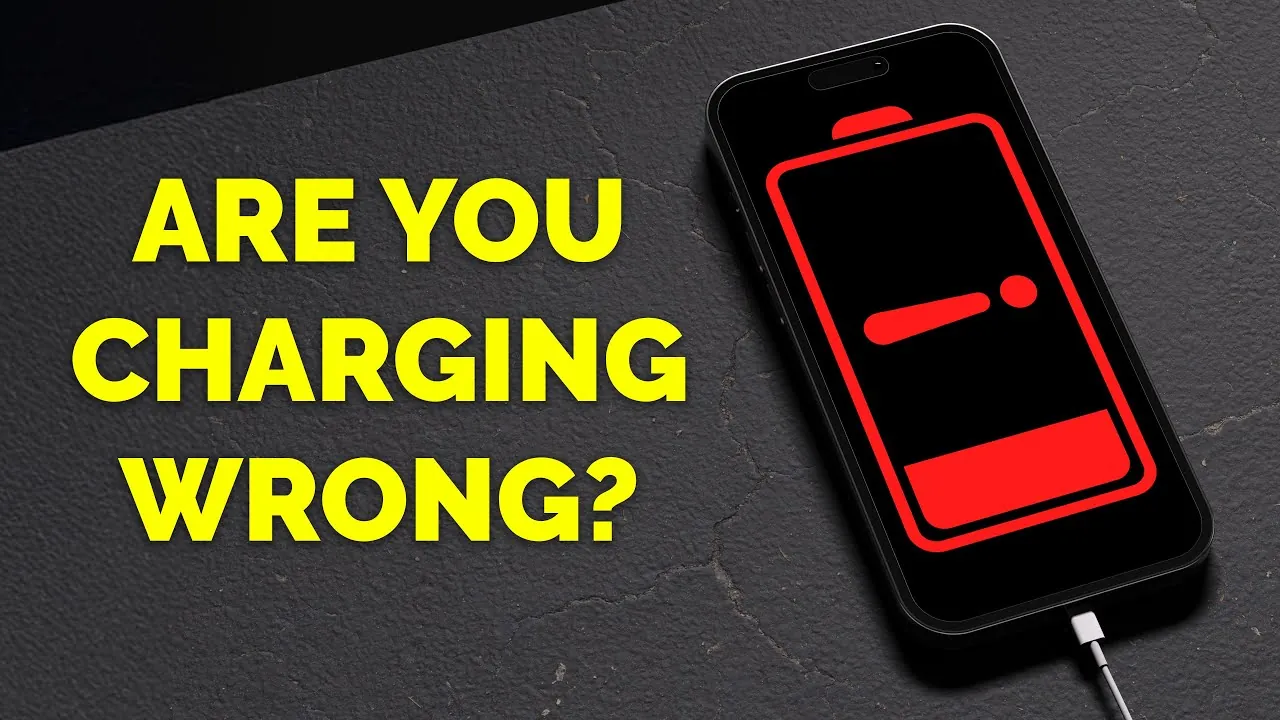
Charging your iPhone may seem like a simple task, but many misconceptions about best practices still persist. With modern lithium-ion batteries and advanced charging technologies, some outdated beliefs no longer apply. By understanding the facts, you can take better care of your iPhone’s battery, ensuring its longevity and optimal performance. Below, we explore 10 common myths and provide practical advice to help you charge your device effectively. The video below from Proper Honest Tech gives us more details.

Overnight Charging: Safe or Risky?
Is it safe to leave your iPhone charging overnight? The answer is a resounding yes. Modern iPhones are equipped with intelligent power management systems that stop drawing full current once the battery reaches 100%. This feature, known as optimized battery charging, slows the charging process after 80% to reduce wear on the battery. However, heat remains a critical factor to consider. Charging your phone in areas where heat can accumulate, such as under pillows or blankets, can degrade the battery and pose safety risks. Always charge your device in a cool, open space to minimize potential damage.
Heat Management: Why It Matters
Heat is one of the most significant threats to the health of lithium-ion batteries. Charging your iPhone in a cool, well-ventilated environment is essential to maintaining battery longevity. Avoid exposing your device to direct sunlight or leaving it in hot environments, especially while charging. If your phone feels warm during use or charging, consider removing heavy-duty cases that may trap heat. By keeping your device cool, you can significantly reduce the risk of long-term battery degradation.
The Importance of Certified Charging Accessories
Using certified chargers and cables is critical for both safety and performance. Look for MFi (Made for iPhone) certification for Lightning cables or USB-IF certification for USB-C accessories. Non-certified chargers may fail to regulate power properly, leading to overheating or even damaging your device. Certified accessories ensure compatibility, reliability, and peace of mind, making them a worthwhile investment for protecting your iPhone.
Battery Draining and Calibration: Myths Busted
Contrary to popular belief, you don’t need to fully drain your iPhone’s battery before recharging it. Lithium-ion batteries perform best when kept between 20% and 80% charge, as frequent full discharges can strain the battery and reduce its lifespan. Additionally, modern batteries do not require calibration, so there’s no need to let your phone die completely before plugging it in. By maintaining a moderate charge range, you can maximize the efficiency and lifespan of your battery.
Airplane Mode Charging: Does It Really Help?
Switching your iPhone to Airplane Mode while charging can slightly speed up the process by reducing background activity. However, the time savings are minimal. If you’re in a hurry and need to charge your device quickly, powering it off entirely is a more effective solution. This method allows the battery to charge without any interference from active processes.
Low Power Mode: Use It Wisely
Low Power Mode is a helpful feature for conserving battery life in emergencies, but it’s not designed for continuous use. This mode limits background activity, reduces performance, and disables features like automatic downloads. While it’s useful in specific situations, relying on it constantly can diminish your overall iPhone experience. Use Low Power Mode sparingly to strike a balance between battery conservation and functionality.
Closing Background Apps: A Misguided Practice
Many users believe that closing background apps saves battery life, but this is a common misconception. iOS is designed to manage background apps efficiently, and forcing them to close can actually consume more energy when they’re reopened. Trust your iPhone’s operating system to handle app activity without manual interference. Closing apps unnecessarily can do more harm than good.
Using Your iPhone While Charging
It’s perfectly safe to use your iPhone while it’s charging, provided you’re using certified accessories. However, keep in mind that power-intensive activities, such as gaming or video streaming, may slow down the charging process. This happens because the device allocates power to both charging and usage simultaneously. For faster charging, limit high-energy tasks while your phone is plugged in.
Fast Charging: Safe and Convenient
Fast charging is a reliable and efficient way to power up your iPhone. Apple’s multi-phase charging strategy protects the battery during rapid charging by slowing the process as the battery nears full capacity. To take advantage of fast charging, use a USB-C to Lightning cable and a compatible power adapter. This method is not only safe but also highly effective for modern iPhones, allowing you to charge your device quickly without compromising battery health.
Key Practices for Optimal Charging
To ensure your iPhone’s battery remains healthy and efficient, focus on the following practices:
- Charge your device in cool, ventilated areas to minimize heat exposure.
- Use certified charging accessories to guarantee safety and compatibility.
- Maintain your battery between 20% and 80% charge for optimal performance.
- Avoid unnecessary practices like fully draining the battery or closing background apps.
- Limit power-intensive activities while charging to speed up the process.
Modern iPhones are designed with advanced technologies to protect the battery, so there’s no need to overthink your charging habits. By following these straightforward guidelines, you can ensure your iPhone remains reliable, efficient, and ready to meet your daily needs for years to come.
Here are more detailed guides and articles that you may find helpful on iPhone battery health.
- What Does iPhone Battery Health Percentage Really Mean
- iPhone 15 Pro Max Battery Health After 12 Months
- How to check iPhone battery health
- Uncover the Hidden Truth About Your iPhone Battery’s Health
- How to Maintain 100% iPhone Battery Health
Source & Image Credit: Proper Honest Tech
Disclosure: Some of our articles include affiliate links. If you buy something through one of these links, Geeky Gadgets may earn an affiliate commission. Learn about our Disclosure Policy.
