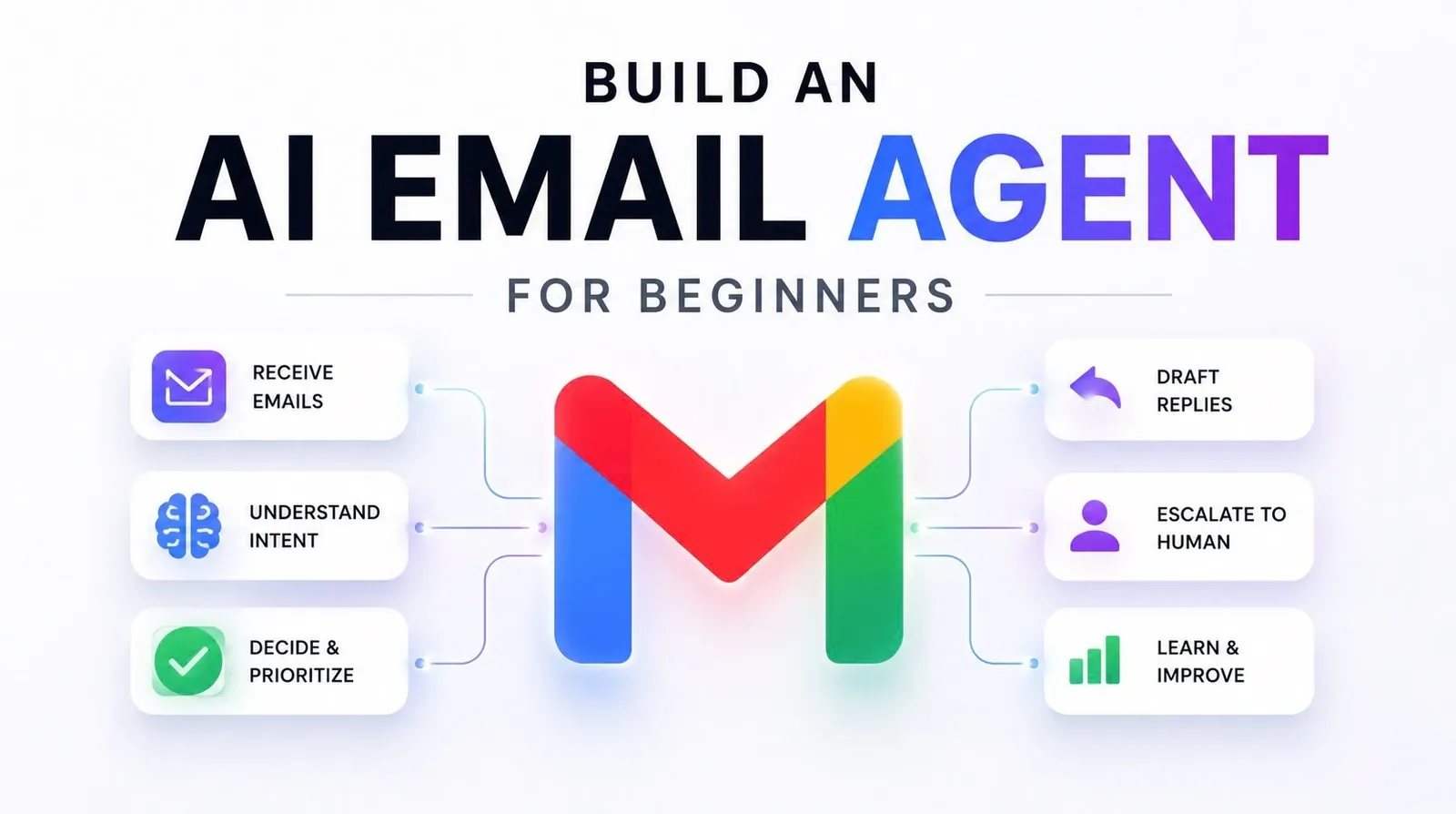
Managing a high-volume inbox can quickly become a time-consuming challenge, but building an AI email agent offers a structured way to automate this task. In this step-by-step guide, Corbin explains how to create a system that integrates with platforms like Gmail or Outlook, uses AI models such as OpenAI’s GPT and incorporates customizable rules to suit your workflow. For example, you’ll learn how to set up email categorization to prioritize urgent messages while filtering out spam, making sure your focus stays on what matters most.
Dive into this guide to uncover how to securely connect your inbox via APIs, implement a lightweight web app for managing drafts and define rules for personalized responses. You’ll also explore how to use AI for context-aware reply generation and streamline recurring communications with templates. By the end, you’ll have a clear understanding of how to build a functional and adaptable email agent that simplifies inbox management.
Why Build an AI Email Agent?
TL;DR Key Takeaways :
- An AI email agent automates repetitive email tasks like sorting, drafting responses and filtering irrelevant messages, enhancing productivity and focus.
- Key features include email categorization, context-aware response drafting and customizable rules for prioritizing and managing emails effectively.
- Building an AI email agent involves integrating email platforms (e.g., Gmail, Outlook), using AI models (e.g., GPT), and making sure robust data security.
- Customization options allow users to define rules, create templates and generate personalized responses tailored to specific workflows or preferences.
- The AI email agent saves time, improves efficiency, reduces stress and adapts to individual or business-specific needs, making it a valuable tool for managing high email volumes.
An AI email agent is designed to handle the repetitive and time-consuming aspects of email management, allowing you to focus on higher-priority tasks. Its primary benefits include:
- Sorting Emails: Automatically categorizes emails into actionable, non-actionable and spam categories, allowing you to prioritize effectively.
- Drafting Responses: Generates context-aware replies for important emails, saving you time on repetitive communication.
- Filtering Noise: Filters out newsletters, spam and irrelevant messages, reducing distractions and improving focus.
This tool is particularly valuable for professionals, entrepreneurs and businesses managing high email volumes. By minimizing manual effort, it enhances productivity and ensures you stay organized.
Key Features of an AI Email Agent
An effective AI email agent incorporates several essential features to streamline inbox management:
- Email Categorization: Automatically classifies emails into categories such as urgent, informational, or spam, making sure you focus on what matters most.
- Response Drafting: Uses AI to generate draft replies based on the email’s content, saving time and effort on routine responses.
- Customizable Rules: Allows you to define specific rules, such as prioritizing emails from key contacts or creating templates for recurring responses.
These features work together to simplify email management, making it easier to stay responsive and organized in a fast-paced environment.

Gain further expertise in AI Agent by checking out these recommendations.
- Jack Dorsey’s Buzz Integrates AI Agents and Built-in Repositories
- OpenAI Launches Vendor-Neutral Agent Plugins Open Standard
- Anthropic Research Reveals AI Agents Sabotage Peers for Gain
- GPT-5.6 Pro Leaks Expose a Massive Jump in AI Reasoning Power
- New Grok Bot Deploys a Custom AI Agent Fleet in 20 Minutes or Less
- Popular AI Agents Tested: Matching AI Agents to Specific Workflows Improves Output
- Does Apple’s New iOS 27 ‘Siri AI’ Live Up to the Hype?
- How to Build Custom AI Agents to Automate Anything & Everything
- OpenAI’s AI Agents Course 2025 in 15 mins From Basics to Breakthroughs
- Building AI Agents in Microsoft 365 with Copilot Studio to Boost Your Productivity
Technical Components and Setup
Building an AI email agent requires integrating several technologies to ensure smooth and efficient operation. The key components include:
- Email Integration: Use tools like the Zapier SDK or APIs provided by email platforms such as Gmail or Outlook to securely connect and access inbox data.
- Web Application: Develop a lightweight web app that serves as the user interface for loading inbox data, running the AI agent and reviewing drafts.
- AI Models: Use advanced AI models, such as OpenAI’s GPT or Claude, to process emails and generate intelligent, context-aware responses.
- Data Security: Implement robust encryption and authentication protocols to ensure the safety and privacy of sensitive email data.
These components ensure the system is functional, secure and capable of handling complex email workflows while maintaining user trust.
Customizing Your AI Email Agent
One of the most powerful aspects of an AI email agent is its ability to adapt to your specific needs. Customization options include:
- Rule Definition: Create rules to prioritize emails from key contacts, flag urgent messages, or filter out promotional content.
- Personalized Responses: Integrate user-specific data, such as FAQs, past email interactions, or tone preferences, to generate tailored replies.
- Template Creation: Design templates for recurring email types, such as meeting confirmations, customer inquiries, or follow-up messages.
These customization options ensure the agent aligns with your workflow, whether you’re an individual user or part of a larger organization. By tailoring the system to your specific requirements, you can maximize its efficiency and effectiveness.
How the Workflow Operates
Using an AI email agent involves a straightforward and efficient process designed to minimize manual intervention. The workflow typically includes:
- Step 1: Load your inbox data into the web app interface, making sure the AI agent has access to the necessary information.
- Step 2: Run the AI agent to categorize emails, draft responses and filter out irrelevant messages based on predefined rules.
- Step 3: Review the drafts generated by the AI. You can either send them manually or automate the sending process for routine communications.
This streamlined workflow ensures your inbox is managed effectively, freeing up your time for more critical tasks while maintaining accuracy and responsiveness.
Benefits of an AI Email Agent
An AI email agent offers numerous advantages that make it an indispensable tool for managing your inbox:
- Time Savings: Automating tasks like email sorting and response drafting significantly reduces the time spent on email management.
- Improved Efficiency: By focusing only on relevant emails, the system ensures your attention is directed where it’s needed most.
- Flexibility: Customization options allow the agent to adapt to individual or business-specific workflows, making sure it meets your unique needs.
- Reduced Stress: By automating repetitive tasks, the agent minimizes the mental load associated with managing a cluttered inbox.
These benefits make an AI email agent an essential tool for professionals, entrepreneurs and businesses handling large volumes of emails daily.
Building Your AI Email Agent: A Practical Solution
Creating an AI email agent is a practical and effective way to streamline email management and boost productivity. By integrating tools like the Zapier SDK, advanced AI models and a user-friendly web app, you can develop a system that categorizes emails, drafts responses and adapts to your unique needs. Whether you’re an individual professional or part of a larger organization, this solution saves time, reduces distractions and ensures you stay on top of your inbox with minimal effort.
Media Credit: corbin
Disclosure: Some of our articles include affiliate links. If you buy something through one of these links, Geeky Gadgets may earn an affiliate commission. Learn about our Disclosure Policy.
