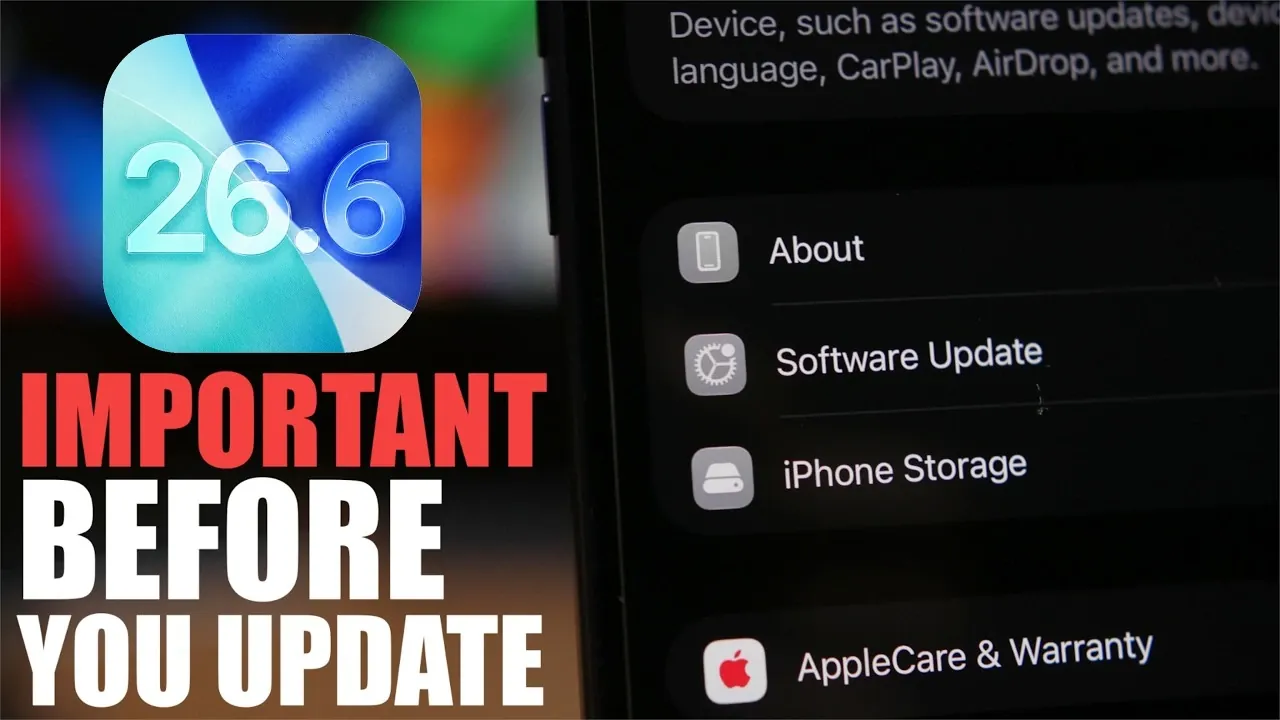
The release of iOS 26.6 represents the final major update in the iOS 26 series, delivering a range of enhancements designed to improve performance, security, and overall functionality. This update also serves as a bridge to the highly anticipated iOS 27, laying the groundwork for future advancements. If you’re currently using iOS 26, here’s a detailed look at what you need to know before upgrading.
Release Date and Availability
iOS 26.6 is scheduled for public release on July 20, 2023, following an extensive beta testing phase. The Release Candidate (RC), which is typically the final version before public rollout, is expected to be available in mid-July. If you’re part of Apple’s beta program, you’ll gain early access to the RC, offering a chance to explore the update’s features and improvements ahead of the official launch.
For those not enrolled in the beta program, the public release will be accessible through the standard software update process. Mark your calendar to ensure you don’t miss the opportunity to upgrade.
How Much Storage Will You Need?
The storage requirements for iOS 26.6 vary depending on your device and whether you’re transitioning from a beta version or a previous public release. Here’s a breakdown:
- Beta Users: Moving to the RC or final version may require approximately 9 GB of free storage.
- Non-Beta Users: The update size is smaller, typically around 2 GB.
Apple recommends maintaining 6–7 GB of free storage to ensure a seamless installation process. For added security, consider freeing up double the required space to accommodate temporary files generated during the update. This precaution minimizes the risk of installation errors and ensures your device remains functional throughout the process.
What’s New in iOS 26.6?
iOS 26.6 introduces several key features and improvements aimed at enhancing your device’s usability, security and overall performance. Here’s what you can expect:
- Anti-Theft Protection: A proactive feature designed to lock your device if it’s reported stolen. While this functionality may not be fully active in this update, it sets the stage for future enhancements.
- Blocked Contacts Alert: Notifications to inform you when your block list reaches its maximum capacity of 20,000 contacts, making sure you can manage your list effectively.
- Performance and Security Enhancements: General updates to improve system stability, address vulnerabilities and provide a smoother user experience.
- Battery Life Optimization: Adjustments to enhance battery efficiency, helping your device last longer during daily use.
These updates not only refine your current experience but also prepare your device for the transition to iOS 27, making sure compatibility with upcoming features and improvements.
How to Update
Updating to iOS 26.6 is a straightforward process. Follow these steps to ensure a smooth transition:
- For Non-Beta Users: Open the Settings app, navigate to General, and select Software Update. Follow the on-screen instructions to download and install the update.
- For Beta Users: Disable beta updates in your settings before transitioning to the RC or public release. This ensures you receive the final, stable version of iOS 26.6.
Before starting the update, ensure your device is connected to a reliable Wi-Fi network and has sufficient battery life. If possible, plug your device into a power source to avoid interruptions during the installation process.
What Comes Next?
As the final major update for iOS 26, iOS 26.6 represents the culmination of this series’ advancements. However, Apple may release minor updates, such as iOS 26.5.2, to address specific bugs or security vulnerabilities. These incremental updates are typically smaller in size and focus on fine-tuning the system.
Looking ahead, iOS 27 is expected to debut in mid-September 2026. This next-generation update promises significant improvements in performance, battery life and innovative features. By upgrading to iOS 26.6 now, you’ll ensure your device is fully prepared to transition seamlessly to iOS 27 when it becomes available.
Should You Update?
Upgrading to iOS 26.6 is strongly recommended for all iOS 26 users. This update not only enhances your device’s performance and security but also ensures compatibility with future updates, including iOS 27. By staying current, you’ll benefit from the latest features and optimizations while maintaining the highest level of protection against potential vulnerabilities.
Take the time to prepare your device, free up the necessary storage and update to iOS 26.6 to enjoy a smoother, more secure experience.
Become an expert in iOS 26.6 with the help of our in-depth articles and helpful guides.
- Why You Should Wait Before Installing iOS 26.6 Beta
- Why Apple Just Dropped iOS 26.6 Beta 1 Right Before iOS 27
- What Apple Just Changed in the New iOS 26.6 Beta 1
- Why Apple Users Are Rushing to Download iOS 26.5
- Apple Just Dropped iOS 26.6 Beta 1: Here is What Changed
Source & Image Credit: iReviews
Disclosure: Some of our articles include affiliate links. If you buy something through one of these links, Geeky Gadgets may earn an affiliate commission. Learn about our Disclosure Policy.
