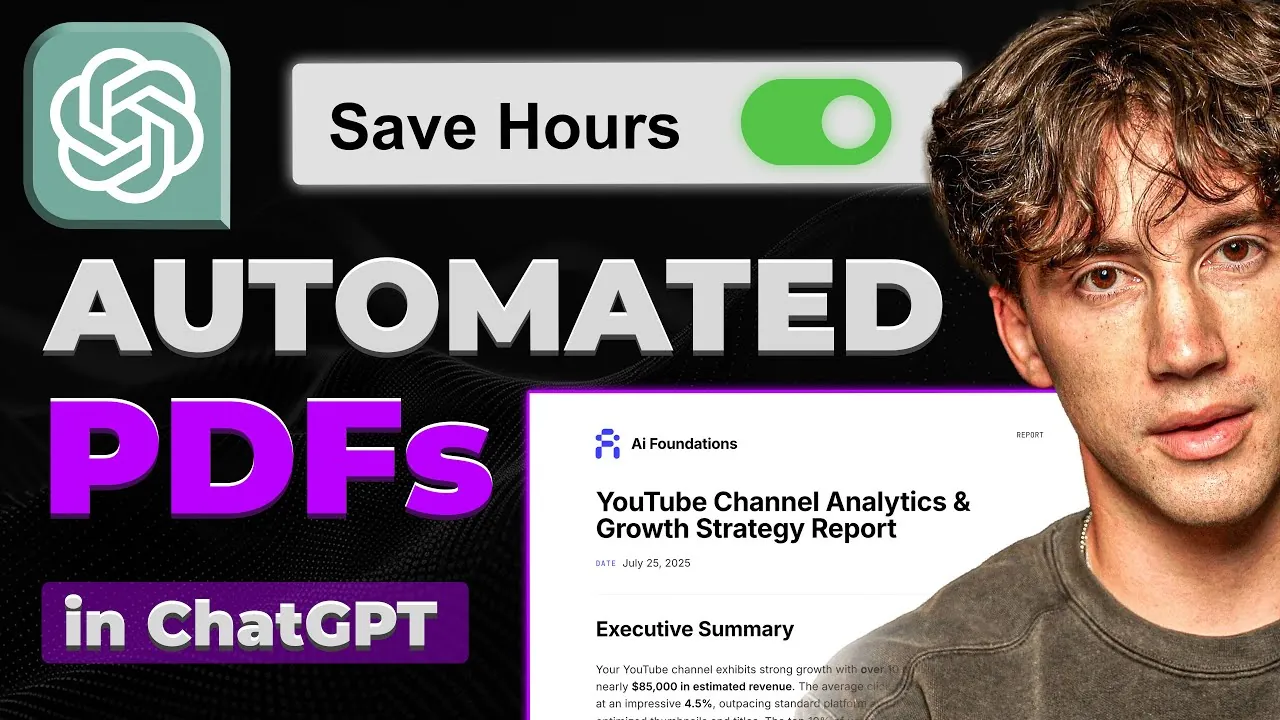
What if you could turn hours of tedious document formatting into a task so seamless it feels like magic? Imagine feeding raw data—like analytics, reports, or even simple text—into an intelligent system that transforms it into polished, branded PDFs without lifting a finger. With the rise of AI-powered tools like ChatGPT and platforms like API Template.io, this isn’t just a futuristic dream—it’s a reality. The ability to create 100% automated PDFs is transforming workflows across industries, saving time, making sure consistency, and eliminating the frustration of manual formatting. But how exactly does this process work, and how can you build your own system to harness its potential? That’s what this hands-on breakdown is here to explore.
In this video guide, AI Foundations show how to combine the natural language generation power of ChatGPT with the design flexibility of API Template.io to create a fully automated PDF creation system. From configuring a custom GPT agent to designing professional templates, each step is tailored to help you streamline your workflow and produce high-quality outputs. Whether you’re a marketer looking to automate client reports, a business professional generating analytics summaries, or an educator creating study materials, this system offers endless possibilities. By the end, you won’t just understand the process—you’ll have the tools to implement it yourself and transform the way you approach document creation.
Automated PDF Creation Guide
TL;DR Key Takeaways :
- Integrating ChatGPT with API Template.io enables fully automated PDF creation, transforming raw data into polished, branded documents efficiently.
- The system involves three key steps: data input, content structuring by ChatGPT, and PDF generation using customizable templates from API Template.io.
- Customization options include designing templates with HTML, CSS, and JSON to reflect branding, add logos, and incorporate advanced features like dynamic tables or charts.
- The system is versatile, with applications across industries such as business analytics, marketing, education, and finance, enhancing productivity and efficiency.
- Key benefits include time efficiency, professional-quality outputs, cost-effectiveness, and flexibility to tailor documents to specific needs and branding requirements.
How the System Works
This system uses the natural language processing power of ChatGPT and the customizable design features of API Template.io to automate PDF creation. It processes raw data—such as analytics, textual content, or structured information—and converts it into professional, branded documents. The workflow eliminates manual formatting, ensures consistent branding, and produces polished results efficiently.
The process involves three key steps:
- Data Input: Raw data, such as text, analytics, or structured information, is provided to ChatGPT.
- Content Structuring: ChatGPT organizes and structures the input into a coherent format.
- PDF Generation: API Template.io applies a pre-designed template to the structured content, creating a professional PDF.
This seamless integration ensures accuracy, consistency, and time savings.
Tools You’ll Need
To build this system, you’ll require the following tools:
- ChatGPT: A powerful AI tool for generating and organizing content based on your input.
- API Template.io: A platform for designing and managing customizable PDF templates.
These tools work together to automate the process, reducing manual effort and enhancing the quality of your documents.
How to Build a GPT AI Agent to Create 100% Automated PDFs

Check out more relevant guides from our extensive collection on PDFs that you might find useful.
- PDF Agile for Windows: Lifetime Subscription | StackSocial
- Use ChatGPT to convert PDF to CSV files for data extraction
- How to Use Adobe Acrobat 2025 : PDF Workflows & AI Assistant
- How to Edit, Sign, and Convert PDFs for Free with PDF Gear
- Learn How to Combine PDF files for Free and Securely
- How to use ChatGPT to read and analyze PDF files
- How to convert a PDF file to Excel without software
- How to read and process PDFs locally using Mistral AI
- Afirstsoft PDF: A Powerful, Affordable PDF Solution for All Platforms
- How to print to PDF on Macbook to make a PDF file
Step-by-Step Guide to Building the System
1. Define the Workflow
Begin by understanding the workflow. The process starts with raw data input, which ChatGPT processes into structured content. This content is then sent to API Template.io, where a pre-designed template is applied to generate a polished PDF. Defining this workflow ensures clarity and smooth execution.
2. Configure Your GPT Agent
Set up a custom GPT agent tailored to your specific needs. Define its role, behavior, and output format. For example, you can configure the agent to generate summaries, detailed reports, or structured analyses. This customization ensures that the output aligns with your objectives and requirements.
3. Design a Custom PDF Template
Using API Template.io, create a custom HTML-based PDF template. This template serves as the foundation for your documents. Customize elements such as:
- Headers and footers for a professional appearance.
- Colors, fonts, and layouts to reflect your brand identity.
- Logos and other branding elements for consistency.
A well-designed template ensures that your documents are visually appealing and aligned with your branding.
4. Integrate ChatGPT with API Template.io
Once your GPT agent and PDF template are ready, connect them using an API key. This integration allows ChatGPT to send structured content directly to API Template.io, which applies the template to generate the final PDF. Proper configuration of the API ensures a smooth and automated workflow.
Customization and Flexibility
One of the system’s greatest strengths is its flexibility. You can modify the PDF template using HTML, CSS, and JSON to achieve the desired design and functionality. Customization options include:
- Incorporating logos, gradients, and other branding elements.
- Adjusting styles to align with specific themes or brand guidelines.
- Adding advanced features such as dynamic tables, charts, or interactive elements.
These options allow you to create documents that are not only professional but also visually engaging and tailored to your audience.
Applications Across Industries
This automated system is versatile and can be applied across various industries. Common use cases include:
- Business Analytics: Generating detailed reports for business insights and decision-making.
- Marketing: Creating campaign summaries, proposals, or client presentations.
- Education: Automating the creation of research documents, study materials, or certificates.
- Finance: Producing financial statements, invoices, or investment reports.
Its adaptability makes it a valuable tool for professionals in diverse fields, enhancing productivity and efficiency.
Key Benefits of the System
Implementing this system offers several advantages:
- Time Efficiency: Automation eliminates the need for manual formatting, significantly reducing the time required to create documents.
- Professional Quality: Customizable templates ensure consistent, high-quality outputs that reflect your brand identity.
- Cost-Effectiveness: By streamlining workflows, the system reduces the resources needed for document creation.
- Flexibility: Tailor the design and functionality to meet your specific needs, making sure relevance and impact.
These benefits make the system an invaluable asset for businesses and professionals seeking to optimize their document creation processes.
Important Considerations
While API Template.io offers both free and paid plans, advanced customization features may require a subscription. Additionally, the system’s flexibility allows for creative applications, such as generating personalized marketing materials or automating routine documentation tasks. Carefully evaluate your needs and explore the platform’s features to maximize its potential.
Final Thoughts
Building a GPT AI agent for fully automated PDF creation is a practical and efficient solution for professionals and businesses. By combining ChatGPT’s content generation capabilities with API Template.io’s design flexibility, you can streamline workflows, enhance productivity, and produce polished, branded documents with ease. Whether you’re generating analytics reports, marketing materials, or professional documents, this system offers a reliable, customizable, and efficient approach to document automation.
Media Credit: AI Foundations
Disclosure: Some of our articles include affiliate links. If you buy something through one of these links, Geeky Gadgets may earn an affiliate commission. Learn about our Disclosure Policy.
