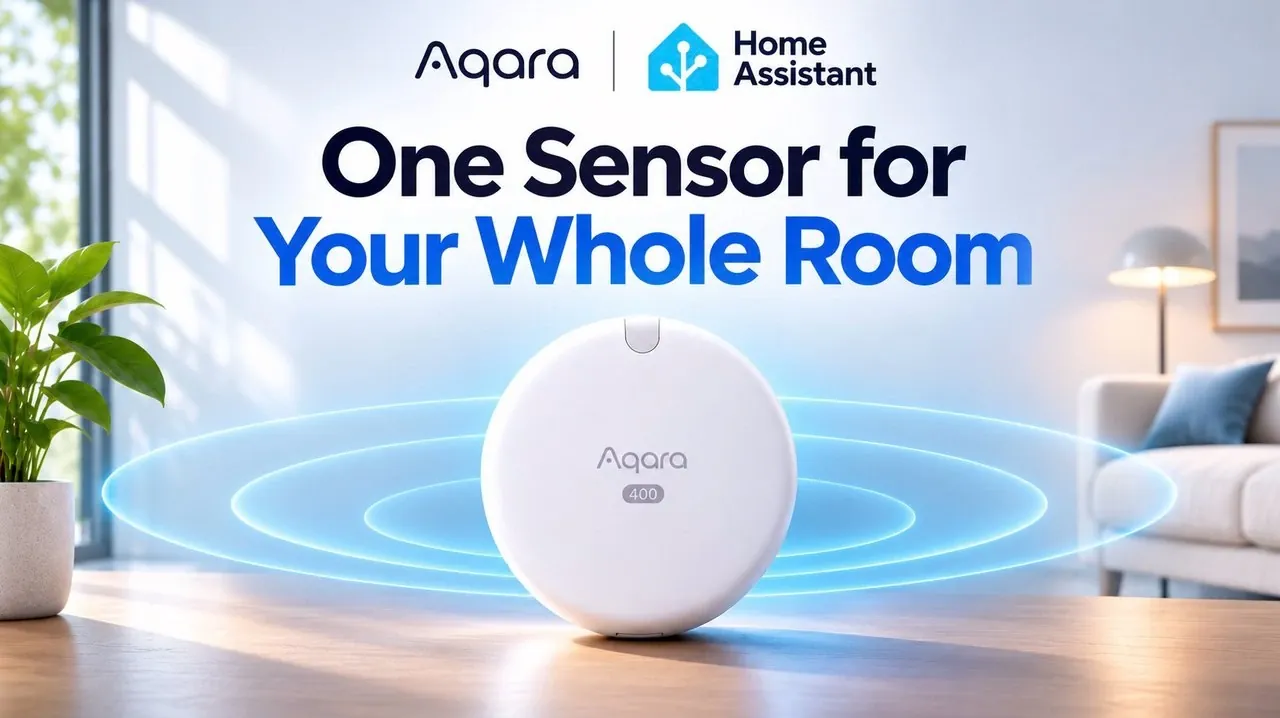
If you want your living room lights to respond to where people are, the Aqara FP400 can detect presence and divide an open room into zones, even when someone is sitting still. Smart Life shows how the radar sensor works with Home Assistant to control lights and wake a dashboard, while custom zones require setup in Aqara Home and a compatible hub. Here is how the zones work, what reaches Home Assistant and why placement matters when covering a living and dining area.
Aqara FP400: Presence Sensing Across an Open Room
TL;DR Key Takeaways :
- The Aqara FP400 uses 60 GHz radar to detect people, including those sitting still, without capturing images.
- It divides a room into up to eight custom zones on a 0.5 m × 0.5 m grid for location-based automations.
- Aqara says the FP400 can track up to 10 people at once, while testing demonstrated separate tracking of two people.
- Custom zones in Home Assistant require Aqara Home setup and a compatible hub, while direct Thread provides only whole-room presence and light readings.
- The FP400 requires constant USB-C power and careful placement within its 120° detection angle.
The FP400 is a radar sensor that works out where people are in a room, not only whether someone is there, and it does so without a camera. In a combined living and dining area, testing found the zones more useful for automations than the ability to track a large group.
Zones Divide a Room for Automations
The FP400 can divide a room into up to eight custom zones using a 0.5 m × 0.5 m grid. In testing, three zones covered a living area, a dining area and the space directly in front of a Home Assistant display.
Those zones can control different lights according to where someone is sitting. The FP400 also measures light, so an automation can turn on lights only when the room is dark enough.
Aqara says the sensor can track up to 10 people at once. In testing, the Aqara Home map showed a position moving around the room and tracked two people separately, while a counter showed how many people the sensor detected.

Below are more guides on smart home tech and Home Assistant from our extensive range of articles.
- Start automating your home with Home Assistant
- Home Assistant 2024.6 update adds new AI home automation features
- Apple HomeView vs Custom Home Assistant Dashboard
- Build a 10.1-Inch Home Assistant Panel with the ESP32
- LinknLink eMotion Air Battery-Powered 5-in-1 Presence Multi-Sensor
Custom Zones Need Aqara Home and a Compatible Hub
The FP400 supports both Zigbee and Matter over Thread, but the zones are only available once the sensor has been set up in the Aqara Home app through an Aqara hub. That needs Aqara Home 6.4.1 or later and hub firmware 4.5.70 or later, on one of these hubs:
- Hub M3, Hub M100 and Hub M200
- Doorbell Camera Hub G410
- Camera Hub G5 Pro and Camera Hub G350
- Thermostat Hub W200
- Panel Hub S1 Plus
The Hub M2, M1S, M1S Gen 2 and E1 are not supported, nor are the Camera Hub G3, G2H and G2H Pro, and Aqara notes that availability varies by region and firmware. In testing, an older M2 could not be used, so the sensor was connected by Zigbee to the hub built into a G410 doorbell’s indoor chime.
A direct Thread connection to Home Assistant, without Aqara Home, gives you basic presence detection and the light sensor but no custom zones. Aqara strongly discourages that route, because it limits the FP400 to a single whole-area occupancy sensor. Using it on any third-party Matter platform also requires a Matter controller and a Thread border router that the platform supports.
A Matter Bridge Shares Zones With Home Assistant
Once the sensor is connected, you can create a room map, draw zones and adjust detection settings in Aqara Home, then use a Matter pairing code generated in the app to share the supported capabilities with another platform. In testing, the G410 acted as that Matter bridge to Home Assistant.
The connection exposed all three configured zones, whole-room presence and the light level in lux, which was enough for the tested automations. The live tracking map and the people count remained in Aqara Home.
Zones Control Lights, Shades and a Dashboard
Home Assistant can combine the FP400 with devices from different brands. A cinema-mode automation can close smart shades and dim lights when someone is in the living-area zone and a connected TV starts playback, and the sensor’s brightness reading can decide whether the shades need to close at all.
A smaller zone can make a display respond only when someone approaches it. In testing, an automation checked whether a person had stood in the zone for two seconds, then changed the display from a clock screensaver to the Home Assistant dashboard without a touch, returning to the clock after the person left. Because the zone was small, the dashboard did not wake every time someone walked through the room.
Placement and AI Detection Shape Coverage
The FP400 is small, with a magnetic mount that lets you adjust its angle, and it needs a constant USB-C power connection, which limits where it can go. Its 120° detection angle makes placement important when one sensor has to cover both a living and a dining area.
Inside is a 60 GHz mmWave radar with a 4T4R MIMO antenna array, which is what lets it detect someone who is not moving. Aqara claims the array captures more than five times as much point-cloud data as its previous generation, and that its AI sensing adapts to the surrounding space over time.
An AI person-detection feature is designed to tell people apart from pets and robot vacuums, reducing false triggers. Smart Life recommends adjusting sensitivity and detection times to suit the room.
FP400 or FP300: Which Fits Which Room
The Aqara FP300 runs on batteries and combines PIR and radar sensing with temperature, humidity and light measurements. The FP400 gives up the battery along with temperature and humidity, and in return adds people tracking and zones. A 15% Black Friday discount on the FP400 was available when the video was published.
Smart Life would still pick the FP300 for a bedroom and would not put an FP400 in every room, but for a large open space where one sensor can drive several automations, the FP400 is the one that makes sense. Check your hub against the supported list before buying, since that decides whether you get the zones at all.
Media Credit: Smart Life
Disclosure: Some of our articles include affiliate links. If you buy something through one of these links, Geeky Gadgets may earn an affiliate commission. Learn about our Disclosure Policy.
