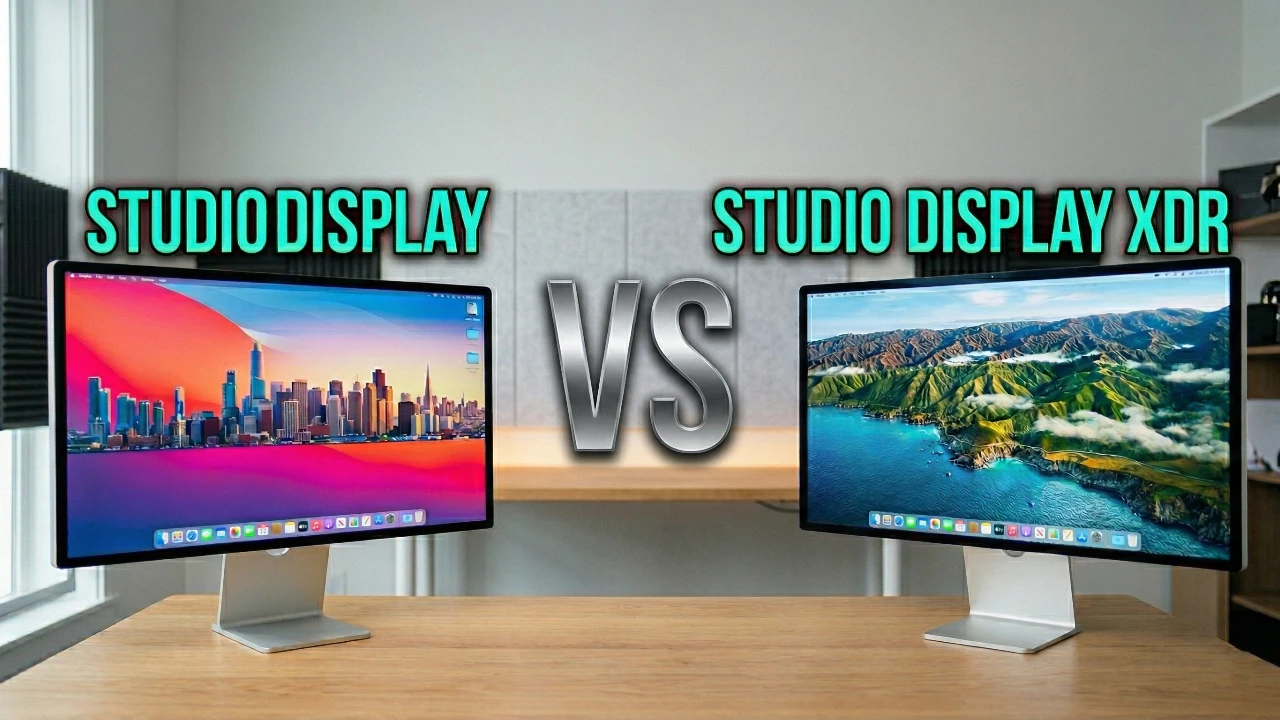
Deciding between the Studio Display (2026 edition) and the Studio Display XDR can be challenging, especially when both monitors offer impressive features tailored to different user needs. By understanding their similarities and differences, you can make an informed decision that aligns with your specific requirements and budget. Whether you’re a casual user or a professional seeking advanced display capabilities, this guide will help you navigate the options effectively. The video below from Mark Ellis Reviews gives us a detailed at the Studio Display and the Studio Display XR.

What Do Both Displays Have in Common?
The Studio Display (2026) and the Studio Display XDR share several core features, making them reliable options for users who prioritize quality and performance. These shared attributes ensure a consistent experience across both models:
- Screen Size and Resolution: Both monitors feature a 27-inch display with 5K Retina resolution and a pixel density of 218 PPI, making sure sharp, vibrant visuals suitable for a wide range of tasks.
- Build Quality: Both displays are constructed with durable materials, offering longevity and a premium feel that justifies their price points.
- Connectivity: Equipped with Thunderbolt 5 support, both models allow for daisy-chaining multiple monitors, enhancing productivity for multitaskers and professionals alike.
- Integrated Camera: A 12MP Center Stage camera is included in both displays, providing seamless video conferencing with automatic framing for a polished, professional appearance during calls.
- Audio Performance: Both models feature upgraded speaker systems that deliver high-quality sound, enhancing multimedia experiences whether you’re watching videos, editing content, or participating in virtual meetings.
These shared features make both displays versatile and dependable, catering to users who value consistent performance and high-quality visuals.
How Do the Displays Differ?
While the Studio Display (2026) and the Studio Display XDR share a strong foundation, the XDR is designed with professionals in mind, offering advanced features that set it apart. Here’s a closer look at the key differences:
- Panel Technology: The Studio Display (2026) uses a standard LED panel with 600 nits of peak brightness and a 60Hz refresh rate. In contrast, the XDR features a Mini-LED panel with 2,000 nits of peak brightness, a 1,000,000:1 contrast ratio and ProMotion technology for a smoother 120Hz refresh rate. These enhancements make the XDR ideal for HDR content, offering deeper blacks, reduced blooming and a more immersive viewing experience.
- Charging Capabilities: The XDR supports 140W fast charging, making it an excellent choice for powering high-demand devices like the 16-inch MacBook Pro. The Studio Display (2026), on the other hand, maxes out at 96W, which is sufficient for most users but less versatile for power-intensive setups.
- Adjustability: The XDR includes a tilt and height-adjustable stand as a standard feature, offering greater ergonomic flexibility. For the Studio Display (2026), this adjustability is available only as an optional upgrade, which may add to the overall cost.
- Professional Features: The XDR includes specialized tools like a DICOM reference mode, which is essential for medical imaging professionals requiring precise grayscale accuracy. This feature further solidifies XDR’s position as a professional-grade monitor.
These distinctions make the Studio Display XDR a superior choice for professionals who demand top-tier performance, while the Studio Display (2026) remains a practical and cost-effective option for general users.
Should You Upgrade From the 2022 Studio Display?
If you already own the 2022 Studio Display, upgrading to the 2026 model may not be necessary unless your current monitor is no longer meeting your needs or you require a secondary display. The 2026 version offers incremental improvements, such as enhanced connectivity and minor performance upgrades, but these changes may not justify the cost for most users.
However, if you’re considering the Studio Display XDR, the decision depends on whether you need its advanced features. Professionals working with HDR content, medical imaging, or other demanding applications will benefit significantly from the XDR’s superior capabilities, such as its Mini-LED panel, ProMotion technology and professional-grade tools. For general users, the additional expense of the XDR may not provide enough value to warrant the upgrade.
Which Display Is Right for You?
Choosing between the Studio Display (2026) and the Studio Display XDR ultimately comes down to your specific needs, use cases and budget. Here’s a quick guide to help you decide:
- Choose the Studio Display (2026): If you’re a general user looking for a high-quality monitor at a reasonable price, the 2026 model is an excellent choice. It’s well-suited for everyday tasks, creative work and entertainment, offering reliable performance without the need for advanced features.
- Choose the Studio Display XDR: If you’re a professional working with HDR content, medical imaging, or other demanding applications, the XDR’s advanced capabilities and superior performance make it a worthwhile investment. Its higher price tag is justified by its innovative technology and professional-grade features, making it ideal for users who require the best in display technology.
By carefully evaluating your needs and budget, you can select the monitor that best aligns with your requirements. Both displays offer exceptional quality, but understanding their differences ensures you make a choice that delivers the most value for your investment.
Find more information on Studio Display XDR by browsing our extensive range of articles, guides and tutorials.
- Apple Studio Display XDR vs Studio Display: Full Details
- Apple Studio Display XDR Review: 27-inch 5K mini-LED at $3,299
- Studio Display XDR Specs and Price: 2,000 Nits HDR, $3,299 Base
- Apple Studio Display vs Pro Display XDR (Video)
- Apple Studio Display 2: Everything You Need to Know
Source & Image Credit: Mark Ellis Reviews
Disclosure: Some of our articles include affiliate links. If you buy something through one of these links, Geeky Gadgets may earn an affiliate commission. Learn about our Disclosure Policy.
