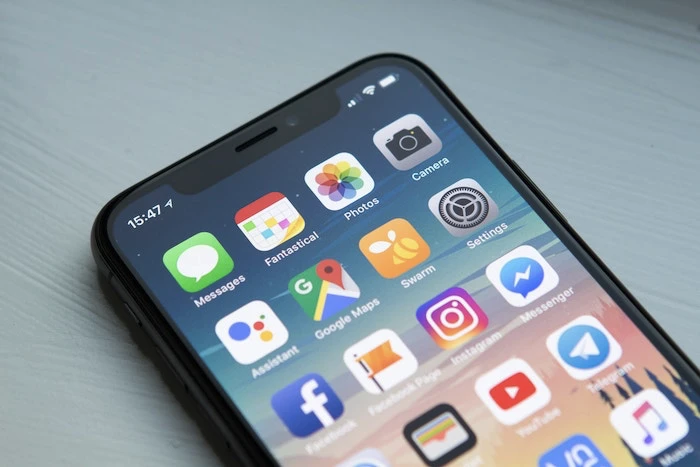
Apple has stopped signing iOS 16.4.1, this was done recently after the release of the iOS 16,5 software update. What this means is that if you have already updated your iPhone to iOS 16.5, you will no longer be able to downgrade it to iOS 16.4.1.
This is done by Apple when they have fixed some important security issues on a version of iOS and they want to ensure that people do not downgrade their software to the version with these security issues.
The iOS 16.5 software update fixed a range of security issues and bugs, it also included a range of new features and some performance improvements, you can see what is included in the update in the release notes below.
This update includes the following enhancements and bug fixes:
– A new Pride Celebration wallpaper for the Lock Screen to honor the LGBTQ+ community and culture
– Sports tab in Apple News gives easy access to stories, scores, standings, and more, for the teams and leagues you follow
– My Sports score and schedule cards in Apple News take you directly to game pages where you can find additional details about specific games
– Fixes an issue where Spotlight may become unresponsive
– Addresses an issue where Podcasts in CarPlay may not load content
– Fixes an issue where Screen Time settings may reset or not sync across all devices
Some features may not be available for all regions or on all Apple devices. For information on the security content of Apple software updates, please visit this website: https://support.apple.com/kb/HT201222
If you are still running iOS 16.4.1 on your iPhone it is recommended that you update your software to the iOS 16.5 software update. You can install the software by going to Settings > General > Software update.
Source MacRumors
Disclosure: Some of our articles include affiliate links. If you buy something through one of these links, Geeky Gadgets may earn an affiliate commission. Learn about our Disclosure Policy.
