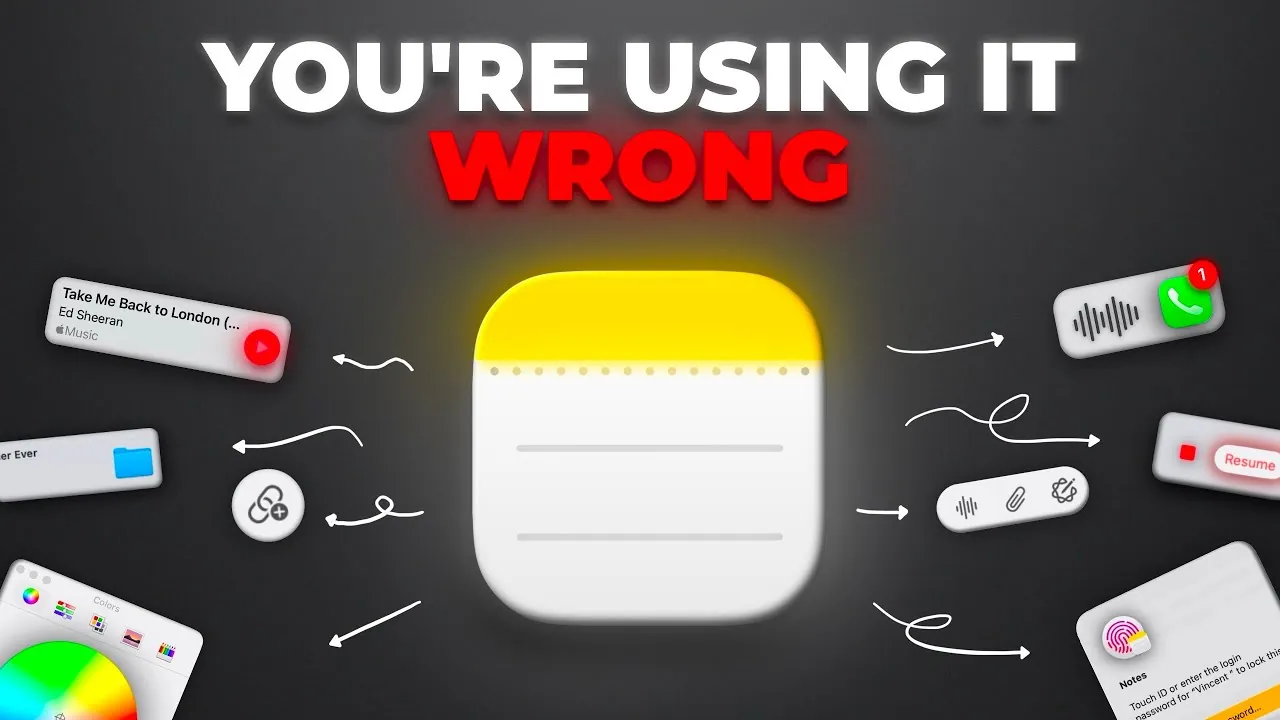
Have you ever felt like your go-to note-taking app just isn’t pulling its weight? Maybe it’s cluttered, uninspiring, or missing the tools you need to stay on top of your ideas. Here’s the thing: if you’re an Apple user, you might already have a hidden productivity powerhouse sitting right on your device. Apple Notes isn’t just a basic app for jotting down grocery lists, it’s a feature-packed tool that can transform how you organize, create, and collaborate. From embedding videos and PDFs to syncing seamlessly across devices, it’s a digital notebook designed to do far more than meets the eye. Yet, many people overlook its potential simply because they don’t know how to unlock it.
In this step-by-step overview, MacVince will guide you through the features that make Apple Notes truly shine. You’ll discover how to turn simple notes into dynamic, multimedia-rich resources, streamline your workflows with seamless syncing, and use advanced tools like Quick Note and PDF annotation to elevate your productivity. But that’s just scratching the surface, Apple Notes also offers powerful organizational features, creative customization options, and even AI-driven tools to supercharge your note-taking. Whether you’re managing a complex project or just trying to keep your thoughts in order, this guide will show you how to make Apple Notes work harder for you. Sometimes, the tools we need are already in our hands, it’s just a matter of learning how to use them.
Apple Notes Productivity Features
TL;DR Key Takeaways :
- Apple Notes has evolved into a powerful productivity tool with features like multimedia integration, seamless syncing, and advanced organizational tools.
- Multimedia integration allows embedding and previewing videos, PDFs, links, and more, transforming notes into dynamic, interactive resources.
- Seamless syncing across Apple devices ensures uninterrupted workflows, with iCloud backup providing secure and accessible storage.
- Advanced tools like Quick Note, PDF annotation, Apple Pencil support, and built-in calculations cater to both creative and analytical tasks.
- Organizational and collaboration features, such as subfolders, tagging, mentions, and real-time editing, make managing and sharing notes efficient and secure.
Why Apple Notes Stands Out
Apple Notes distinguishes itself as more than just a digital notebook. Its unique features make it a standout choice for users seeking a comprehensive note-taking solution:
- Multimedia integration that allows for richer, interactive notes.
- Seamless syncing across Apple devices, making sure uninterrupted workflows.
- Advanced tools for note-taking, organization, and collaboration.
These features combine to create a powerful tool that adapts to a wide range of use cases. Let’s delve deeper into these capabilities to understand how they can enhance your productivity.
Multimedia Integration: Beyond Text
Apple Notes goes beyond traditional text-based note-taking by allowing you to embed and preview various types of media directly within your notes. From links and videos to PDFs and map locations, the app consolidates diverse content in one place. The intuitive drag-and-drop functionality simplifies the process, just pull items from your browser, Finder, or other apps and drop them into your notes. For example, you can embed a video link and play it inline without leaving the app. This capability transforms your notes into dynamic, interactive resources, making them ideal for presentations, research, or personal organization.
How to Use Apple Notes Correctly in 2025

Master Apple Notes advanced features with the help of our in-depth articles and helpful guides.
- How to Use Apple Notes: Advanced Features for Better Note-Taking
- How to Use Apple Notes for Organization, Collaboration and More
- Master Apple Notes: 30+ Hidden Features & Productivity Hacks
- Discover the New Tools in Apple Notes iOS 18.3 Update
- 5 New Apple Notes AI Features : Unleash the Power of Smarter Note
- 11 Apple Notes Tips to Boost Productivity and Stay Organized
- Top Apple Notes Features You Should Be Using Right Now
- How to Use Apple Notes to Boost Productivity and Stay Organized
- 12 Essential Apple Notes Features to Boost Your Productivity
- Apple Notes Features You Didn’t Know About
Seamless Syncing Across Devices
One of the most valuable features of Apple Notes is its ability to sync effortlessly across all Apple devices. Whether you’re using an iPhone, iPad, Mac, or Apple Watch, your notes are always up to date. This seamless integration ensures you can start a note on one device and continue working on another without interruption. With iCloud integration, your notes are securely backed up and accessible anytime, anywhere. This level of connectivity is particularly beneficial for users who frequently switch between devices or need access to their notes on the go.
Apple Watch Compatibility
Apple Notes extends its functionality to the Apple Watch, offering unparalleled convenience for note-taking. You can create, view, and edit notes directly from your wrist, making it easy to capture ideas wherever you are. Features like dictation and the on-screen keyboard allow for quick input, while complications provide instant access to your notes or dictation tools. This integration ensures that you’re always ready to jot down important thoughts, even during moments when using a larger device isn’t practical.
Advanced Note-Taking Tools
Apple Notes offers a comprehensive suite of tools to elevate your note-taking experience:
- Quick Note: Instantly create notes on iPad, even while multitasking in other apps.
- Web Integration: Highlight and save text from web pages with linked previews for easy reference.
- PDF Annotation: Annotate documents directly within the app for streamlined workflows.
- Apple Pencil Support: Draw, sketch, or write for a more creative and personalized approach.
- Built-in Calculations: Perform calculations and conversions directly in your notes.
These tools make Apple Notes a versatile option for both creative and analytical tasks, catering to a wide range of user needs.
Organizational Features
Keeping your notes organized is effortless with Apple Notes. The app offers several features to help you manage your content effectively:
- Use headings, subheadings, and collapsible sections to structure your notes.
- Create subfolders to categorize notes for better organization.
- Pin important notes to keep them easily accessible at the top of your list.
- Lock sensitive notes with Face ID, Touch ID, or a password for added privacy.
- Switch to gallery view for a more visual and intuitive navigation experience.
These organizational tools ensure that your notes remain accessible, secure, and easy to manage, regardless of the volume of content.
Collaboration and Sharing
Apple Notes excels in collaboration, making it easy to share notes with others for real-time editing. Features like tagging and mentions allow you to organize shared content and notify collaborators of updates. Whether you’re working on a group project, coordinating tasks, or sharing a grocery list, Apple Notes ensures smooth communication and coordination. This functionality is particularly useful for teams and families who rely on shared resources.
Search and Navigation
Finding information in Apple Notes is fast and efficient, thanks to its robust search functionality. You can search within a single note or across all notes using keywords, filters, or tags. Additionally, the app allows you to toggle between “date created” and “date edited” views, making it easier to locate notes based on your preferred criteria. This feature ensures that you can quickly retrieve the information you need, even in a large collection of notes.
Formatting and Customization
Apple Notes offers extensive formatting options to tailor your notes to your specific needs. You can:
- Change fonts, text sizes, and colors to create a personalized look.
- Use Markdown for seamless importing and exporting of notes.
- Link notes to create master pages or indexes for complex projects.
These customization options make Apple Notes adaptable to a wide range of use cases, from simple to-do lists to detailed project plans.
AI and Writing Tools
Apple Notes uses AI to enhance your productivity. Intelligent features can summarize, rewrite, or generate text, while image and sketch enhancements improve the clarity and professionalism of visuals. These tools are particularly beneficial for users who rely on the app for creative or analytical work, allowing them to produce polished and effective content with minimal effort.
Convenience Features
Apple Notes includes several features designed to make note-taking as convenient as possible:
- Open notes directly from the lock screen on iPad using Apple Pencil for instant access.
- Customize the control center for quick access to the app.
- Record and transcribe calls directly into notes for streamlined workflows.
These features ensure that capturing ideas and managing tasks is always quick, intuitive, and hassle-free.
Media Credit: MacVince
Disclosure: Some of our articles include affiliate links. If you buy something through one of these links, Geeky Gadgets may earn an affiliate commission. Learn about our Disclosure Policy.
