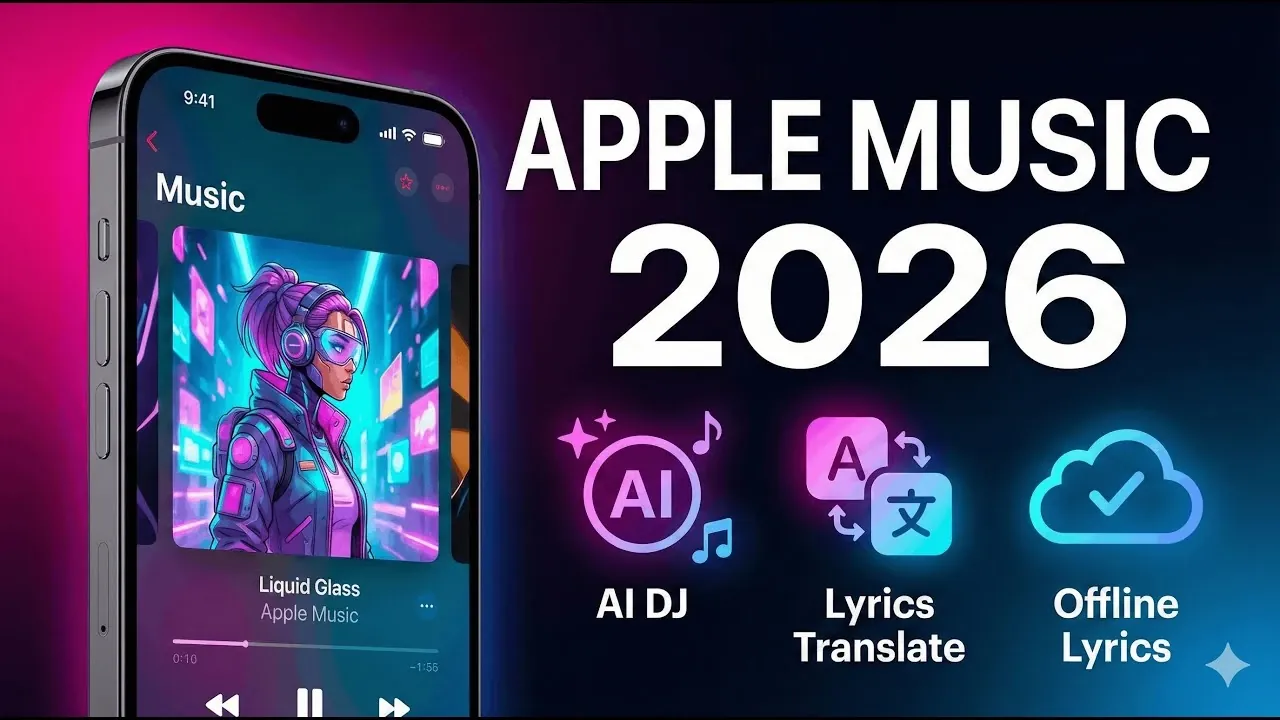
Apple Music continues to refine the listening experience with its early 2026 updates, offering features that cater to both casual users and dedicated music enthusiasts. Phones & Drones highlights standout additions like Automix, a feature that creates smooth, DJ-style transitions between songs by matching tempo and timing. This not only eliminates abrupt pauses but also ensures a consistent flow, making it ideal for everything from personal playlists to party soundtracks. With customizable settings under “Song Transitions,” Automix provides flexibility for tailoring the mood of your music sessions.
In this guide, you’ll learn how Apple Music enhances organization with folder creation and pinned playlists, making it easier to navigate your library. You’ll also discover how lyric translation bridges language barriers, letting you connect with global music through instant translations and phonetic guides. Whether you’re interested in dynamic visuals, personalized insights like Apple Replay 2026, or interactive features like Apple Music Sing, this guide offers a closer look at the updates shaping the platform this year.
Apple Music 2026 Updates
TL;DR Key Takeaways :
- Automix Feature: Introduces smooth, DJ-style transitions for playlists, making sure a seamless and immersive listening experience with customizable settings.
- Enhanced Playlist Tools: Offers folder creation, custom playlist artwork and pinned playlists for better organization and personalization of your music library.
- Lyric Translation: Provides instant translations and phonetic guides for song lyrics, making global music more accessible and engaging.
- Dynamic Visuals: Features animated album artwork for select tracks, adding a visually appealing and customizable aesthetic to the platform.
- Apple Replay 2026: Delivers detailed insights into your listening habits, including most-played songs, artists and monthly/yearly replays for a personalized music journey.
Seamless Transitions with Automix
The Automix feature transforms how playlists are experienced by introducing smooth, DJ-style transitions. By intelligently matching the tempo and timing of songs, Automix ensures a continuous flow of music without abrupt pauses or jarring changes. This feature is particularly useful for creating a consistent atmosphere, whether you’re hosting a party or enjoying a personal mix.
You can easily configure Automix in your device settings under “Song Transitions,” giving you full control over how your playlists sound. This level of customization ensures that your listening experience is as polished and immersive as possible.
Enhanced Playlist Organization Tools
Managing your music library has never been more intuitive. Apple Music’s improved playlist organization tools allow you to take full control of your collections. Key features include:
- Folder creation: Group similar playlists together for easier navigation and a more streamlined library.
- Custom playlist artwork: Personalize your playlists with unique visuals that reflect your style or mood.
- Pinning favorite playlists: Keep your most-used playlists at the top of your library for quick and convenient access.
These updates ensure that your library remains organized, visually appealing and tailored to your preferences, making it easier to find and enjoy your favorite music.
Top Apple Music Features
Here are more guides from our previous articles and guides related to Apple Music that you may find helpful.
- iOS 26.4 Beta 1 Features: Enhanced CarPlay and Apple Music
- iOS 26.4 Beta 1 Features: Everything You Need to Know
- Apple Music 2026 Update: AI Playlists, Karaoke, and More
- How to Boost iPhone Volume and Sound Quality with iOS 26
- Apple Music Deals Guide: Smart Ways to Cut Your Subscription Cost
- Apple Music and Podcasts Updates in iOS 26.4 Beta 1
- Apple Music Automix: Everything You Need to Know in iOS 26
- Apple Music.Webp
- How to Download Apple Music to Your Apple Watch (Step-by-Step)
- How to Unlock the Full Potential of Apple CarPlay
Breaking Language Barriers with Lyric Translation
Apple Music’s lyric translation feature bridges the gap between languages, allowing you to connect with global music like never before. By tapping the lyrics icon, you can:
- View translations: Instantly access translations of song lyrics in multiple languages, helping you understand the meaning behind the music.
- Phonetic pronunciation: Follow phonetic guides to sing along accurately, even in languages you may not speak fluently.
This feature is a fantastic option for fans of international music, making it easier to appreciate and engage with songs from around the world.
Dynamic Visuals with Animated Album Artwork
Apple Music introduces animated album artwork for select tracks, adding a visually dynamic element to your listening experience. These full-screen animations bring albums to life, offering a modern and engaging aesthetic. For those who prefer a more traditional look, the app provides the option to toggle between animated and standard artwork in the settings. This flexibility ensures that the visual experience aligns with your personal style.
Apple Replay 2026: A Deep Dive into Your Listening Habits
Apple Replay 2026 offers a comprehensive overview of your listening habits, providing insights into your musical journey. This feature includes:
- Most-played songs and artists: Discover which tracks and performers have defined your year.
- Yearly and monthly replays: Reflect on your evolving tastes with detailed breakdowns of your listening history.
Whether you’re revisiting old favorites or exploring new trends, Apple Replay 2026 provides a personalized snapshot of your music preferences.
Sing Along with Apple Music Sing
Apple Music Sing transforms your device into a karaoke machine, making it easier than ever to sing along to your favorite tracks. This feature allows you to:
- Adjust vocal levels: Control the prominence of the original vocals to suit your singing style.
- Follow synchronized lyrics: Enjoy a seamless karaoke experience with lyrics that sync perfectly with the music.
Whether you’re practicing solo or hosting a karaoke night, Apple Music Sing adds an interactive and entertaining dimension to your music experience.
Streamlined Access with Enhanced Home Screen Widgets
Apple Music’s updated home screen widgets bring your favorite features closer than ever. With just a single tap, you can:
- Access recently played tracks: Quickly return to your favorite songs or albums.
- Open pinned playlists or live radio stations: Enjoy instant access to your most-used features.
These widgets save time and effort, making sure that your music is always just a tap away.
Effortless Playlist Importing
Switching to Apple Music from another platform is now a seamless process. The updated playlist importing feature allows you to transfer playlists from services like Spotify or YouTube Music with ease. This ensures that you can continue enjoying your favorite tracks without the hassle of rebuilding your library from scratch. By simplifying the transition process, Apple Music makes it easier for new users to join the platform.
Why Apple Music Stands Out in 2026
Apple Music’s 2026 updates emphasize usability, personalization and interactivity, offering tools that cater to a wide range of preferences. From the seamless transitions of Automix and advanced playlist organization to the global appeal of lyric translation and the visual enhancement of animated album artwork, these features elevate the music streaming experience. Whether you’re a casual listener or a dedicated audiophile, Apple Music’s latest innovations ensure it remains a top choice for music lovers everywhere.
Media Credit: Phones And Drones
Disclosure: Some of our articles include affiliate links. If you buy something through one of these links, Geeky Gadgets may earn an affiliate commission. Learn about our Disclosure Policy.
