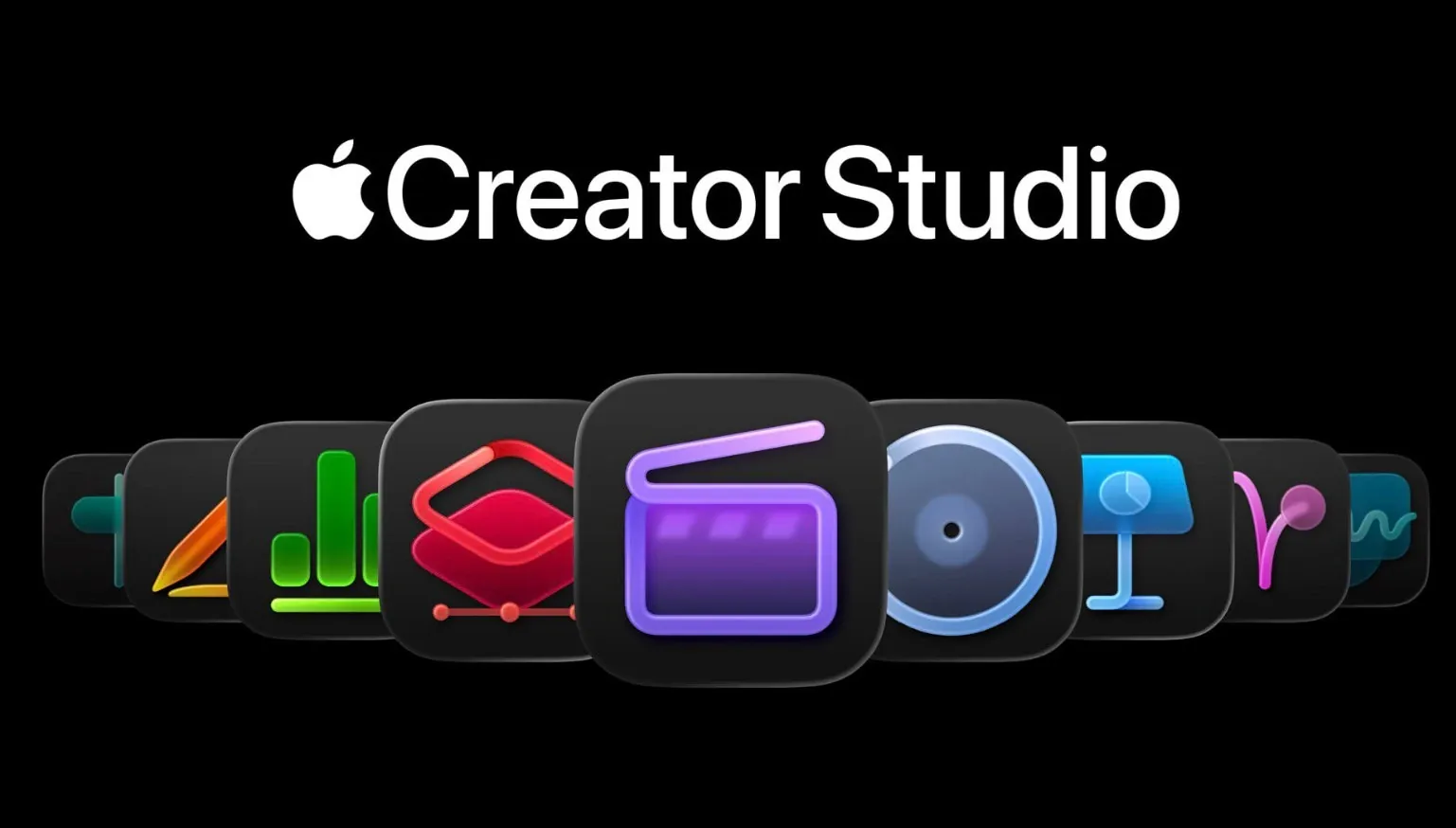
What if you could access a professional-grade creative suite for less than the cost of your monthly coffee habit? In this overview, Christopher Lawley explores how Apple’s new Creator Studio is reshaping the landscape for independent creators, offering a comprehensive package of apps and features designed specifically for Mac and iPad users. From enhanced video editing in Final Cut Pro to seamless photo adjustments in Pixelmator Pro, this suite aims to empower YouTubers, TikTokers, and small-scale producers with affordable yet powerful resources. But is it truly the fantastic option Apple claims, or just another subscription vying for your attention? Lawley’s breakdown uncovers both the potential and the practicalities behind this ambitious offering.
This deep dive examines how Creator Studio’s cross-device compatibility and innovative updates to Final Cut Pro, Logic Pro, and the iWork suite are transforming creative workflows. Features like beat detection, synthetic audio, and dynamic templates promise to elevate projects while keeping processes streamlined. Whether you’re a seasoned content creator or just starting out, this guide reveals the hidden gems, and possible limitations, of this suite. With so much packed into a single subscription, it’s worth asking: could this be the creative upgrade you didn’t know you needed?
Apple Creator Studio Overview
TL;DR Key Takeaways :
- Apple’s Creator Studio is a comprehensive suite of creative tools for Mac and iPad users, tailored for independent creators like YouTubers and TikTokers, with a focus on affordability, accessibility, and cross-device compatibility.
- Pixelmator Pro is integrated into the suite, offering professional-grade photo editing tools with features like advanced layers, vector editing, and machine learning-based enhancements, ideal for photo editing and design projects.
- Final Cut Pro has been enhanced with features like transcript search, beat detection, and dynamic titles, along with iPad-specific tools like Montage Maker and external monitor support, making video editing more efficient and accessible.
- Logic Pro and the iWork suite (Pages, Keynote, Numbers) have received updates to enhance music production, productivity, and design, including synthetic audio tools, a centralized Content Hub, and super-resolution image tools.
- The Creator Studio is priced affordably at $12.99/month or $129/year, with discounts for students, positioning it as a cost-effective alternative to Adobe Creative Cloud for independent creators.
Pixelmator Pro: A Powerful Addition
Pixelmator Pro is now a key component of the Creator Studio, offering professional-grade photo editing tools for Mac and iPad users. This app combines features commonly found in industry-standard software like Lightroom and Photoshop, making it a valuable asset for creators. Key features include:
- Advanced layer support and masking tools for detailed editing
- Vector editing capabilities for creating scalable designs
- Machine learning-based auto-enhancements for lighting, color, and sharpness adjustments
In addition to these features, Pixelmator Pro provides exclusive templates and a diverse range of brushes, making it easier to create polished visuals. These tools streamline workflows, allowing you to focus on creativity rather than technical challenges.
However, Pixelmator Pro is not intended for managing extensive photo libraries. For such tasks, Apple recommends using Photomator, a separate app. Despite this limitation, the integration of Pixelmator Pro into the Creator Studio offers a robust solution for creators focused on photo editing and design projects.
Final Cut Pro: Elevating Video Editing
Final Cut Pro, Apple’s flagship video editing software, has been enhanced with new features to improve your editing experience. These updates are designed to make video production more efficient and creative. Key improvements include:
- Transcript and visual search tools for quickly locating specific clips
- Beat detection for precise synchronization of edits with music
- Dynamic titles and customizable graphics for added creative flexibility
For iPad users, the updates are particularly impactful. Final Cut Pro now includes Montage Maker, a tool that simplifies the creation of polished video sequences. Additional iPad-specific features include:
- Support for multiple timelines to enhance editing efficiency
- External monitor compatibility for improved workflow
- Background exports to allow uninterrupted editing
These updates ensure that Final Cut Pro remains a powerful and versatile tool for video editors, whether you’re working on a Mac or an iPad. The new features cater to both beginners and professionals, making high-quality video production more accessible.
Secrets of Apple Creator Studio

Here is a selection of other guides from our extensive library of content you may find of interest on Apple apps.
- Apple’s 2025 App Store Awards: The Best Apps of The Year
- How to Use WhatsApp on Apple Watch: Features, Setup, and More
- The Best Apple Watch Speaker Apps
- Underrated Apple Watch Apps You Need to Install
- Apple Notes Just Got Smarter: See What’s New in iOS 18.3
- How to Reset a Forgotten Apple Notes App Password on iPhone 16
- Shift Keyboard Apple Watch app
- 1Password vs Apple Password : Which Password Manager is Best?
- Unlock Your Health Data: A Complete Guide to the Apple Health App
- How Apple’s Invites App Simplifies Event Planning and RSVPs
Logic Pro: Expanding Musical Horizons
Logic Pro has also received significant updates, aimed at modern music producers. The introduction of synthetic audio tools allows you to experiment with new sounds and textures, broadening your creative possibilities. While Apple has not disclosed extensive details about these updates, they are expected to enhance workflow efficiency and creative flexibility. These improvements position Logic Pro as a valuable tool for both aspiring and professional music producers, offering a platform to explore innovative soundscapes and refine their craft.
iWork Suite: Enhanced Productivity and Design
The iWork suite, which includes Pages, Keynote, and Numbers, has been upgraded with features exclusive to Creator Studio subscribers. These updates are designed to enhance both productivity and creativity. Notable additions include:
- A centralized Content Hub for easy access to photos, graphics, and illustrations
- Super-resolution and auto-crop tools to improve image quality
Keynote, in particular, now offers the ability to generate slides from notes and vice versa, simplifying the process of creating presentations. These enhancements make the iWork apps versatile tools for independent creators, allowing them to handle tasks ranging from productivity to design with ease.
Freeform App: Upcoming Enhancements
Apple’s Freeform app, a collaborative brainstorming tool, is set to receive updates exclusive to Creator Studio users. While specific details have not yet been revealed, these planned enhancements are expected to further integrate Freeform into the creative workflow. This will likely add value to the Creator Studio package, making it an even more comprehensive solution for creators.
Pricing: Affordable for All
The Creator Studio is priced at $12.99 per month or $129 per year, with a discounted rate of $3 per month or $30 per year for students. Apple also offers a one-month free trial for all users, with an extended three-month trial available for those purchasing a new Mac or iPad.
This pricing structure positions the Creator Studio as an affordable alternative to other professional-grade creative software, such as Adobe Creative Cloud. By offering a cost-effective solution, Apple makes professional tools accessible to a wider audience, particularly independent creators who may have limited budgets.
Who Stands to Benefit the Most?
The Creator Studio is designed to meet the needs of independent content creators, including YouTubers, TikTokers, and small-scale producers. By offering native apps optimized for Apple devices, the bundle ensures a streamlined and efficient creative experience. For many users, the Creator Studio has the potential to replace more expensive subscriptions, such as Adobe’s offerings, resulting in significant annual cost savings.
With its focus on affordability, accessibility, and cross-device compatibility, the Creator Studio is an ideal choice for creators looking to elevate their work without incurring high costs. Whether you’re editing videos, producing music, or designing presentations, this suite provides the tools you need to succeed.
Media Credit: Christopher Lawley
Disclosure: Some of our articles include affiliate links. If you buy something through one of these links, Geeky Gadgets may earn an affiliate commission. Learn about our Disclosure Policy.
