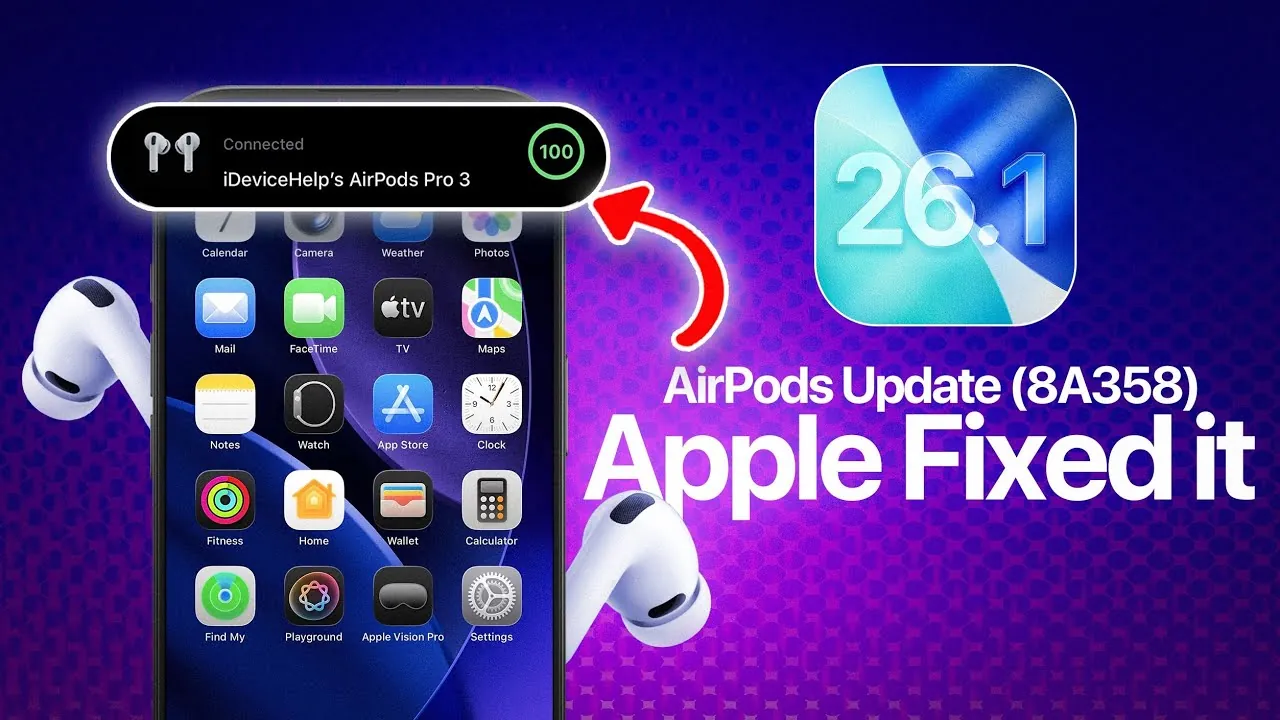
Apple has rolled out firmware update 8A358 for its AirPods lineup, aiming to enhance device stability and address existing bugs. While the update does not introduce new features, it focuses on refining the performance of current functionalities, ensuring a smoother and more reliable experience for users. If you own AirPods Pro 3, AirPods Pro 2 (USB-C or Lightning), or AirPods 4, this update is applicable to your device. Keeping your AirPods updated is essential to maintaining optimal performance and compatibility with Apple’s ecosystem. The video below from iDeviceHelp gives us more details about the update.

Key Improvements in Firmware 8A358
The 8A358 firmware brings several targeted fixes and improvements to enhance the overall user experience. These updates address specific issues that may have impacted the functionality of your AirPods:
- Camera Remote Fix: A bug that caused the AirPods stem to unintentionally trigger music playback instead of activating the camera remote has been resolved. This fix ensures that the camera remote feature functions reliably, making it easier to capture photos and videos hands-free.
- Audio Playback Stability: Interruptions and crackling sounds during music playback, particularly when notifications were received, have been eliminated. This improvement delivers a more seamless and enjoyable listening experience.
- General Performance Enhancements: Stability improvements have been implemented across the board, though Apple has not disclosed detailed technical specifics. These enhancements contribute to a more consistent and reliable performance.
These updates underline Apple’s commitment to refining the user experience by addressing common pain points and making sure that AirPods continue to perform at a high standard.
Compatible AirPods Models
The firmware update 8A358 is available for the following AirPods models:
- AirPods Pro 3: Apple’s latest Pro model, featuring advanced noise cancellation and spatial audio capabilities.
- AirPods Pro 2: Both USB-C and Lightning versions are supported, making sure compatibility across different charging options.
- AirPods 4: Available with or without active noise cancellation, this model benefits from the update’s stability improvements.
If you own any of these models, it is recommended to ensure your AirPods are updated to take advantage of the fixes and enhancements provided by firmware 8A358.
How to Update Your AirPods
Updating your AirPods is a straightforward and automatic process. To ensure the firmware update is applied, follow these steps:
- Pair your AirPods with an iPhone running the latest iOS version.
- Place your AirPods in their charging case and keep them near your iPhone.
- Ensure your iPhone is connected to Wi-Fi and leave the AirPods near the device for at least 20 minutes.
To verify that the update has been successfully installed, navigate to the AirPods section in your iPhone’s settings and check the firmware version. Keeping your AirPods updated ensures they continue to function optimally and remain compatible with Apple’s latest software.
Enhanced Camera Remote Functionality
One of the standout fixes in firmware 8A358 addresses the camera remote feature. This functionality allows users to control photo and video capture by pressing the AirPods stem. Previously, some users reported that this action unintentionally triggered music playback instead of activating the camera remote. With the latest update, this issue has been resolved, making the feature more dependable and versatile. Whether you’re capturing a group photo or recording a video, the improved camera remote functionality enhances the hands-free photography experience.
Why Stability Updates Matter
While stability updates may not be as immediately noticeable as new features, they play a crucial role in making sure a seamless and reliable user experience. Firmware 8A358 addresses playback interruptions, eliminates audio glitches, and improves overall performance. These refinements enhance the day-to-day usability of AirPods, reinforcing their reputation as a premium wireless audio solution. By focusing on stability, Apple ensures that users can rely on their AirPods for consistent performance, whether they’re listening to music, taking calls, or using advanced features like active noise cancellation.
What’s Next for AirPods?
The release of firmware update 8A358 underscores Apple’s dedication to maintaining the functionality and reliability of its AirPods lineup. While this update focuses on refining existing features, it also sets the stage for future improvements. As wireless audio technology continues to evolve, Apple may introduce new capabilities or further optimize performance in upcoming updates. For now, users can enjoy the benefits of a more stable and reliable listening experience. Making sure your AirPods are updated to the latest firmware is a simple yet effective way to maximize their performance and longevity.
Here are more detailed guides and articles that you may find helpful on AirPods firmware update.
- AirPods Firmware Update 7E99 & 7E93: What You Need to Know
- How to Update AirPods Firmware to Beta Version on iOS 18.4
- How to Update AirPods Firmware to Beta Version: Complete Guide
- How to Update Your AirPods Firmware (Easy Steps)
- iOS 26 Unleashes New AirPods Power: Full Breakdown
Source & Image Credit: iDeviceHelp
Disclosure: Some of our articles include affiliate links. If you buy something through one of these links, Geeky Gadgets may earn an affiliate commission. Learn about our Disclosure Policy.
