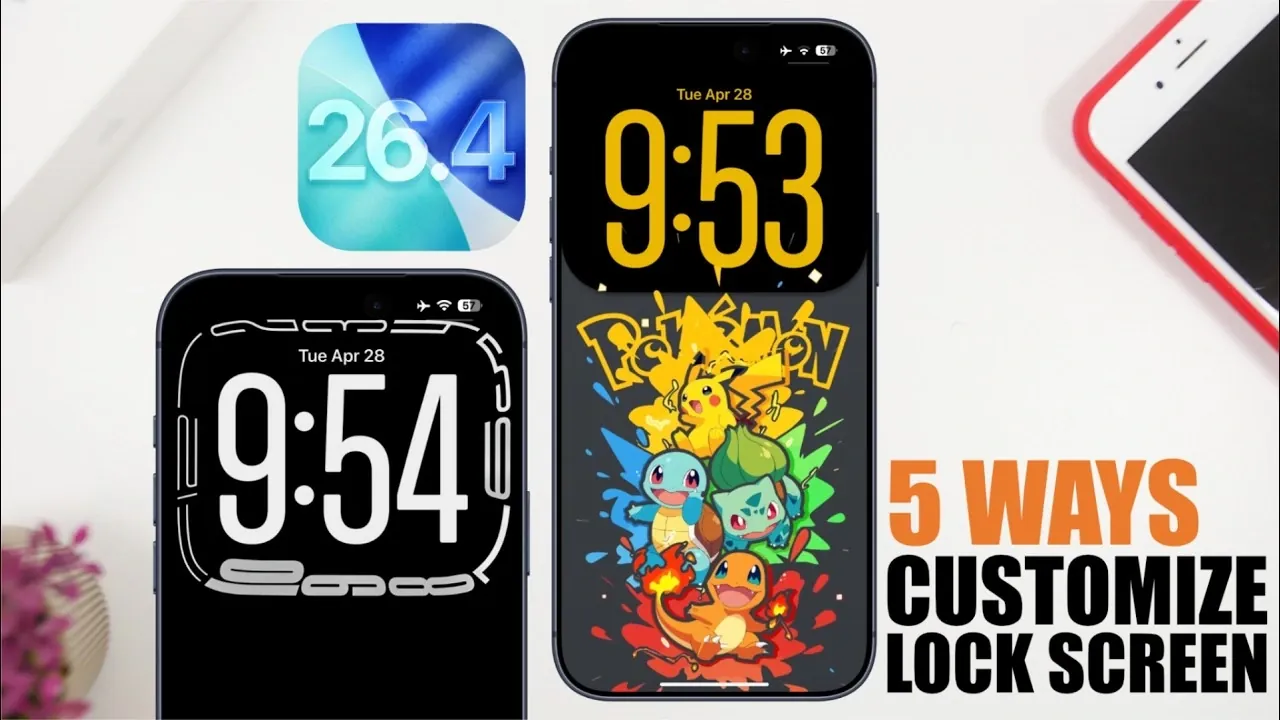
iOS 26.4 introduces a robust set of lock screen customization options, allowing you to create a personalized interface that balances aesthetics and functionality. With features ranging from dynamic wallpapers to accessibility-focused enhancements, this update enables you to tailor your device to suit your preferences. Here are five effective ways to elevate your lock screen experience in a great new video from iReviews.
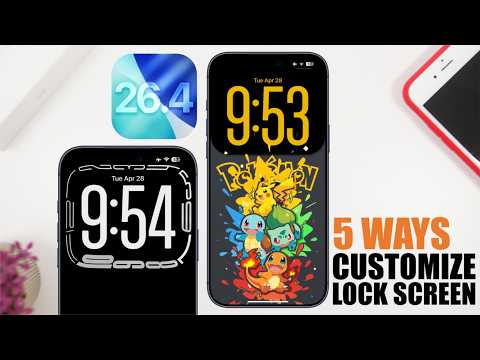
1. Use Framed Wallpapers for a Polished Look
Framed wallpapers provide a structured and refined appearance for your lock screen. These designs emphasize key elements like the clock and buttons, creating a cohesive and professional aesthetic. To incorporate framed wallpapers:
- Select wallpapers with built-in frames specifically optimized for iOS 26.4.
- Customize the clock’s color to complement the wallpaper’s accents, making sure a harmonious design.
- Explore apps or online platforms offering curated collections of framed wallpapers tailored for iOS devices.
By using framed wallpapers, you can enhance both the visual appeal and usability of your lock screen, making it stylish yet functional.
2. Use the Liquid Glass Effect
The liquid glass effect is one of the standout features in iOS 26.4, offering a sleek and modern aesthetic. This translucent design element adds depth and sophistication to your lock screen. To maximize its potential:
- Choose vibrant or gradient wallpapers that complement the liquid glass effect for a striking visual impact.
- Enable the effect for the clock, creating a polished, semi-transparent appearance.
- Adjust the clock’s size and thickness to maintain readability while enhancing the overall design.
Pairing the liquid glass effect with a matching home screen layout can create a seamless and unified visual experience across your device.
3. Opt for Paired Wallpapers
Paired wallpapers are designed to create a smooth and cohesive transition between your lock and home screens. This feature enhances the overall aesthetic of your device by maintaining visual consistency. To use paired wallpapers:
- Choose wallpaper sets that align perfectly when switching between the lock and home screens.
- Browse apps or websites specializing in paired wallpaper designs optimized for iOS 26.4.
- Experiment with themes that reflect your personal style, whether minimalistic, vibrant, or artistic.
This approach not only improves the visual flow of your device but also improves the user experience by creating a unified design theme.
4. Add Depth with Depth-Effect Wallpapers
Depth-effect wallpapers bring a sense of dimension and dynamism to your lock screen by layering elements to create a visually immersive design. To make the most of this feature:
- Choose wallpapers specifically designed to support the depth effect for a clean, layered appearance.
- Remove unnecessary buttons or widgets to maintain a minimalist and uncluttered look.
- Opt for solid clock styles to preserve the depth effect’s visual integrity and ensure readability.
This customization option is ideal for users seeking a modern and sophisticated lock screen design that stands out.
5. Highlight Elements with Borders
Adding borders around key elements such as the clock and buttons is a practical way to enhance visibility and emphasize important features on your lock screen. This option, available through iOS 26.4’s accessibility settings, allows you to:
- Improve the visibility of the clock and buttons by applying subtle yet effective borders.
- Experiment with contrasting colors, such as liquid glass tones or darker shades, to create visual interest.
- Combine borders with other customization options, like framed or depth-effect wallpapers, for a balanced and unique design.
This feature not only improves usability but also adds a distinctive and personalized touch to your lock screen.
Unlock the Potential of Your Lock Screen
Customizing your lock screen on iOS 26.4 offers a unique opportunity to blend functionality with personal expression. By incorporating features like framed wallpapers, liquid glass effects, paired designs, depth-effect wallpapers and bordered elements, you can create a lock screen that is both visually engaging and practical. These tools empower you to tailor your device to your preferences, making sure a seamless and enjoyable user experience every time you unlock your phone.
Source & Image Credit: iReviews
Disclosure: Some of our articles include affiliate links. If you buy something through one of these links, Geeky Gadgets may earn an affiliate commission. Learn about our Disclosure Policy.
