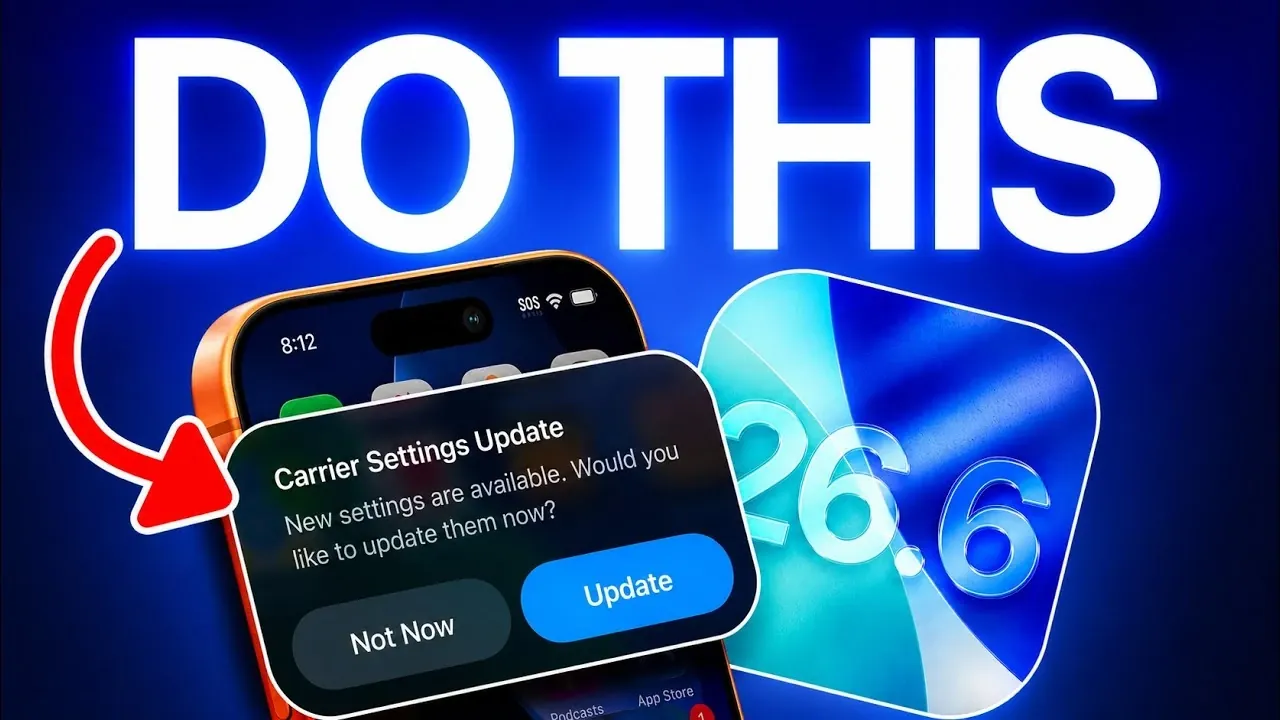
Apple has officially released iOS 26.6, a significant update designed to enhance your device’s performance, security, and compatibility. This update is more than a routine release; it’s a critical step in preparing your Apple devices for iOS 27, expected later this year. While installing the update is essential, taking a few additional actions afterward ensures your devices operate at their full potential.

Synchronize Your Apple Ecosystem for Seamless Functionality
Once your iPhone is updated to iOS 26.6, it’s important to ensure all other Apple devices in your ecosystem are also updated. This includes your Apple Watch, HomePod and Apple TV. Keeping your devices synchronized not only enhances compatibility but also ensures a seamless and interconnected user experience.
- Apple Watch: Open the Watch app on your iPhone, navigate to “General” > “Software Update,” and install any available updates.
- HomePod: Use the Home app, go to “Home Settings,” and check for updates under “Software Update.”
- Apple TV: Navigate to “Settings” > “System” > “Software Updates” to check for and install updates.
These updates include critical bug fixes and performance improvements. Neglecting them could lead to issues such as app crashes or reduced functionality when using interconnected devices.
Ensure Optimal Network Performance by Updating Carrier Settings
To maintain reliable network performance, it’s essential to check for carrier settings updates. These updates optimize your device’s communication with your carrier’s network and can resolve issues related to calls, texts, or data connectivity.
- Go to “Settings” > “General” > “About.”
- If an update is available, a prompt will appear to install it.
Installing these updates ensures your device operates smoothly on your carrier’s network, reducing the likelihood of dropped calls or slow data speeds.
Update Third-Party Apps for Compatibility
After installing iOS 26.6, updating your third-party apps is essential. Developers frequently release updates to ensure their apps are compatible with the latest iOS version. Failing to update your apps could result in crashes, reduced functionality, or even overheating due to outdated software.
- Open the App Store and tap your profile icon in the top-right corner.
- Scroll down to view available updates and tap “Update All” to ensure all apps are current.
By keeping your apps updated, you not only avoid potential issues but also gain access to the latest features and improvements offered by developers.
Enhance Spotlight and Siri Performance
iOS 26.6 introduces improvements to Spotlight search and Siri, making your device faster and more responsive. These enhancements improve the speed and accuracy of searching for apps, files, or information. Additionally, they prepare your device for new features expected in iOS 27.
To fully benefit from these updates, consider clearing your device’s cache and restarting it after the update. This allows Spotlight and Siri to adapt to the new optimizations more effectively, making sure a smoother user experience.
Strengthened Security Features in Messages
A key feature of iOS 26.6 is the enhanced security in the Messages app. The update introduces a system that detects and reports malicious messages. If your device identifies a suspicious message, you’ll receive a prompt to overview it directly to Apple.
This feature reflects Apple’s ongoing commitment to user security, helping protect your personal information from phishing attempts and other cyber threats. By allowing this feature, you can actively contribute to a safer digital environment.
Manage Blocked Contacts with New Notifications
For users who frequently block numbers, iOS 26.6 introduces a notification system that alerts you when you’ve reached the maximum number of blocked contacts. This update also provides guidance on managing your blocked list, allowing you to free up space for new entries if necessary.
This practical addition gives you greater control over your communication preferences, making sure that unwanted contacts don’t disrupt your experience.
Why This Update is Essential
The iOS 26.6 update is more than just a collection of new features, it’s a critical step in preparing your devices for the future. Beyond performance enhancements, the update includes essential security patches that protect your device from vulnerabilities. Whether you use your Apple devices casually or rely on them for work, this update ensures your device remains secure, efficient and ready for the advancements coming with iOS 27.
By taking the time to update your Apple ecosystem, check carrier settings, optimize apps and explore new features, you can maximize the benefits of iOS 26.6 and enjoy a smoother, safer experience.
Here is a selection of other guides from our extensive library of content you may find of interest on iOS 26.6.
- iOS 26.6 Beta 4 Finally Improves iPhone’s Battery Life
- iOS 26.6: Top New Features Coming to Your iPhone
- Cool New Things Your iPhone Can Do in iOS 26.6
- iOS 26.6 Final Release: Apple’s Predictable Launch Pattern Reveals the Date
- Why You Should Wait Before Installing iOS 26.6 Beta
- Why Apple Just Dropped iOS 26.6 Beta 1 Right Before iOS 27
Source & Image Credit: iDeviceHelp
Disclosure: Some of our articles include affiliate links. If you buy something through one of these links, Geeky Gadgets may earn an affiliate commission. Learn about our Disclosure Policy.
