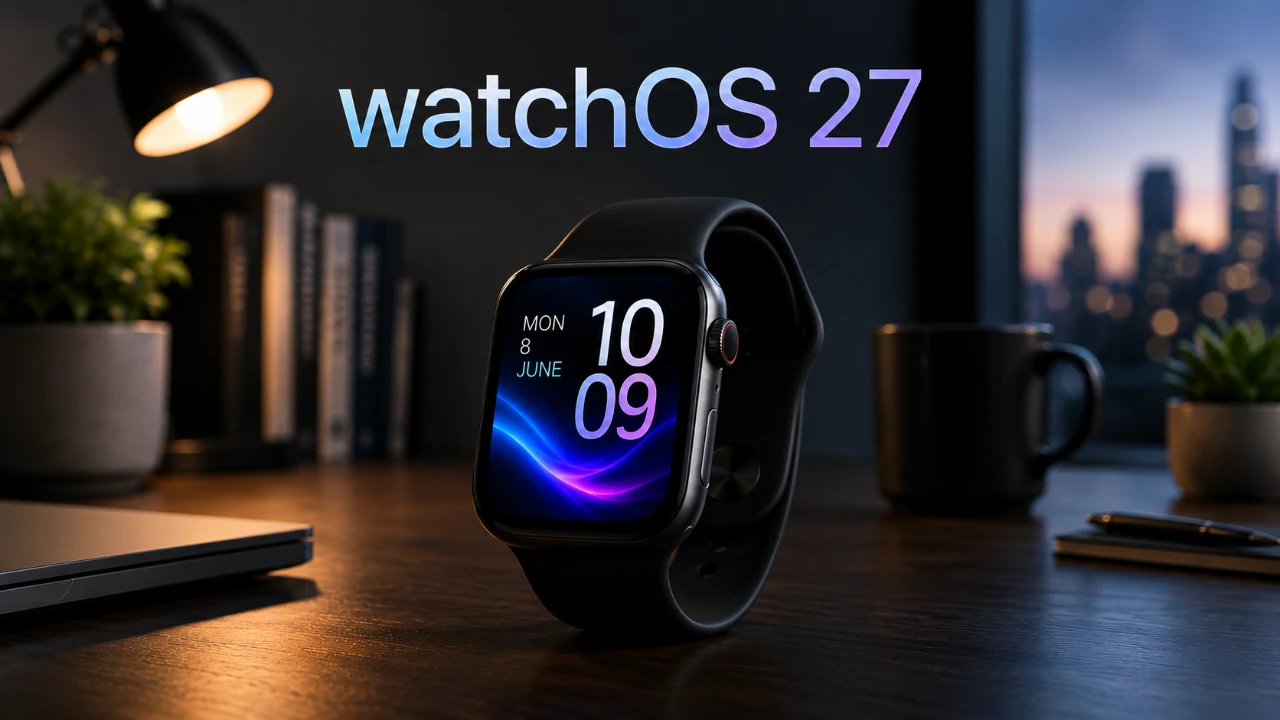
Apple’s watchOS 27 delivers a host of updates designed to enhance usability, improve health tracking and refine the overall user experience. While the much-anticipated Siri AI integration is not yet available in the beta version, this update focuses on smarter navigation, advanced fitness tools and streamlined app functionality. Below is a detailed exploration of the new features and improvements that make watchOS 27 a significant step forward for Apple Watch users. The video below from MacRumors gives us a look at the new watchOS 27.

Siri AI Integration: A Glimpse into the Future
Although Siri AI integration is absent from the current release, it remains one of the most exciting features on the horizon. This future enhancement is expected to transform how you interact with your Apple Watch by offering context-aware responses tailored to your activities. For example, Siri could suggest reminders or calendar events based on your ongoing tasks, such as a phone call or a workout session. Additionally, the ability to engage in cross-device Siri conversations will allow seamless transitions between your Apple Watch and iPhone, fostering a more unified and efficient user experience. While this feature is not yet available, its potential to redefine convenience and personalization is undeniable.
Refined User Interface for Enhanced Navigation
watchOS 27 introduces a cleaner and more intuitive user interface, making navigation smoother and more visually appealing. Key updates include:
- Redesigned App Icons: A cohesive design language across app icons improves both aesthetics and usability.
- Dynamic App Grid: Contextually relevant apps are automatically prioritized, allowing quicker access to frequently used features.
- Improved Notification Controls: Manage alerts more efficiently with options to mute or dismiss notifications directly from your wrist.
These interface refinements are aimed at simplifying interactions and making sure that essential tools are always within easy reach.
Gesture Control and Smart Stack Upgrades
Navigating your Apple Watch has never been easier, thanks to the introduction of single-tap gesture control. This feature simplifies one-handed operation, making it more convenient for users on the go. The Smart Stack has also been upgraded to provide proactive suggestions based on your habits and routines. For instance, it can remind you of a friend’s birthday, display the location of your parked car, or adjust your alarms to align with your schedule. These enhancements ensure that your Apple Watch becomes a more responsive and indispensable part of your daily life.
Unified Find My App for Streamlined Tracking
The Find My app in watchOS 27 consolidates device, people and item tracking into a single, unified platform. Whether you’re locating your AirPods, checking on a family member’s location, or finding a misplaced bag, this streamlined approach ensures quicker and easier access to the information you need. By integrating all tracking features into one app, Apple has made it simpler to stay connected to what matters most.
Wallet App Enhancements for Everyday Convenience
The Wallet app receives significant upgrades in watchOS 27, including support for custom passes. This allows you to store memberships, event tickets and QR/barcodes directly on your Apple Watch. Integration with the Smart Stack ensures that these passes are readily available when needed, such as scanning a ticket at a concert or checking into your gym. These enhancements add a layer of convenience to everyday tasks, making the Wallet app more versatile and practical.
Health and Fitness Tracking: Smarter and More Inclusive
watchOS 27 takes health and fitness tracking to new heights with a range of updates designed to provide deeper insights and cater to a broader audience. Key improvements include:
- New Workout Insights: Detailed metrics like pace, distance and duration offer a more comprehensive understanding of your performance.
- Standalone Coaching: Access guided workouts directly on your Apple Watch without needing your iPhone nearby.
- Spanish Language Support: Fitness coaching is now available in Spanish, making it accessible to more users worldwide.
- Step Count Syncing: Seamless integration between the Fitness and Health apps ensures accurate tracking of your daily activity.
- Improved Treadmill Tracking: Enhanced motion algorithms provide more precise metrics for indoor runs.
- Menopause and Perimenopause Tracking: Tailored notifications and resources address critical health needs for many users, reflecting Apple’s commitment to inclusivity.
These updates demonstrate Apple’s dedication to making health tracking more detailed, accurate and inclusive for all users.
Performance Enhancements for a Smoother Experience
Performance optimizations in watchOS 27 ensure that your Apple Watch operates more efficiently than ever. Apps now launch faster and music playback is more responsive, reducing delays and improving overall usability. These enhancements contribute to a smoother and more enjoyable day-to-day experience, making sure that your Apple Watch keeps up with your busy lifestyle.
Removed Features: Streamlining the Experience
In its effort to refine the platform, Apple has removed certain features in watchOS 27:
- App Switcher: The double-press function of the digital crown no longer opens the app switcher.
- Walkie-Talkie App: This feature has been discontinued.
While these changes may disappoint some users, they reflect Apple’s focus on simplifying the user experience and prioritizing features that align with the platform’s core objectives.
watchOS 27: A Thoughtful Update
watchOS 27 represents a thoughtful and well-rounded update that emphasizes usability, health tracking and navigation. While the absence of Siri AI integration in the current beta leaves room for future advancements, the update lays a solid foundation with its smarter features, enhanced health tools and refined interface. Whether you’re managing daily tasks, tracking fitness goals, or simply navigating your apps, watchOS 27 ensures that your Apple Watch remains a vital and efficient part of your routine.
Become an expert in Siri AI Integration with the help of our in-depth articles and helpful guides.
- 10 New Siri AI Features in iOS 27 You Need to Try First
- Why Everyone is Talking About the New Siri in iOS 27
- Why Apple’s New Siri AI in iOS 27 Changes Everything
- First Look at the iOS 27 Siri Redesign Before WWDC 2026
Source: MacRumors
Disclosure: Some of our articles include affiliate links. If you buy something through one of these links, Geeky Gadgets may earn an affiliate commission. Learn about our Disclosure Policy.
