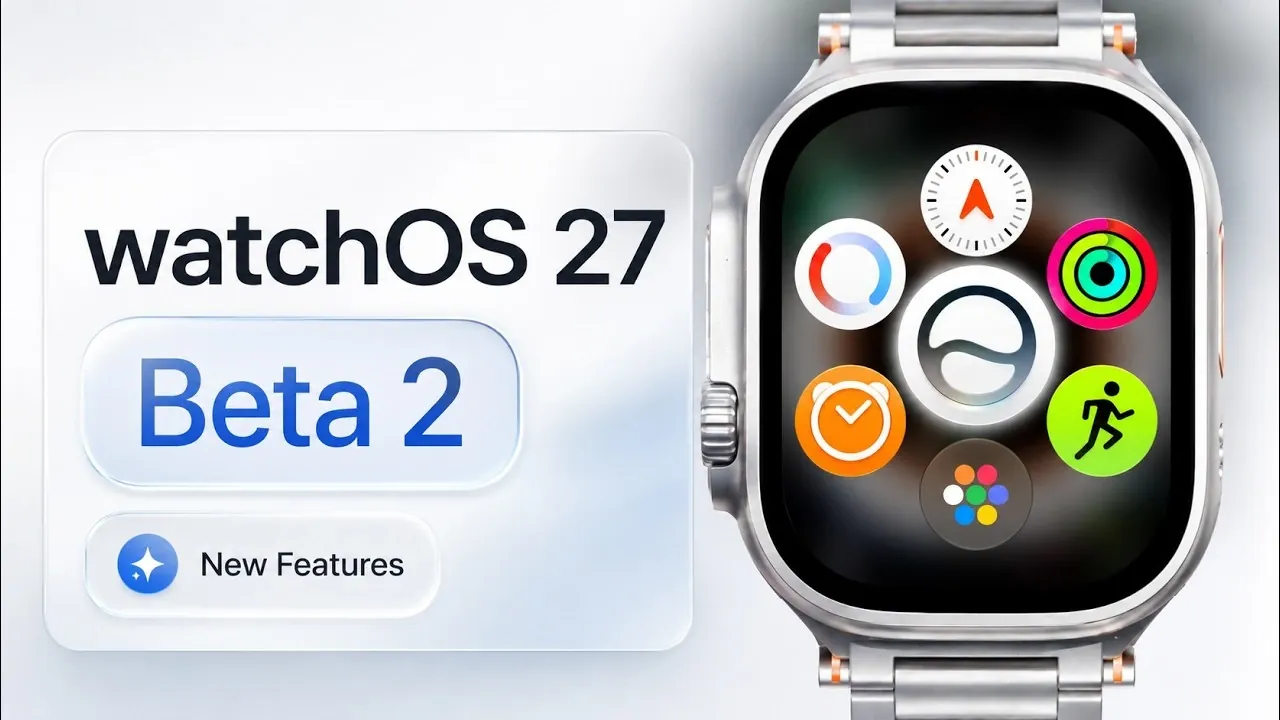
The second beta of watchOS 27 introduces a range of updates designed to enhance navigation, notifications, fitness tracking, and overall system performance. While some features remain under development or absent, this release focuses on improving usability and delivering a more refined user experience. Below, we delve into the most significant changes and additions in this update. The video below from HotshotTek gives us more details about the new update.

Dynamic App Menu: Smarter Navigation
The app navigation system has undergone a significant overhaul with the introduction of a dynamic app menu. This feature prioritizes your most recently and frequently used apps, making it easier to access them quickly. Users can now toggle between grid and list views, with the system remembering the last-used setting for added convenience.
Additionally, the interface benefits from updated animations and redesigned icons, creating a smoother and visually appealing experience. These changes aim to make navigation more intuitive, reducing the time spent searching for apps and improving overall efficiency.
Streamlined App Management
Managing open applications has been simplified with the removal of the traditional app switcher. To force-close an app, you now press and hold both the power button and the digital crown simultaneously. While this new method reduces interface clutter, it introduces a learning curve for users accustomed to the previous system.
This change reflects an effort to streamline app management, making sure that the interface remains clean and focused on essential functionality.
Improved Notification Handling
Notification management has been refined to enhance usability. A new red “X” button allows you to dismiss alerts more quickly, offering a faster way to clear notifications. The familiar bell icon for silencing notifications remains unchanged, preserving a sense of continuity while improving efficiency.
These updates aim to simplify how you interact with notifications, making sure that important alerts are easy to manage without introducing unnecessary complexity.
Workout App Enhancements
Fitness tracking receives notable upgrades in this beta, with the introduction of the “Workout Buddy” feature. This functionality now operates independently of a paired iPhone, providing greater flexibility during workouts. Spanish language support has also been added, with the potential for additional languages in future updates.
Step tracking and workout metrics have been fine-tuned for improved accuracy, making sure a more reliable fitness experience. These enhancements demonstrate a commitment to making the Apple Watch a more versatile tool for fitness enthusiasts.
Subtle UI and Animation Refinements
The user interface has been polished with subtle yet impactful updates. Liquid glass animations have been refined, offering a more fluid and polished aesthetic. The Weather app now features updated color shading, making it easier to interpret weather conditions at a glance.
These refinements contribute to a more cohesive and visually appealing user experience, emphasizing attention to detail in the design.
Apple Wallet: Minor but Useful Updates
Apple Wallet introduces new textures and colors for pass creation, allowing users to add more details, such as membership barcodes, to their passes. However, syncing these updates with the Apple Watch is not yet available, limiting their functionality for now.
While these changes are minor, they reflect ongoing efforts to enhance the utility of Apple Wallet for everyday use.
Siri and Shazam: Areas Still in Progress
The Siri app remains unchanged in this beta, with updated animations still absent. Additionally, a bug causing duplicate Shazam apps has been identified but not yet resolved. These issues highlight areas that are still under development and may be addressed in future updates.
This demonstrates that while progress has been made in other areas, some features require further refinement before they are ready for release.
Performance and Connectivity Improvements
Performance enhancements are evident in gesture responsiveness, with single and double-tap gestures now functioning more smoothly. Connectivity has also been improved, resolving previous issues and making sure a more stable experience.
General bug fixes further contribute to the system’s overall reliability, making the platform more dependable for everyday use.
Removed Features: Walkie-Talkie
The Walkie-Talkie app has been removed in this beta, suggesting it may no longer be part of watchOS. While this feature had niche appeal, its absence is unlikely to significantly impact most users.
This removal reflects a shift in focus toward features with broader utility and relevance.
A Focus on Refinement and Usability
The watchOS 27 beta 2 emphasizes refining existing features and addressing performance issues to deliver a more streamlined and reliable user experience. Updates to app navigation, notifications, fitness tracking, and UI design demonstrate a clear effort to enhance usability.
While some features remain incomplete or missing, the improvements introduced in this beta lay the groundwork for a more robust and user-friendly platform. Future iterations are expected to address remaining gaps and introduce additional functionality, further solidifying watchOS as a versatile and efficient operating system.
Explore further guides and articles from our vast library that you may find relevant to your interests in watchOS 27 beta 2.
- watchOS 27 Beta 2 is Now Available, Here is What’s Changing
- What iOS 27 Just Added Changes Everything for iPhone Users
- Updating Your Apple TV Just Got Way Easier Thanks to tvOS 27 Beta 2
- When to Expect iOS 27 Beta 2, and the Huge Features Coming With It
- Everything New in iOS 27 Beta 2: Every Feature, Tweak and Bug Fix
Source & Image Credit: HotshotTek
Disclosure: Some of our articles include affiliate links. If you buy something through one of these links, Geeky Gadgets may earn an affiliate commission. Learn about our Disclosure Policy.
