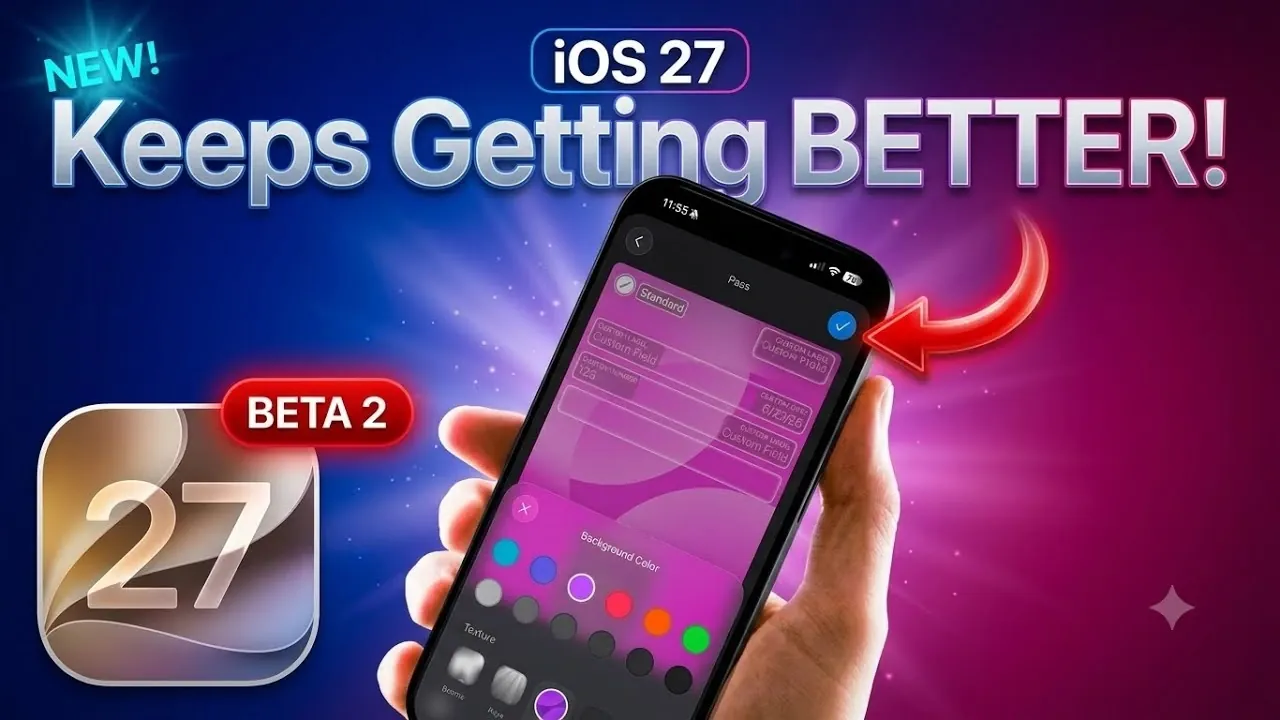
Apple’s iOS 27 Developer Beta 2 builds on the foundation of its upcoming operating system with a series of targeted updates, bug fixes, and performance refinements. This beta introduces several noteworthy enhancements across core areas such as messaging, the lock screen media player, and key apps like Home and Wallet. However, as with any beta release, stability concerns persist, making it unsuitable for use on primary devices. Below is a detailed exploration of the updates and their potential impact in a great new video from iDeviceHelp.

Key Updates in Messaging
Messaging receives a significant boost, particularly in cross-platform communication. For users who frequently interact with Android devices, the inclusion of Rich Communication Services (RCS) reactions with proper animations is a welcome improvement. This update ensures a smoother, more visually consistent experience when exchanging messages between iOS and Android platforms. By addressing a long-standing gap in communication, Apple is making strides toward a more inclusive and seamless messaging ecosystem.
Enhanced Lock Screen Media Player
The lock screen media player sees practical enhancements aimed at improving usability. One of the standout features is the ability to restore media controls after dismissing them, provided playback is still active. This eliminates the need to reopen apps to manage audio or video playback, streamlining your interaction with media. These updates reflect Apple’s focus on delivering a more intuitive and user-friendly experience for everyday tasks.
Home App: Better Control and Usability
The Home app introduces a redesigned interface that enhances control and usability, particularly for video doorbell recordings. Playback is now segmented, allowing you to review specific events with greater precision. This segmentation makes it easier to navigate through recordings and identify key moments. Additionally, the ability to update your Apple TV directly from the Home app settings simplifies device management, further integrating Apple’s ecosystem into your daily routine.
Wallet App: More Versatility
The Wallet app gains new features that expand its functionality and adaptability. Users can now create digital passes using either the device’s camera or manual templates, offering greater flexibility in how passes are generated. Customization options have also been enhanced, allowing you to personalize passes with textures and background colors. These updates make the Wallet app more versatile, catering to a broader range of user needs and preferences.
WatchOS 27 Beta 2: Stability First
After a brief removal, WatchOS 27 Beta 2 has returned with a focus on stability and compatibility. While the anticipated Siri app and UI updates are not yet included, these features are expected to arrive in future releases. For now, the emphasis remains on making sure a stable experience that aligns with the ongoing development of iOS 27. This approach underscores Apple’s commitment to delivering a reliable and cohesive ecosystem.
AirPods Firmware Update
A beta firmware update for AirPods accompanies iOS 27 Developer Beta 2, aiming to enhance connectivity and overall performance. The update is designed to provide a more reliable audio experience, addressing common issues such as intermittent disconnections. However, as with all beta firmware, caution is advised when installing it on devices you rely on for daily use, as stability may still be an issue.
Battery Life and Performance Insights
Performance in iOS 27 Developer Beta 2 presents a mixed picture. While single-core processing shows slight improvements, multi-core performance experiences a minor decline. Battery life remains a concern, particularly for older devices, though some stabilization occurs after initial use. These incremental changes reflect Apple’s ongoing efforts to optimize the system, balancing new features with performance demands.
Public Beta Release Timeline
The first public beta of iOS 27 is expected to launch within the next 2 to 2.5 weeks, coinciding with the release of Developer Beta 3. This broader rollout will allow a larger audience to test the software and provide feedback, allowing Apple to refine the system further. The public beta phase is a critical step in making sure the final release meets user expectations and delivers a polished experience.
What This Means for You
iOS 27 Developer Beta 2 showcases Apple’s dedication to enhancing the user experience through targeted updates and ecosystem integration. From messaging improvements to app functionality and performance tweaks, this beta lays the groundwork for a refined final version. However, as with any beta software, it is advisable to avoid installing it on primary devices due to potential stability issues. With the public beta just weeks away, users can look forward to further refinements and a clearer understanding of what iOS 27 will bring to the table.
Enhance your knowledge on iOS 27 by exploring a selection of articles and guides on the subject.
- iOS 27 Leaks Reveal the End of an Era: Apple’s New Priorities Confirmed
- iOS 27 Beta 2 Changes: What Apple Is Modifying to Improve Performance
- iOS 27 Could Be Apple’s ‘Snow Leopard’ Moment—Focusing on One Huge Change
- Siri 2.0 vs. Old Siri: Is It Worth Upgrading Your iPhone for iOS 27?
- The iOS 27 Compatibility Shock: Every iPhone That Will (and Won’t) Get the 2026 Update
- Apple Just Gave Us Our First Look at iOS 27—and It Changes Siri Forever
Source & Image Credit: iDeviceHelp
Disclosure: Some of our articles include affiliate links. If you buy something through one of these links, Geeky Gadgets may earn an affiliate commission. Learn about our Disclosure Policy.
