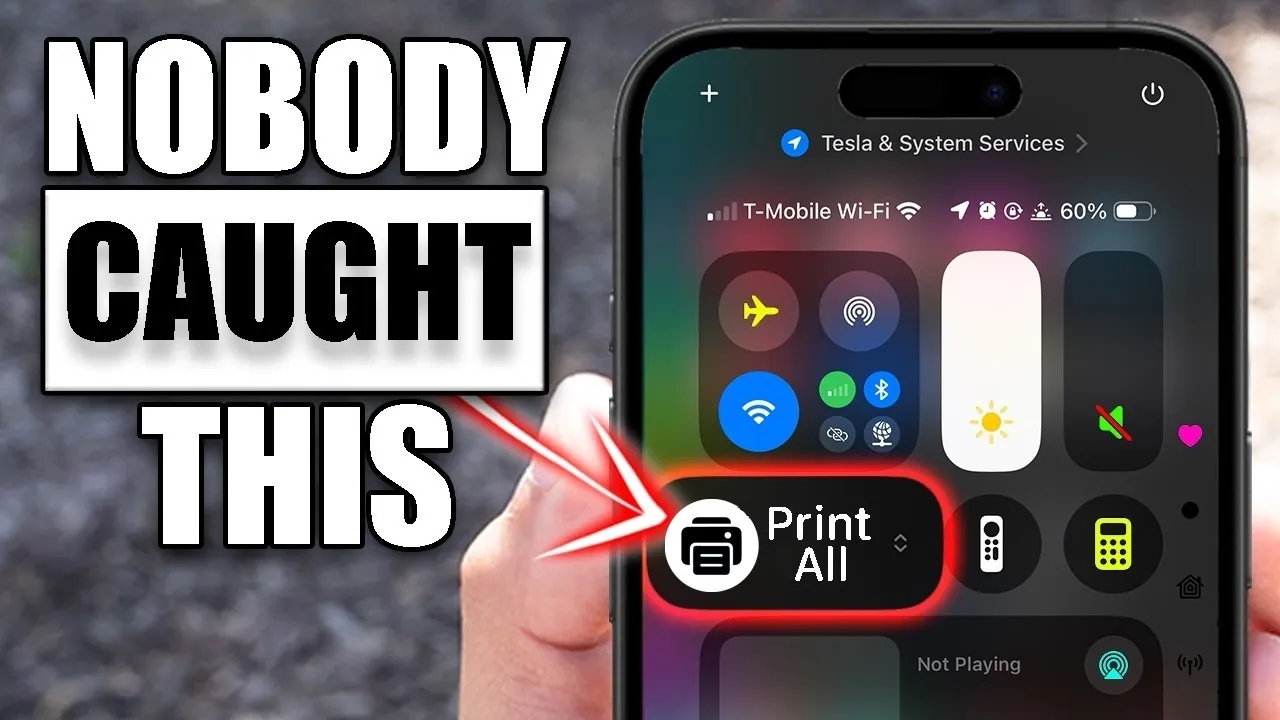
If you’re using an iPhone with iOS 26, you may not realize the full potential of your device. This latest operating system is packed with features designed to enhance productivity, convenience, and overall user experience. These tools are seamlessly integrated into the system, reducing reliance on third-party apps and simplifying everyday tasks. By exploring these hidden gems, you can unlock new ways to make your iPhone work smarter for you. The video below from HotshotTek gives us more details.

Scan Documents Without Extra Apps
The Files app on your iPhone is more than just a file manager—it doubles as a powerful document scanner. This built-in feature allows you to digitize physical documents with ease. Simply open the app, select the scanning option, and point your camera at the document. The app automatically detects edges, crops the image, and lets you apply filters like grayscale or black-and-white for improved clarity. Once scanned, you can save the file to iCloud or your device’s local storage. This functionality is ideal for archiving contracts, digitizing receipts, or sharing important paperwork without needing additional apps.
Keep an Eye on Battery Percentage
Monitoring your battery life is now more intuitive with iOS 26. The operating system allows you to display the battery percentage directly within the battery icon on your home screen or status bar. To enable this feature, navigate to the Settings app and toggle the battery percentage option. This small but practical update eliminates the need to swipe down to the Control Center, giving you a quick and convenient way to keep track of your device’s power levels.
Add a Personal Touch with Handwritten Messages
For a more expressive way to communicate, iOS 26 introduces handwritten messaging in the Messages app. By rotating your iPhone to landscape mode, you can use your finger to write personalized messages directly on the screen. The feature even saves previously written messages for easy reuse, making it a creative and efficient way to add a personal touch to your conversations. Whether you’re sending a heartfelt note or a quick doodle, this feature enhances the way you connect with others.
Relax with Built-In Ambient Sounds
Your iPhone now includes a collection of built-in ambient sounds designed to help you relax, focus, or sleep. These soothing tracks, such as rain, ocean waves, or white noise, can be accessed through the Control Center. Unlike other audio features, these sounds don’t require an Apple Music subscription, making them accessible to all users. Whether you’re meditating, working, or winding down after a long day, this feature provides a distraction-free way to create the perfect atmosphere for your needs.
Provide Remote Support via FaceTime
Helping friends or family with technical issues has never been easier. iOS 26 introduces a feature that allows you to remotely control another iPhone or iPad during a FaceTime call. This functionality is particularly useful for troubleshooting problems, guiding someone through a complex process, or offering step-by-step assistance. By combining video communication with remote control capabilities, this feature ensures you can stay connected and helpful, no matter the distance.
Spotlight Search Gets Smarter
Spotlight search in iOS 26 has been significantly enhanced to provide more advanced capabilities. It can now answer medical questions, perform detailed searches, and even allow you to copy and share results directly from the interface. These improvements make Spotlight a versatile tool for both personal and professional use. Whether you’re looking for quick answers, organizing information, or sharing details with others, this feature streamlines how you interact with your device.
Track Calculations with Calculator History
The Calculator app now includes a history feature, allowing you to revisit previous calculations. This addition is especially useful for tasks like budgeting, financial planning, or any activity that involves multiple steps. By keeping track of your progress, the history feature saves time and reduces the likelihood of errors. It’s a simple yet effective tool for anyone who relies on accurate calculations.
Share Podcast Chapters, Not Entire Episodes
Sharing podcasts has become more precise with iOS 26. Instead of sending an entire episode, you can now select and share specific chapters. This feature is perfect for highlighting key moments or sharing relevant content with friends, family, or colleagues. By focusing on the most important parts of a podcast, you can make listening more collaborative and efficient.
Customize Your Always-On Display
For devices equipped with an always-on display, iOS 26 introduces new customization options. You can enable or disable the wallpaper, blur it for a more subtle effect, or hide notifications entirely. These settings allow you to personalize your display while maintaining a balance between aesthetics and privacy. Whether you prefer a minimalist look or a more detailed view, this feature gives you greater control over how your device appears when not in active use.
Share Wi-Fi with QR Codes
Sharing your Wi-Fi network is now seamless and secure with iOS 26. The operating system allows you to generate a QR code for your network, which can be scanned by other devices, including those that aren’t iPhones. This eliminates the need to manually share passwords, making sure a quick and hassle-free connection for guests. It’s a practical feature that simplifies the process of connecting to your network while maintaining security.
Why These Features Matter
The hidden features in iOS 26 demonstrate Apple’s commitment to enhancing the iPhone experience. From productivity tools like the document scanner and Spotlight search to convenience features such as Wi-Fi QR codes and handwritten messages, these updates make your device more versatile and user-friendly. By exploring these capabilities, you can unlock the full potential of your iPhone, transforming it into a powerful tool for work, relaxation, and creativity. These enhancements not only simplify daily tasks but also enrich the way you interact with your device, making it an indispensable part of your routine.
Unlock more potential in iPhone hidden features by reading the previous articles we have written.
- iPhone 17 Pro Max Event: Hidden Features and Key Takeaways
- iPhone HIDDEN Features – iOS 26 New SECRETS
- 12 Hidden Features in iOS 26 to Maximize Your iPhone
- Discover the Top 10 Hidden Features in iOS 26 for iPhone Users
- How iOS 26’s Hidden Features Transform Your iPhone
Source & Image Credit: HotshotTek
Disclosure: Some of our articles include affiliate links. If you buy something through one of these links, Geeky Gadgets may earn an affiliate commission. Learn about our Disclosure Policy.
